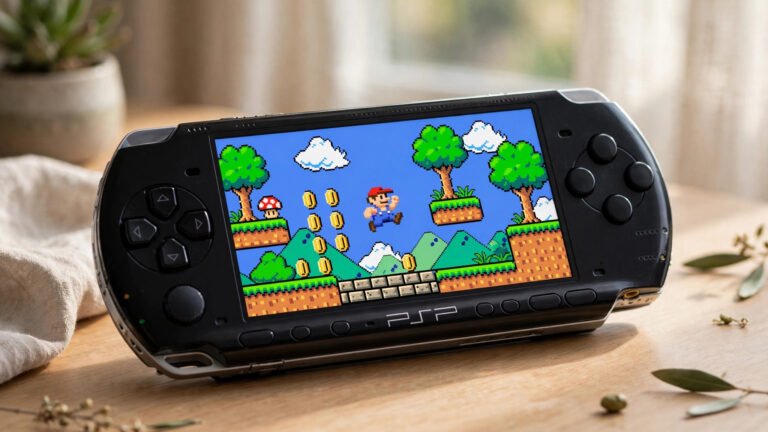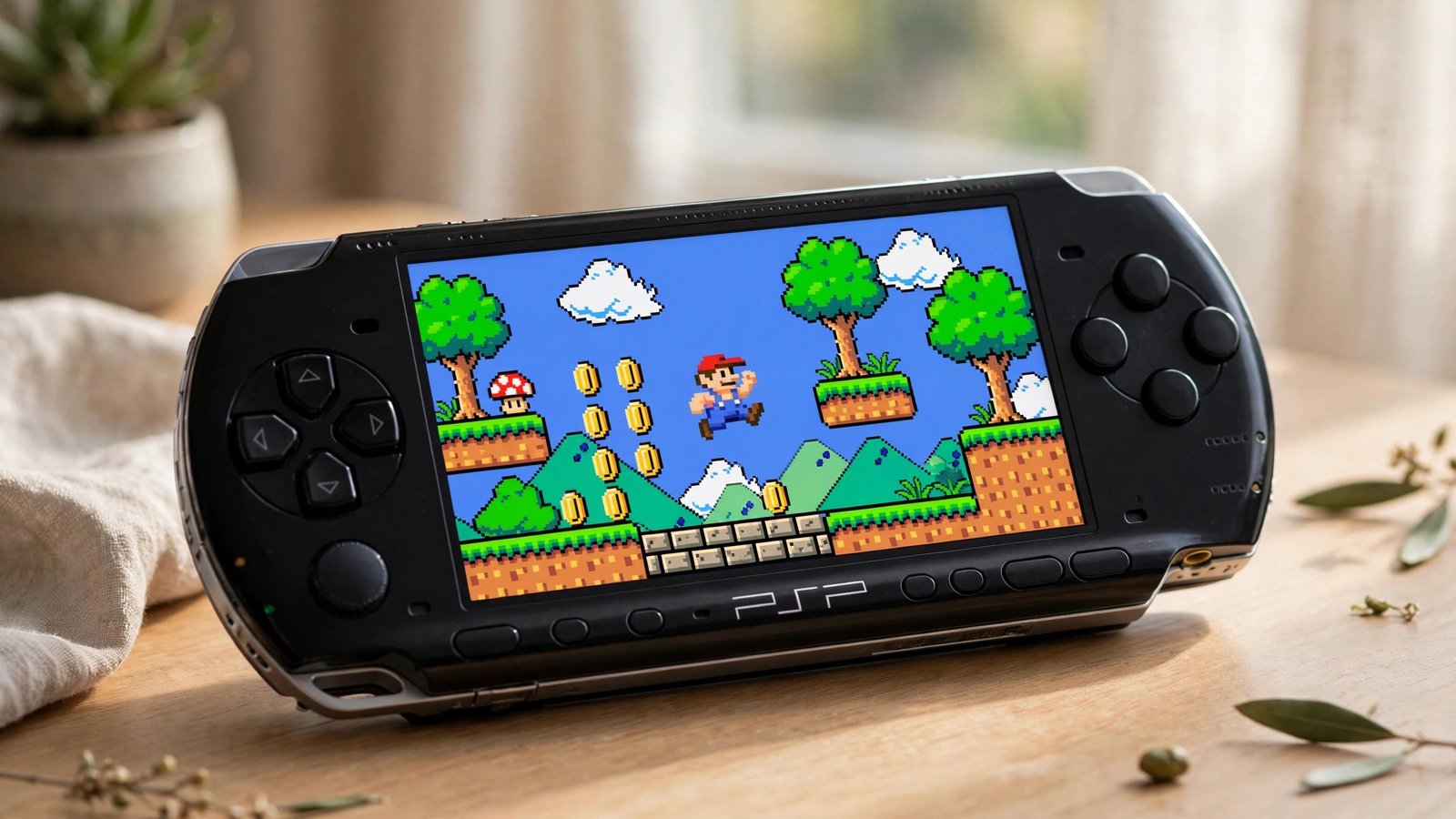
Yes. The PSP has a built-in PlayStation emulator called POPS, so it plays PS1 games as digital EBOOT files — but it cannot read PS1 discs, because it has no CD drive. The official way is buying PS1 Classics from the PlayStation Store (via PS3, since the PSP’s own store closed) and transferring them by USB; alternatively, custom firmware lets you convert PS1 discs you own into EBOOT files with the free PSX2PSP tool.
How the PSP Plays PS1 Games: Meet POPS
Every PSP ships with Sony’s own PlayStation emulator, known as POPS. PS1 games run as EBOOT.PBP files, a digital package format the PSP reads from its memory stick. Because the emulator was made by Sony itself, compatibility is high: most of the PS1 library runs at full speed with correct sound. No hardware add-on is needed; the emulator is part of the PSP’s system software.
Two Ways to Get PS1 Games on Your PSP
There are two routes, and the right one depends on how much effort you want to spend.
| Route | Cost | Difficulty | Game selection | Risks | Best for |
|---|---|---|---|---|---|
| Official PS1 Classics via PS3 | You pay per game | Easy | Only games Sony released as Classics | None | Players who want a simple, legitimate setup |
| Custom firmware plus PSX2PSP | Free, converting discs you own | Moderate | Any disc you physically own | Small risk if the process is interrupted | Enthusiasts with a PS1 collection |
Method 1: Buy PS1 Classics and Transfer via PS3
The PSP’s own PlayStation Store closed years ago, but at the time of writing the PS3’s on-device store still lists PS1 Classics. Buy the game on your PS3, connect the PSP by USB, and copy the game to the PSP/GAME folder. You will need to activate the PSP on the same PlayStation Network account used for the purchase. If a title was never released as a Classic, it cannot be bought this way.
Method 2: Convert Your Own PS1 Discs with PSX2PSP
Installing custom firmware on the PSP unlocks homebrew software, including PSX2PSP, a free PC tool that converts a PS1 disc image into the EBOOT.PBP format the PSP understands. The rule is simple: only convert discs you physically own. Downloading games you do not own is piracy, and laws on format-shifting vary, so check your local rules. Once converted, copy the EBOOT to the PSP/GAME folder and it appears on the XMB like any other game.
Multi-Disc Games Like Final Fantasy VII
Big RPGs that shipped on several discs are handled neatly. All discs go into a single EBOOT file, and when the story reaches the end of a disc, the PSP shows a built-in prompt to switch discs, just like swapping discs on the original console. The critical detail is the Game ID: keep the same ID across every disc so your save file carries over from disc one to the finale.
PS1 Controls on the PSP
The PSP is missing two things PS1 games expect: the L2 and R2 shoulder buttons, and a second analog stick. Sony’s workaround is a remap menu: hold SELECT while a PS1 game is running and you can reassign controls, for example mapping the analog nub to the right stick for games that need it, or assigning L2/R2 functions to L1/R1 combinations. Not every game maps perfectly, but most are fully playable.
PS1 on PSP Compatibility Snapshot
Most major PS1 releases run well on PSP. The exceptions are mostly games built around dual analog controls.
| Runs well on PSP | Has issues | Notes |
|---|---|---|
| Final Fantasy VII | A benchmark title for POPS compatibility | |
| Final Fantasy VIII | Runs smoothly from start to finish | |
| Final Fantasy Tactics | A strategy classic with no reported problems | |
| Suikoden | Both entries play well | |
| Metal Gear Solid | Occasional quirks | Prefers an older POPS version (see below) |
| Silent Hill | Atmospheric horror fully playable | |
| Wild Arms | Another RPG safe bet | |
| Ape Escape | Needs dual analog | The PSP’s single nub cannot fully replicate it |
| Cool Boarders 3 | The spin move cannot be performed |
Fixing Freezes and Sound Glitches
Not every PS1 game runs perfectly under the PSP’s default POPS version. If a game freezes, stutters or has broken audio, the fix is usually a different POPS version. The POPSLoader plugin lets you choose: hold R while booting the PS1 game and pick another version from the list. Metal Gear Solid, for example, is famously fussy and prefers an older build. Work through the versions one at a time until the game behaves.
What About Remote Play via PS3?
The PSP can stream a PS1 game running on a PS3 over Remote Play, but it is a curiosity rather than a solution. Both consoles must be on the same network, the lag is noticeable, and the PS3 has to stay on. For actually playing PS1 games portably, a local EBOOT on the memory stick is far better.
Every PSP Model Works the Same
PSP-1000, 2000, 3000, Go and the budget E1000 all run PS1 games through the same POPS emulator. The Go stores games on its internal memory rather than a memory stick, but the process is otherwise identical. PS1 compatibility is not a reason to pick one model over another.
Common Misconceptions
A few myths keep circulating about PS1 games on PSP:
- PPSSPP does not play PS1 games. It is a PSP emulator, so it runs PSP software only, not the PS1 titles a real PSP handles through POPS.
- PS1 discs cannot go in the UMD slot. The slot takes UMDs only; PS1 games run as digital EBOOT files.
- Not every game is perfect. A small number of titles have glitches or control compromises, so check compatibility notes before starting a long RPG.
Nintendo handled handheld backwards compatibility very differently, with real DS hardware inside the 3DS. See our guide to whether you can play DS games on 3DS for the full story.
More Compatibility Guides
More compatibility guides: Can You Play DS Games on 3DS? | Do Nintendo Switch Games Work on Switch Lite? | Can You Play PS2 Games on PS3? | Can You Play Wii Games on Wii U? | Will GameCube Games Play on Wii?
Frequently Asked Questions
Do I have to hack or mod my PSP to play PS1 games?
No. The official route needs no modding at all: buy a PS1 Classic and transfer it over USB. Custom firmware is only needed if you want to convert PS1 discs you already own.
Can I put my PS1 game disc directly into the PSP?
No. The PSP has no CD drive, and the UMD slot takes UMDs only. PS1 games run as digital EBOOT files copied to the memory stick.
Which PS1 games don’t work well on PSP?
Most major releases run fine. The problem cases are games built around dual analog controls, like Ape Escape, plus a few titles that need a specific POPS version to behave.
How do multi-disc games like Final Fantasy VII work?
All discs go into a single EBOOT, and the PSP shows a built-in disc-switch prompt at the right moment. Keep the same Game ID across every disc so your save file carries over.
Is it legal to put PS1 games on my PSP?
Store-bought PS1 Classics are fully legitimate. Converting discs you physically own is the accepted backup route, but check your local laws. Downloading games you do not own is piracy.
About the Author