Only specific PS3 models can play PS2 discs, depending on their internal hardware
The short answer is: sometimes, and it depends entirely on which PS3 model you own. Sony’s approach to PS2 backward compatibility changed significantly across the PS3’s lifespan, and knowing exactly which models support it saves a lot of disappointment before you buy.
Which PS3 Models Can Play PS2 Discs
Only four PS3 model families can read PS2 discs at all: CECHAxx, CECHBxx, CECHCxx, and CECHExx. Every Slim and Super Slim PS3, along with later “Fat” revisions, dropped PS2 disc support entirely. The model number on the back of the console, not just the general “Fat” vs “Slim” shape, is what actually determines compatibility.
Full Hardware Compatibility: CECHAxx and CECHBxx
These launch-era models contain genuine PS2 hardware, including the Emotion Engine processor and Graphics Synthesizer chip, built directly into the console. PS2 discs boot through this embedded hardware, giving close to native PS2 performance and compatibility, with community testing showing roughly 98 to 99 percent of the PS2 library working correctly on these models.
Hybrid Compatibility: CECHCxx and CECHExx
These slightly later models replaced some of the dedicated PS2 hardware with software emulation while retaining partial hardware support, resulting in a hybrid approach. Compatibility remains generally good but is less consistent than the full hardware models, with some titles experiencing minor glitches or slowdown.
No Compatibility: Everything Else
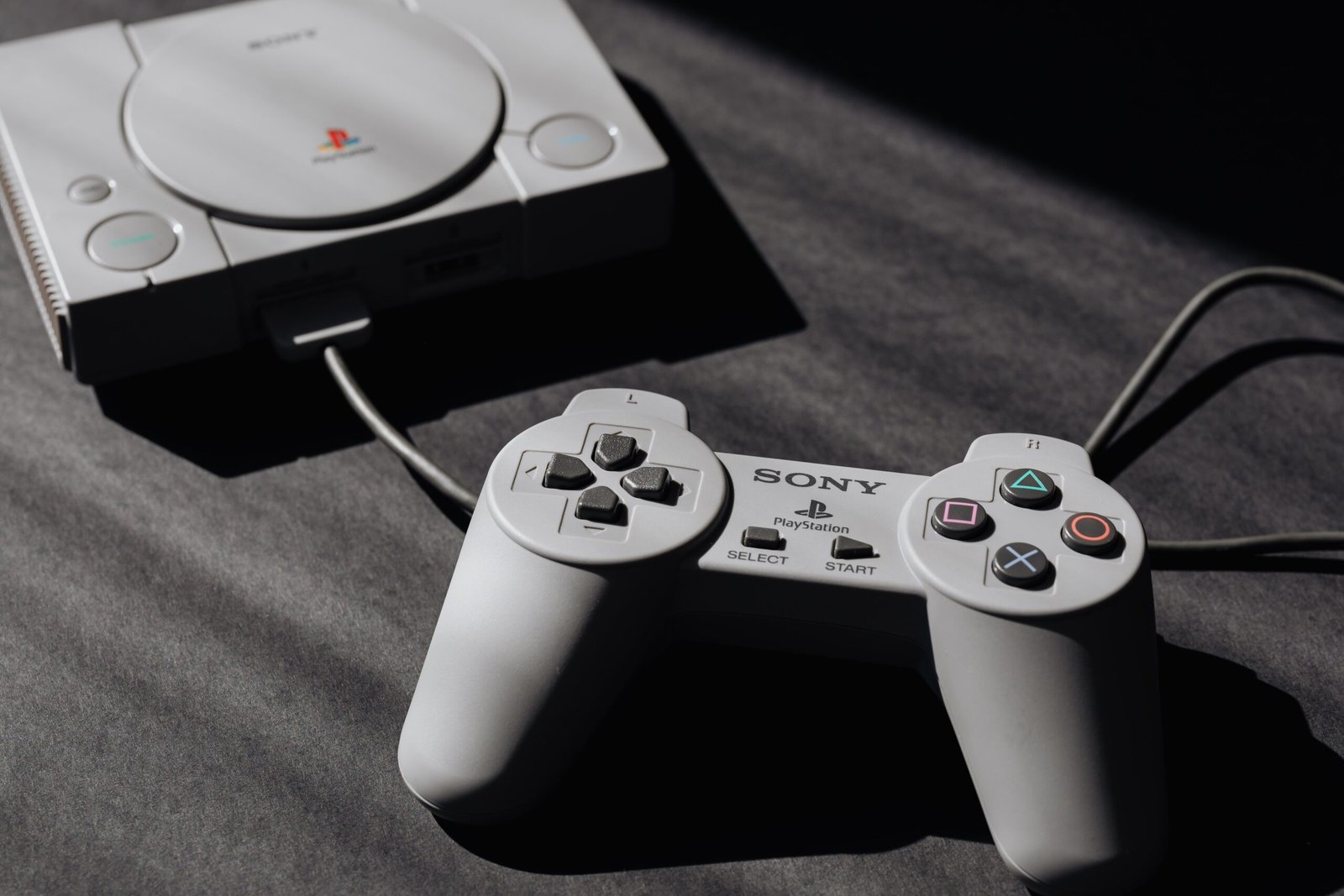
All Slim and Super Slim PS3 models, along with the later “Fat” CECHGxx revision, cannot read PS2 discs under any circumstances. These models can still play PS1 games, since that support is handled entirely through software emulation common to every PS3 ever made.
How to Identify Your PS3’s Model
| Model Number | PS2 Compatibility | Front USB Ports |
|---|---|---|
| CECHAxx | Full hardware | 4 |
| CECHBxx | Full hardware | 4 |
| CECHCxx | Hybrid hardware/software | 4 |
| CECHExx | Hybrid hardware/software | 4 |
| CECHGxx and later, all Slim/Super Slim | None (PS1 only) | 2 |
A quick way to narrow it down without checking the model number: any PS3 with four USB ports on the front is one of the earlier compatible models, while two ports indicates a later, non-compatible revision.
Getting the Best Results
Use an official Sony PS3 controller rather than third-party pads, since compatibility issues are more common with unofficial controllers on PS2 titles. If a game runs into bugs or slowdown even on a compatible model, it’s often a known issue with that specific title rather than a fault with your console, so a quick search of the game’s name alongside your PS3 model usually confirms whether it’s a common problem.
Frequently Asked Questions
Can any PS3 play PS1 games?
Yes, every PS3 model can play PS1 discs, since that compatibility is handled entirely through built-in software emulation rather than physical hardware.
Do PS2 memory cards work on a backward-compatible PS3?
PS3 consoles lack the physical ports for PS2 memory cards, so save data is instead handled through virtual PS2 memory cards created within the PS3’s system menu.
Can I upgrade a non-compatible PS3 to play PS2 discs?
No, PS2 compatibility on the PS3 is tied to physical hardware included at manufacture, and it cannot be added later through software updates on models that shipped without it.
Final Thoughts
If PS2 backward compatibility matters to you, look specifically for a CECHAxx or CECHBxx model PS3 with four front USB ports, since these offer the most reliable PS2 disc support. Everything after those early revisions, regardless of how the console looks, dropped the feature entirely. If you’d rather sidestep original hardware hunting altogether, our best handheld for retro games guide covers dedicated emulation devices that cover PS1 and beyond, and our GameCube on Wii compatibility guide covers a similar model-specific question for Nintendo’s lineup.
About the Author