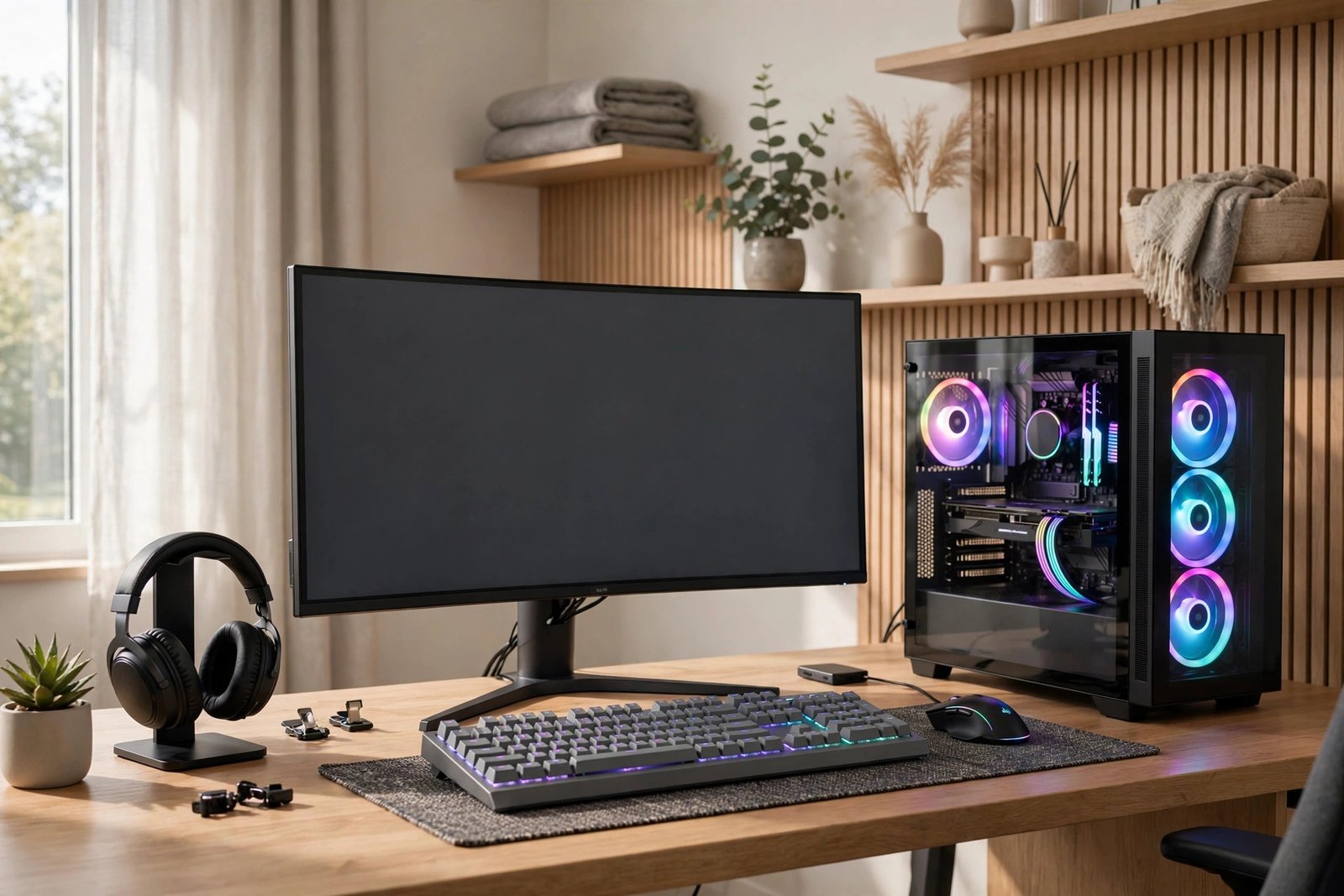
Buying a gaming monitor in the UK in 2026 comes down to four things: panel type, refresh rate, resolution matched to your graphics card or console, and adaptive sync. Get those four right and you will end up with a great screen.
The short answer: for most PC gamers the sweet spot is a 27-inch 1440p 144Hz or faster IPS monitor, typically £200 to £350. For PS5 or Xbox Series X, look for HDMI 2.1 with 4K at 120Hz. Everything below explains why, and what you should pay.
Panel types explained: IPS vs VA vs OLED
Three panel technologies cover almost every gaming monitor on sale, and each has honest trade-offs.
IPS offers the best colour accuracy and wide viewing angles, so the picture stays consistent even if you are not sitting dead centre. Modern fast IPS panels have largely fixed the old complaint about slow response, with many hitting 1ms. The weakness is contrast: blacks tend to look greyish in a dark room.
VA has the best contrast of the LCD types, often 3,000:1 or higher, which gives deep blacks that suit dark, atmospheric games. Viewing angles are narrower than IPS, and cheaper VA panels can smear in fast motion, leaving dark trails behind moving objects.
OLED is the premium option: perfect blacks, near-instant response times and superb colour in one package. The catches are price and the long-term risk of burn-in from static elements like HUDs. Heavy users who play one game for thousands of hours should take that risk seriously.
| Panel | Contrast | Response | Viewing angles | Best for | Watch out for |
|---|---|---|---|---|---|
| IPS | Average, around 1,000:1 | Fast, 1ms on modern panels | Wide | Competitive FPS, mixed use, colour work | Greyish blacks in dark rooms |
| VA | High, 3,000:1 or more | Mixed, budget models can smear | Narrower | Dark, cinematic single-player games | Motion smearing, gamma shift at angles |
| OLED | Perfect, effectively infinite | Near-instant, around 0.03ms | Perfect | Premium gaming and HDR films | Burn-in risk, high prices |
Refresh rate and response time
Refresh rate, measured in hertz (Hz), is how many times per second the screen draws a new image. 60Hz is the old standard, but 144Hz feels dramatically smoother the moment you try it. Competitive players go further to 240Hz and beyond, where the gains are real but much smaller.
Response time, measured in milliseconds, is how quickly a pixel can change colour. Look for 1ms (grey-to-grey) or lower to avoid ghosting, the blurry trail left behind fast-moving objects. For competitive shooters, a high refresh rate matters more than a high resolution. For relaxed single-player games, 144Hz is the point where most people stop noticing further gains.
For the full breakdown, see 60Hz vs 144Hz vs 240Hz.
Resolution: 1080p vs 1440p vs 4K, matched to your GPU
Resolution only makes sense in relation to the hardware driving it. 1080p is cheap and easy to run: still sensible for 24-inch screens and esports titles where frame rate is king. 1440p is the best balance for most gaming PCs in 2026: sharp on 27 inches without needing a flagship graphics card. 4K looks stunning but needs serious GPU power to push high frame rates, so it suits high-end PCs, 32-inch screens and consoles.
The golden rule is simple: do not buy more resolution than your graphics card can drive at the frame rates you want. Read our full comparison in Best Resolution for Gaming: 1080p vs 1440p vs 4K, and if your setup feels sluggish rather than smooth, How to Reduce Input Lag While Gaming walks through the fixes.
Size: 24 vs 27 vs 32 inch at a glance
Size and resolution go together. At 24 inches, 1080p looks crisp and the compact size suits smaller desks and esports players who sit close. 27 inches is the sweet spot for most people: pair it with 1440p and both games and text look sharp, and it fits a normal desk. At 32 inches you really want 4K or the image starts to look soft, and you will need a deeper desk to sit far enough back.
A dedicated guide comparing 27 vs 32 inch for gamingis now live, covering viewing distance, pixel density and desk setup in detail.
Adaptive sync: G-Sync vs FreeSync
Adaptive sync matches the monitor’s refresh rate to your graphics card’s frame output, which gets rid of screen tearing and stutter in one stroke. Nvidia’s version is called G-Sync and AMD’s is called FreeSync, and they used to lock you into one camp. In 2026 that barely matters: most gaming monitors support both standards. Just check the listing covers your graphics card, then enable it in your GPU settings.
HDR: what “HDR400” really means vs true HDR
HDR400 is the lowest rung of VESA’s DisplayHDR certification, and the badge is misleading. All it guarantees is that the monitor accepts an HDR signal and reaches a modest brightness. In practice, an HDR400 screen looks barely different from the same panel running standard SDR.
True HDR needs much more: high peak brightness (600 nits and above), a wide colour gamut, and local dimming that can brighten and darken different parts of the screen independently, or OLED’s per-pixel light control. On a budget monitor, treat HDR400 as a nice extra rather than a selling point, and do not pay much more for it. Genuine HDR, meaning HDR600 and above or OLED, is a real upgrade for cinematic single-player games.
Ports and console gaming
For PS5 and Xbox Series X, HDMI 2.1 is the port that matters, because it enables 4K at 120Hz. Check the spec sheet carefully: some 4K monitors still ship with HDMI 2.0 ports, which cap you at 4K 60Hz on console. Also confirm the monitor actually supports 120Hz over HDMI, as a few models only manage high refresh rates over DisplayPort. For the full console picture, see our guide on For the full co For the full co For the full console picture, see our guide on whether you need a 4K monitor for PS5
.On PC, DisplayPort 1.4 is the standard connection and handles 1440p at 240Hz or 4K at 144Hz without trouble.
UK buying tips: price bands and where to shop
Monitor prices move around constantly, but these indicative bands hold fairly steady for 2026:
- Budget 1080p 144Hz+: £120 to £180
- Mid-range 1440p 144/165Hz IPS: £200 to £350
- High-end 1440p 240Hz+ or 4K 144Hz: £400 to £700
- OLED: £700 to £1,200 and up
The main UK retailers worth checking are Currys, Amazon UK, Overclockers UK and Box. Compare prices across at least two of them before buying: the same model can vary by £30 or more, and the best deals land around Black Friday and the January sales.
Refurbished or open-box monitors can save 15 to 30%, but buy only from a retailer with a proper returns policy, and check their dead-pixel policy first. A cheap monitor you cannot return is not a bargain.
| Gamer type | Recommended spec | Indicative UK price |
|---|---|---|
| Competitive FPS (PC) | 24 to 27 inch, 1080p or 1440p, 240Hz+, IPS, 1ms | £250 to £450 |
| All-round PC gamer | 27 inch, 1440p, 144/165Hz, IPS, FreeSync or G-Sync | £200 to £350 |
| Single-player and cinematic | 32 inch, 4K 144Hz, VA or OLED, true HDR | £500 to £1,000+ |
| PS5 or Xbox Series X | 27 to 32 inch, 4K 120Hz, HDMI 2.1, low input lag | £350 to £700 |
| Tight budget | 24 inch, 1080p, 144Hz+, IPS or VA | £120 to £180 |
Frequently Asked Questions
It is personal preference rather than a performance upgrade. Curved screens add immersion on 32-inch and ultrawide models but can distort straight lines for desktop work. Our full guide on curved monitors for gaming is now live, so give it a read.
What is the best all-round gaming monitor spec in 2026?
A 27-inch 1440p IPS monitor with a 144Hz or higher refresh rate, 1ms response time and FreeSync or G-Sync support. It suits the widest range of games and graphics cards, and typically costs £200 to £350 in the UK.
Is HDR worth paying extra for on a gaming monitor?
Only for genuine HDR: HDR600 or above with local dimming, or an OLED panel. The basic HDR400 badge adds very little in practice, so do not pay a premium for those three characters alone.
Do I need HDMI 2.1 for PS5?
Yes, if you want 4K at 120Hz. The PS5 can only output 4K 120Hz over HDMI 2.1, so a monitor with older HDMI 2.0 ports will limit you to 4K at 60Hz on console.
Is a curved monitor better?
It is personal preference rather than a performance upgrade. Curved screens add immersion on 32-inch and ultrawide models but can distort straight lines for desktop work. A full guide on curved monitors for gaming is coming soon; until then, try one in person if you can.
How much should I spend on a gaming monitor in the UK?
Between £200 and £350 gets most gamers an excellent 27-inch 1440p 144Hz+ monitor. Under £150 puts you in budget 1080p territory, while £500 and up buys 4K, 240Hz+ or OLED. Match your spend to your graphics card: there is little point pairing a £700 monitor with a £250 GPU.
About the Author