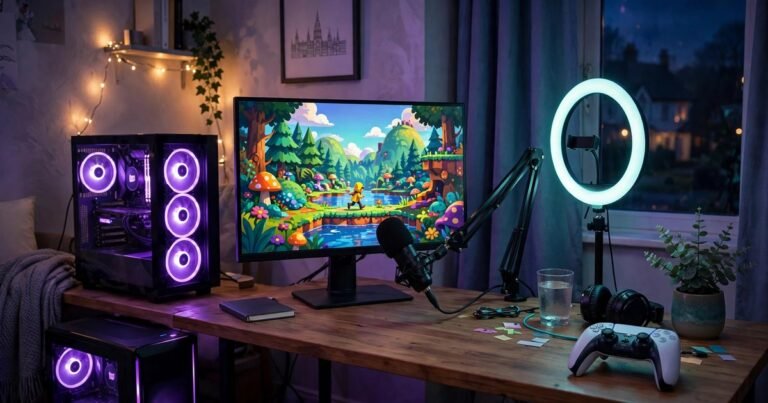
A great gaming setup does not need a big room. It needs five measurements taken before you buy anything: desk depth, desk width, chair clearance, viewing distance and walkway space. Get those right and even a 2.4 by 2.4 metre box room can hold a proper PC or console station. This guide gives you the exact numbers, three layouts that fit real UK rooms, and a budget upgrade order.
Measure first: five numbers that decide everything
Most small room setups fail before the first game loads, because the desk was bought before the room was measured. Spend ten minutes with a tape measure. Record wall length (mind skirting boards and radiators), usable depth from wall to chair roll-back point, chair travel, leg clearance under the desk, and routes to the door, bed and window. Targets below draw on OSHA and CIEHF workstation guidance.
| Measurement | Target |
|---|---|
| Desk depth | 60 to 80 cm |
| Desk width | 100 to 120 cm for one monitor |
| Chair clearance | 60 to 90 cm behind the desk |
| Viewing distance | 50 to 70 cm for a 24 to 27 inch monitor |
| Desk height | 72 to 74 cm |
| Monitor height | Top of screen at or just below eye level |
Three layouts that fit real UK rooms
UK spare rooms are often small. A box room of about 2.4 by 2.4 metres and a single bedroom of about 2.4 by 3 metres are the two shapes most gamers work with. Pick the layout that matches your room, not the one that looks best in a photo.
1. The corner layout: best for box rooms
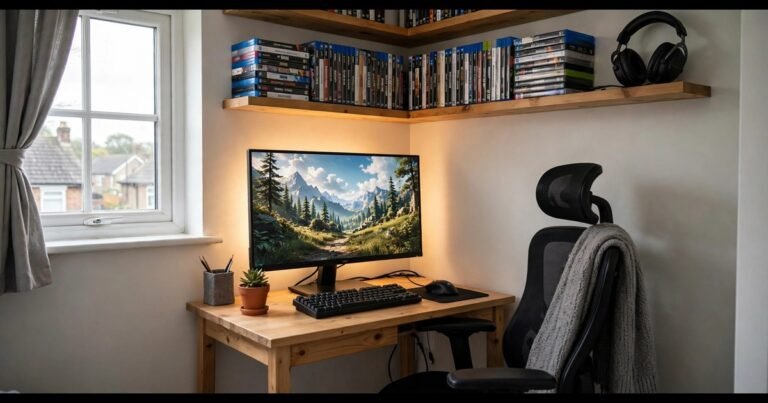
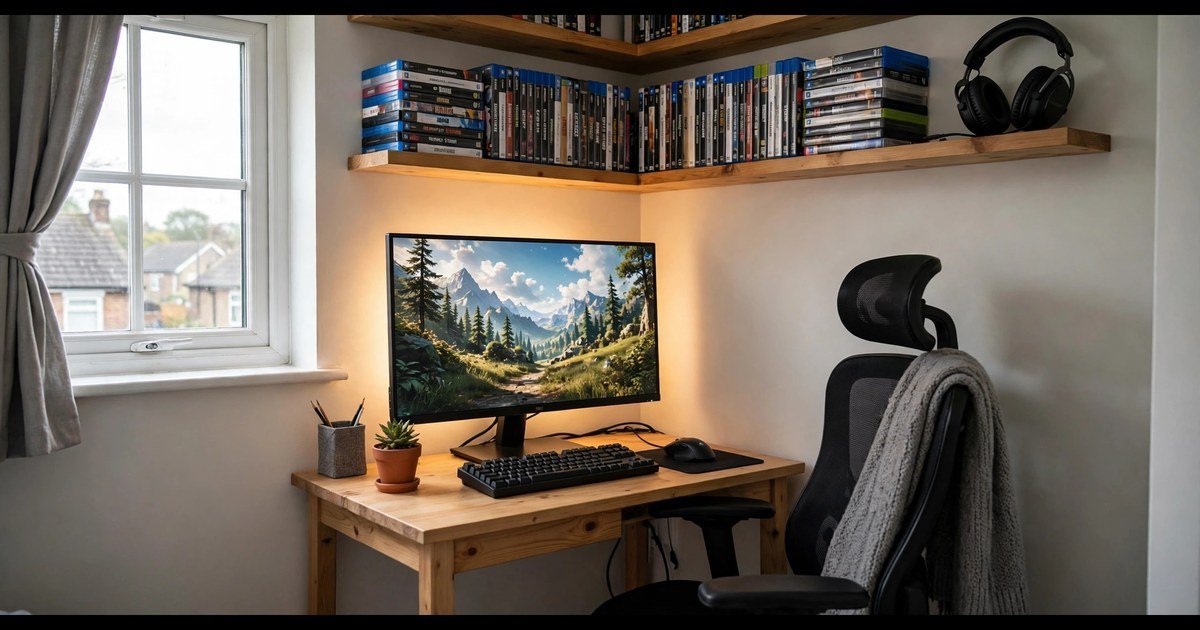
Put the desk in the corner nearest a wall socket, facing into the room so the monitor backs onto the wall. A corner desk uses the wall most bedrooms waste and gives you extra depth for the monitor. A 113 cm reversible corner desk works well here. Route cables before you push the desk into place.
2. The straight wall layout: best for single bedrooms
Run a straight desk of 100 to 120 cm along the longest free wall, with the bed on the opposite side. Put the PC tower on the floor beside the desk, not under it, so your knees stay free. Leave at least 76 cm between the chair and the bed.
3. The alcove layout: best for shared rooms
If the room must stay a bedroom first, use the alcove beside the bed or the short wall at the foot of it. A narrow desk of 80 to 100 cm wide and 50 cm deep works here, but only with a monitor arm, because a monitor on its stand needs at least 60 cm of depth.
Pick the right desk size, not the biggest one
A desk that is too deep is the most common small-room mistake. Anything past about 70 cm deep eats the chair zone and leaves you squeezed against the bed. Under 100 cm wide, a full-size keyboard and mouse pad leave no room for a drink or a controller. For a single monitor, target 100 to 120 cm wide and 60 to 70 cm deep. For two monitors, go to 140 cm wide or use a corner desk, plus a monitor arm.
UK prices checked on 16 November 2026 show how little a good small desk costs: the Argos Home Gaming Desk is £45, a Bestier 113 cm reversible corner desk with LED strips is £29.99 on Amazon, and the Arozzi Arena Small is £148.99 at Scan, with a 114 cm wide surface that is 71 cm deep. Our guide to choosing a gaming desk and chair covers chair pairing in more detail.
Monitor, chair and viewing distance
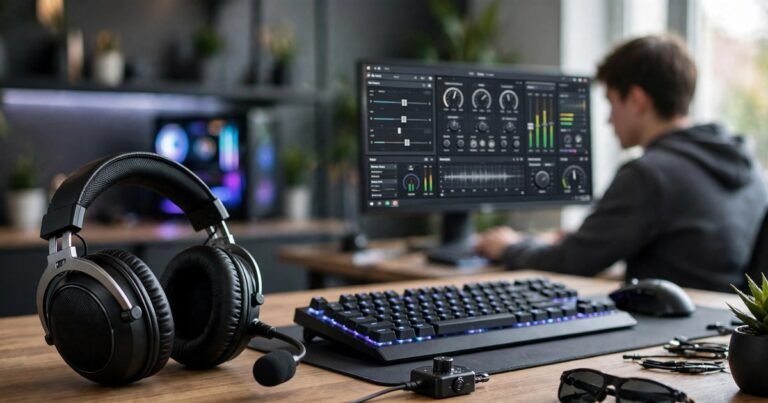
Screen size should follow desk depth, not the other way round. On a 60 cm deep desk, a 24 to 27 inch monitor at 50 to 70 cm from your eyes is the sweet spot. A 32 inch screen on the same desk sits too close and forces constant head movement, so either move to a deeper desk or wall-mount the monitor to gain 15 to 20 cm of distance. A monitor arm is the best £30 to £40 you can spend in a small room: it frees the desk surface, sets the height exactly, and works on desks as shallow as 50 cm. Our gaming monitor buying guide explains panel types and refresh rates if you are choosing a screen as well.
For the chair, measure before you buy. A gaming chair is usually 60 to 70 cm wide with the armrests on, and it needs that 60 to 90 cm of pull-back space. If the room cannot give you that, use a compact office chair or one with flip-up armrests.
Storage, cables and heat
Small rooms run out of floor before they run out of gear. The fix is vertical storage. Floating shelves above the desk hold games, controllers and collectibles without taking a single centimetre of floor. A pegboard on the wall beside the desk keeps headsets, cables and controllers in reach and off the surface. Put the PC tower on a small stand under the desk or on a shelf, never on the carpet, where it pulls in dust and blocks airflow. For the fun side of the room, our video game posters and room decor guide shows how to dress the walls without cluttering them.
Cables and heat both get worse as rooms get smaller. Fix cables with a tray or basket under the desk, a power strip on the desk leg, and velcro ties instead of zip ties. Heat matters because a small room warms up fast, and a console in a closed cabinet will throttle or shut down. Keep at least 10 cm of clear space around console vents, and crack a window or leave the door ajar during long sessions.
Upgrade in this order: the budget plan
If you can only buy one thing at a time, spend in this order. Each step fixes the biggest problem first.
- Measure and reposition (free). Move the desk to the corner or the longest wall, set the monitor at eye level, and clear the chair zone.
- Monitor arm (£30 to £40). Frees desk space and fixes viewing distance and height in one move.
- Cable tray and ties (under £20). Clears the floor, stops cables snagging the chair, and makes cleaning possible.
- Floating shelves or a pegboard (£20 to £50). Gets controllers, games and headsets off the desk.
- A desk that fits (£30 to £150). Buy this last, once you know your exact measurements.
- Lighting (£15 to £30). One LED strip behind the monitor reduces eye strain in a dark room. Decorate only after the layout works.
Notice what is not on the list: a bigger monitor, a new chair, or RGB everywhere. Those come after the room works.
Frequently asked questions
What size desk do I need for a small gaming room?
For one monitor, 100 to 120 cm wide and 60 to 70 cm deep. For two monitors, 140 cm wide or a corner desk, ideally with a monitor arm. Measure your wall and chair clearance before you order.
How much space do I need behind a gaming chair?
Allow 60 to 90 cm behind the desk so you can pull the chair out and stand up comfortably. 45 cm is the absolute minimum and feels cramped.
How far should I sit from my gaming monitor?
OSHA guidance puts the minimum at 50 cm and prefers 50 to 100 cm. In practice, sit 50 to 70 cm from a 24 to 27 inch monitor and 70 to 80 cm from a 32 inch monitor, with the top of the screen at or just below eye level.
Can I put a gaming setup in a box room?
Yes. A 2.4 by 2.4 metre box room fits a corner desk, a chair and floating shelves comfortably. Use a corner layout, a monitor arm, and wall storage, and keep the walkway to the door clear.
Conclusion
A small room is not a bad gaming room, it is a room that punishes guessing. Measure the five numbers, pick the layout that matches your room shape, buy a desk that fits the measurements instead of the biggest one you can afford, and spend your budget in the order above. Do that and a box room will feel like a proper gaming space, not a compromise.
About the Author