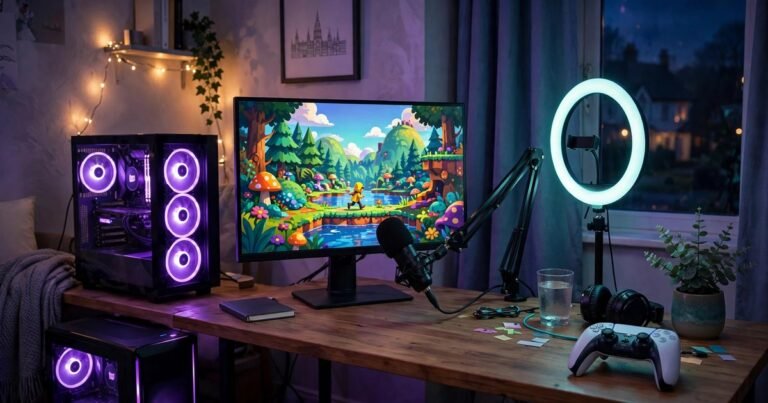
Starting to stream on Twitch takes less than you think. You need a free Twitch account with two-factor authentication switched on, a PC, console or phone, and a stable internet connection. A decent headset microphone and free OBS Studio cover the rest. This guide covers the setup, with the UK details other guides skip: console-first streaming, UK upload speeds, and the 2026 Affiliate rules.
What You Need Before Your First Stream
You do not need a powerful PC, a camera or expensive gear. Twitch itself says all you need is a stable connection and something that can broadcast video.
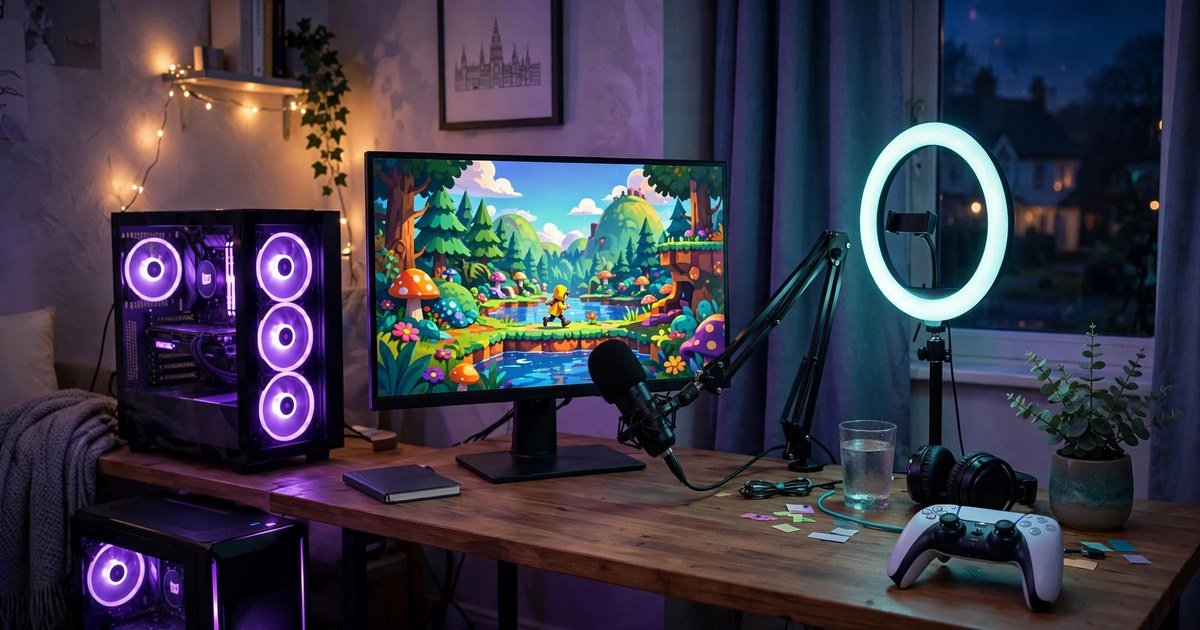
Your minimum kit is a PC, PlayStation 5, Xbox Series X or S, or a phone, plus a headset with a microphone. Clear audio matters more than camera quality. If you need a headset, our guide to the best budget gaming headset in the UK picks a solid option under fifty pounds for each platform. For PC streaming, download OBS Studio from obsproject.com. It is free and open source. Skip Twitch Studio: Twitch shut it down on 30 May 2024.
Will Your UK Broadband Handle Streaming?
Streaming cares about upload speed, not download speed. Most UK broadband plans give you far less upload than download. Twitch recommends upload at least 30 percent above your stream bitrate, so a 6 Mbps stream needs about 8 Mbps of upload.
Typical UK upload speeds are better than many people expect. ISPreview’s H1 2026 study put the median UK upload speed at 25.5 Mbps. Virgin Media averaged 35 Mbps, BT averaged 18.3 Mbps and Sky Broadband averaged 17.9 Mbps. A wired ethernet connection is steadier than WiFi, and our ethernet vs WiFi for gaming guide explains how to test your own connection.
| Stream quality | Video bitrate | Upload speed you need |
|---|---|---|
| 720p at 30fps | 3 Mbps | 4 Mbps or more |
| 720p at 60fps | 4.5 Mbps | 6 Mbps or more |
| 1080p at 30fps | 4.5 to 6 Mbps | 6 to 8 Mbps or more |
| 1080p at 60fps | 6 Mbps | 8 Mbps or more |
Set Up Your Twitch Account
Create a free account at twitch.tv and pick a channel name you can live with. Add a profile picture and a short bio that says what you stream and when.
Switch on two-factor authentication in Settings, then Security and Privacy. Twitch requires it before you can broadcast from a console. Set your stream latency to Low in the Creator Dashboard, so chat replies stay close to real time. One warning: never show your stream key on screen. It works like a password for your channel, so connect your Twitch account directly in OBS Studio instead of pasting the key.
How to Stream from a PC with OBS Studio
Install OBS Studio, then run the Auto-Configuration Wizard from the Tools menu. It picks sensible settings for you, so accept its result for your first stream.
Build a simple scene: Game Capture for your game, Audio Input Capture for your microphone, and Video Capture Device if you have a webcam. Keep it simple: game full screen, camera in one corner, and set your microphone level so your voice sits above the game audio. Then connect OBS Studio to Twitch from Settings, then Stream, press Start Streaming and check your channel on your phone. If frames drop, lower your bitrate or resolution.
How to Stream from a PS5 or Xbox Without a PC
You do not need a PC or a capture card to stream from a PlayStation 5. The console broadcasts to Twitch on its own, and setup takes about five minutes. Link your Twitch account under Settings, then Users and Accounts, then Linked Services. Then open your game, press the Create button, choose Broadcast, pick Twitch, write your title and go live. If your stream stutters, our guide on how to fix lag on PS5 covers the checks that fix most console streaming problems.
Xbox Series X and S work the same way. Install the Twitch app from the Microsoft Store, open it and sign in with the code it shows at twitch.tv/activate. Then press the Xbox button, open Capture and share, choose Live streaming, pick Twitch, set your title and quality, and go live. A USB webcam works as your camera and your headset as your microphone.
Console streaming has one real limit: no overlays, alerts or scenes. You get raw gameplay with a small camera box. Most console streamers later add a capture card and a PC to unlock overlays, but do not spend that money until you know you enjoy streaming.
What About Nintendo Switch?
The Nintendo Switch cannot stream to Twitch on its own, because Nintendo removed the Twitch app in January 2024. To stream Switch games you need a capture card between the docked console and a PC running OBS Studio.
Choose Your First Stream Settings
New streamers often pick the highest settings and then wonder why the stream stutters. Start low and raise the quality only when your connection can cope. Use your graphics card encoder (NVENC on Nvidia, AMF on AMD) when you have one.
| Your upload speed | Best first setting |
|---|---|
| Under 6 Mbps | 720p at 30fps, 3,000 kbps |
| 6 to 10 Mbps | 720p at 60fps, 4,500 kbps |
| Over 10 Mbps | 1080p at 30fps, 5,000 kbps |
How to Reach Twitch Affiliate in 2026
You do not need Affiliate status to stream, but it unlocks subscriptions, Bits and a share of ad revenue. Many guides still quote the old requirements. Twitch lowered the bar in June 2025, and the figures below come from Twitch’s own help pages.
| Requirement | Old rule (before June 2025) | Current rule |
|---|---|---|
| Followers | 50 | 25 |
| Hours streamed | 8 hours | 4 hours |
| Streaming days | 7 days | 4 different days |
| Average viewers | 3 on average | 3 on average, on 4 different days |
All four must land inside the same 30-day window. Once you hit them, Twitch invites you to join the Affiliate programme. You also need two-factor authentication on, and under-18s need a parent or guardian to agree to the Monetized Streamer Agreement. The standard subscription split is 50/50, and the Plus Program raises it to 60/40 or 70/30.
Turn Your First Stream into a Habit
Your first stream will probably have few viewers. Growth on Twitch comes from consistency, not from one lucky broadcast. Pick two or three days a week you can keep for months, put them in your channel schedule, and show up on time. Talk while you play, even when nobody is watching. After each stream, clip your best moments for TikTok, YouTube Shorts or X. Short clips are how most new viewers find small channels.
Frequently Asked Questions
Do I need a powerful PC to start streaming on Twitch?
No. You can stream from a PS5 or Xbox with no PC at all, or from a phone with the Twitch app. On a PC, OBS Studio runs on modest hardware.
How much upload speed do I need to stream on Twitch?
For 720p at 30fps you need about 4 Mbps of upload, and for 1080p at 60fps about 8 Mbps. The median UK upload speed was 25.5 Mbps in the first half of 2026.
Can I stream on Twitch from a PS5 without a capture card?
Yes. Link your Twitch account under Settings, then Users and Accounts, then Linked Services. Then press the Create button in a game, choose Broadcast, pick Twitch and go live.
How many followers do I need to become a Twitch Affiliate?
You need 25 followers, 4 hours streamed on 4 different days, and an average of 3 viewers on 4 different days, all inside the same 30 days. Twitch lowered the bar from 50 followers in June 2025.
Can I stream on Twitch and YouTube at the same time?
Yes. Twitch allows simulcasting, as long as the Twitch stream is not lower quality than the stream on the other platform.
Conclusion
Starting on Twitch is a small job: an account with two-factor authentication, a console or a PC with OBS Studio, and at least 4 Mbps of upload for a smooth 720p stream. Consoles get you live in minutes; a PC gives you overlays and full control. Hit the new Affiliate bar of 25 followers, 4 hours and 4 days, keep a schedule you can hold, and let clips and raids grow your channel. Your first stream does not need to be perfect. It just needs to happen.
About the Author