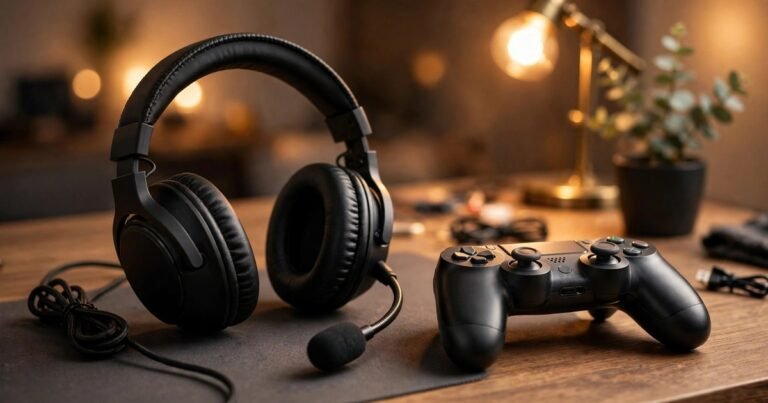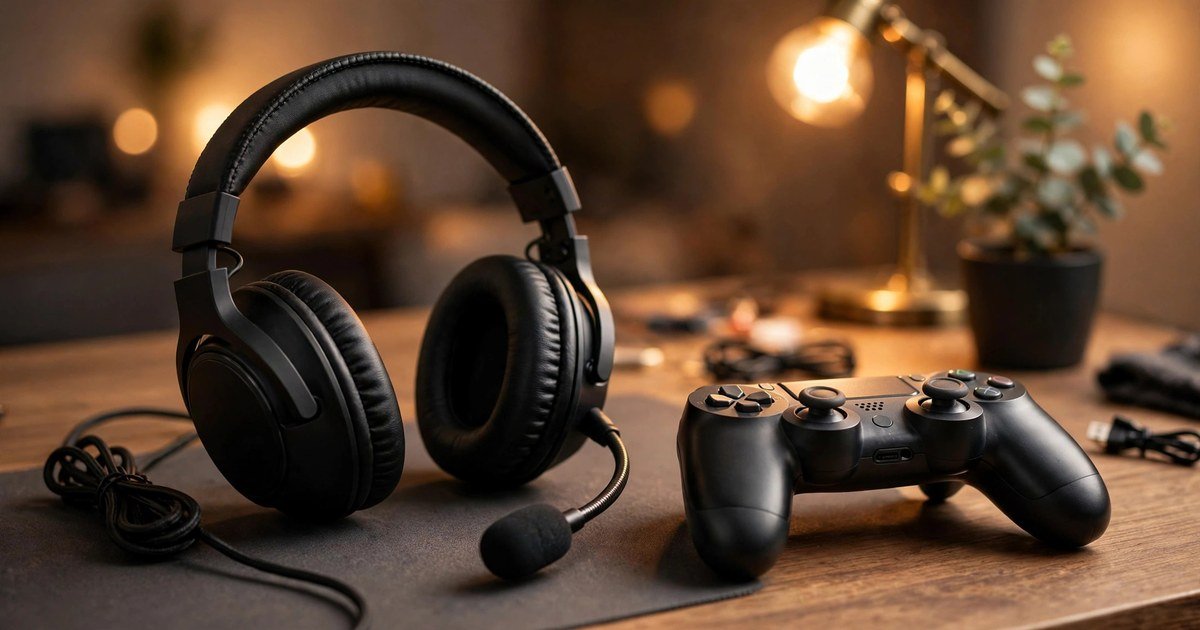
The best budget gaming headset in the UK is a wired headset under £50 that fits your platform, sounds clear in chat, and stays comfortable for long sessions. You do not need wireless, RGB lighting, or virtual surround sound to get good game audio. Spend on fit, a clear microphone, and the right connection, and skip the extras that push the price up.
This guide keeps a strict under £50 ceiling. Most roundups that claim to be budget guides drift up to £100 or £150, which is not a budget buy for most players. Every pick below is regularly sold in the UK for under £50. Prices move, so check the current UK price before you buy.
What counts as a budget gaming headset?
A budget headset covers the basics well: clear stereo sound, a microphone your teammates can understand, and a fit you can wear for a full evening. Expect plastic build and a wired connection, with no active noise cancelling. Avoid very cheap unbranded headsets with no clear driver size, and avoid flashy headsets with thin cushions and a weak headband. Comfort fails first on cheap headsets, so weight and cushion depth matter most.
The best budget gaming headsets under £50 at a glance
| Pick | Best for | Why it wins |
|---|---|---|
| Turtle Beach Recon 70 | Best all-rounder under £30 | Light, simple, and works on almost every platform |
| Razer BlackShark V2 X | Best for PC and PS5 clarity | Clear sound and a crisp microphone at a budget price |
| HyperX Cloud Stinger 2 | Best comfort on a budget | Soft ear cushions and a light frame for long sessions |
| SteelSeries Arctis Nova 1 | Best for glasses wearers | Gentle clamping force and a comfortable fit |
| Logitech G435 Lightspeed | Best wireless pick when on offer | Light wireless headset that often drops under £50 on sale |
Best all-rounder under £30: Turtle Beach Recon 70
The Recon 70 is the safest budget buy in the UK. It is a wired headset with 40mm drivers, a flip-to-mute microphone, and a light frame that suits long sessions. It connects with a standard 3.5mm jack, so it works on PS5 and PS4 controllers, Xbox controllers, Nintendo Switch, PC, and mobile.
Best for PC and PS5 clarity: Razer BlackShark V2 X
The BlackShark V2 X is the pick for players who care most about hearing detail and being heard clearly. It uses larger 50mm drivers and a microphone that focuses on your voice and rejects some background noise. On PC it connects by 3.5mm, and on PS5 it plugs straight into the DualSense controller. It is light at around 240g. Check the exact model before you buy: Razer sells pricier BlackShark variants too, and the V2 X is the budget one.
Best comfort on a budget: HyperX Cloud Stinger 2
Comfort is where budget headsets usually fail, and the Cloud Stinger 2 is the exception. Its ear cushions are soft, its frame is light, and its microphone mutes when you swivel it up. Swivel-to-mute lets you mute in a second without hunting for a cable button.
Best for glasses wearers: SteelSeries Arctis Nova 1
Glasses wearers should judge a headset by clamping force, not by padding thickness alone. A headset that squeezes hard will press your frames into your head within an hour, no matter how soft the cushions feel at first. The Arctis Nova 1 has a gentle fit and a light frame, which makes it a good budget choice if you play in glasses. It has a retractable microphone for use as plain headphones, and it usually sits at the top of the budget range, so watch for UK sales.
Best wireless pick when on offer: Logitech G435 Lightspeed
Wireless under £50 normally means a compromise, and the G435 is the exception when it is on sale. It is very light, it connects over Logitech Lightspeed wireless or Bluetooth, and it works across PC, PS5, Switch, and mobile. It has no boom microphone, so its built-in mics suit party chat but not streaming, and its full price is often above £50, so treat it as a sale buy only.
Wired or wireless under £50?
Wired wins under £50 for most players. A wired headset has no battery to charge, no wireless delay, and no dongle to lose. For competitive shooters, wired is the safer choice. Go wireless only if you need freedom of movement, for example from a sofa, and wait for a sale on a proven model like the G435.
If your voice cuts out in chat, the problem may not be the headset at all. Our guide to how to fix lag on PS5 walks through network and settings checks that fix many voice chat problems, and our gaming controller connection guide helps if your controller jack is the real fault.
Check compatibility before you buy
| Platform | What to check |
|---|---|
| PS5 and PS4 | Any 3.5mm headset plugs into the controller. USB headsets need PS5 support, so check the listing. |
| Xbox Series X/S and Xbox One | Modern controllers have a 3.5mm jack. Older controllers without a jack need an adapter. |
| Nintendo Switch | 3.5mm works in handheld mode. Docked play needs a USB headset or a longer cable. |
| PC | Most budget headsets use one 3.5mm plug for sound and mic. If your PC has separate sockets, you need a splitter, often included in the box. |
| Mobile | Phones without a headphone jack need a USB-C or Lightning adapter for a wired headset. |
The PC splitter point catches out more buyers than any other detail. A single 3.5mm plug carries both sound and microphone on consoles and laptops, but many desktop PCs split them into two sockets. If your microphone does not work on PC but works on a controller, a missing splitter is the likely cause, and it costs only a few pounds.
How to test a new headset properly
Test a headset in a real game, not just in a music track. Play one online match with voice chat on, and ask your teammates two questions: can they hear you clearly, and can they hear your game sound leaking back through your mic? Then check comfort after an hour, not after a minute, and keep the packaging until that test passes so you can return a poor fit. If you play on the move, our guide to the best gaming IEMs explains when earphones beat a full headset.
What budget headsets do not do well
Virtual 7.1 surround sound is the most oversold feature under £50. It is software processing, not extra speakers in the ear cups, and it can make directional sound vaguer rather than clearer. Good stereo sound with well tuned drivers will help you locate footsteps better than a virtual surround badge on a weak headset. Ignore noise cancelling claims at this price too: budget headsets offer only passive isolation from closed ear cups, which blocks some room noise but not voices or keyboard clatter.
Frequently asked questions
Is a gaming headset under £50 worth it?
Yes, for most players. You give up wireless freedom, premium build, and software extras, but you keep the sound quality that affects your games.
Should I buy wired or wireless on a budget?
Buy wired unless you have a clear reason to go wireless. Wired headsets sound better for the money, never need charging, and have no wireless delay.
Do I need 7.1 surround sound for gaming?
No. Most competitive games already give good directional audio in stereo, and virtual 7.1 processing can blur it.
Will a budget headset work on PS5, Xbox, and PC?
Most wired 3.5mm headsets do, plugging into the controller on consoles and the headphone socket on PC. Check for a splitter on PC, and check USB support before buying a USB-only headset for a console.
How much should I spend on a gaming headset?
Spend £25 to £50 if you play regularly. Below £20, build and mic quality drop fast, and above £50 you pay for wireless and materials you may not need.
Conclusion
Start with your platform, then choose fit and microphone over feature lists. For most UK players, the Turtle Beach Recon 70 is the best budget pick because it is cheap, light, and works everywhere. For clearer voice chat on PC or PS5, step up to the Razer BlackShark V2 X, and for comfort pick the HyperX Cloud Stinger 2. Test any choice in a real match before the returns window closes.
About the Author