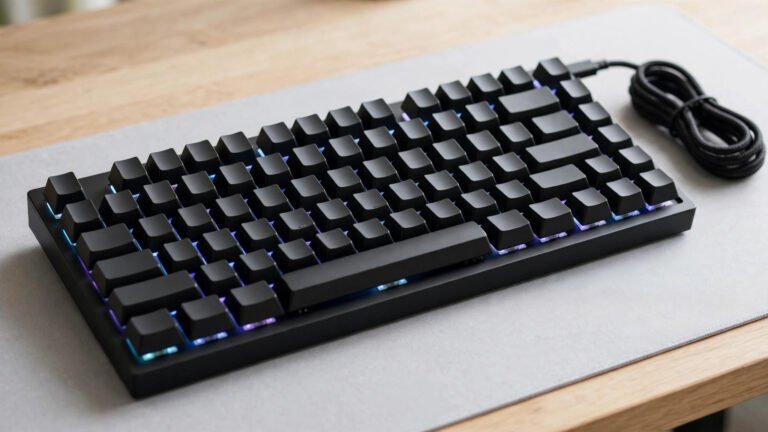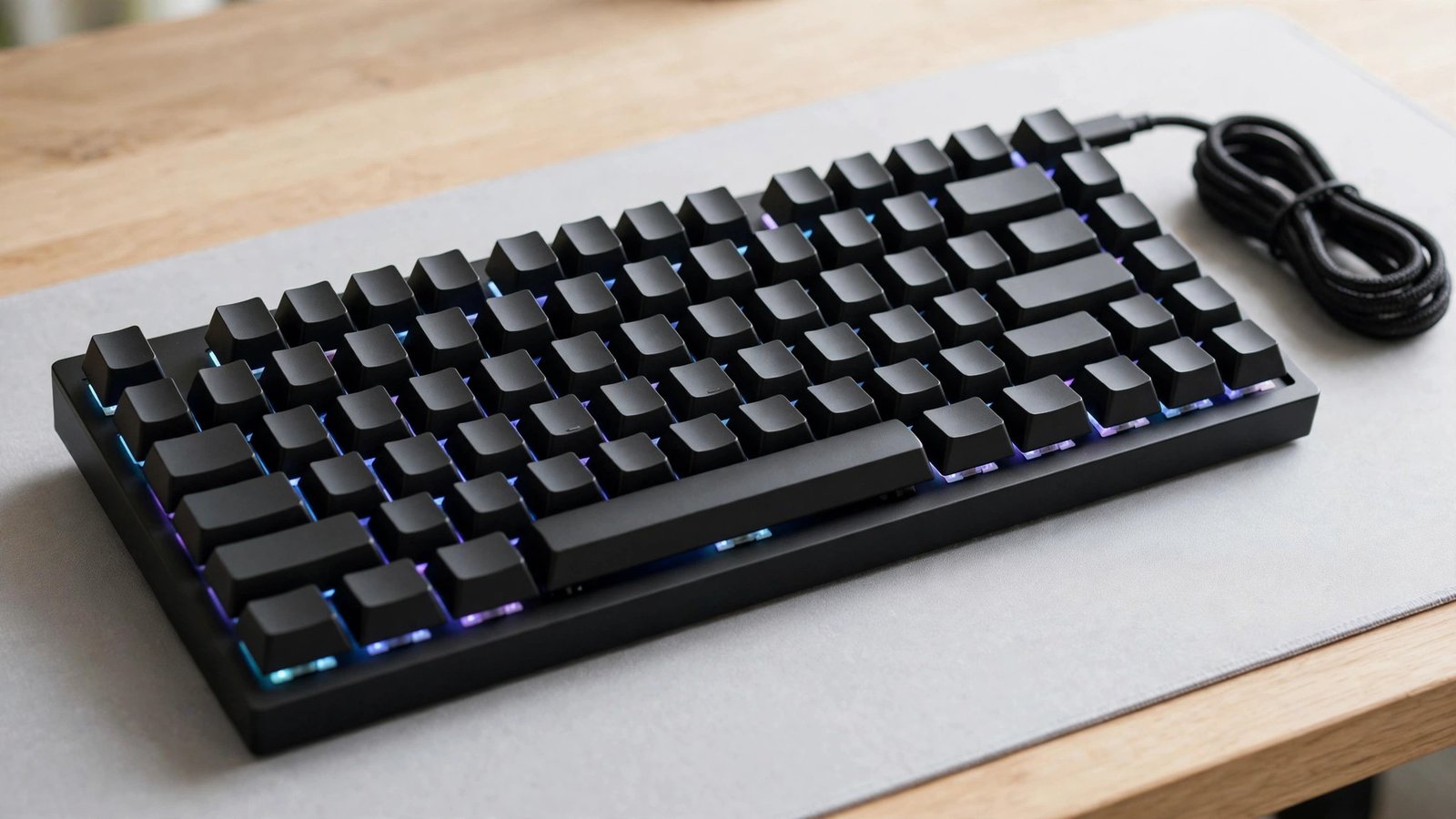
If you have small hands, a full-size keyboard can feel like an obstacle course. The short answer is that a compact board, usually a 60% or 65% layout, is the best gaming keyboard for small hands. A shorter case pulls your mouse in closer, cuts the distance your fingers travel to reach important keys, and reduces wrist strain over long sessions. You lose the number pad, but for most gamers that is a fair trade.
Why Keyboard Size Matters for Small Hands
On a full-size keyboard, your right hand sits far from your body because the number pad pushes the mouse outward. That extra width forces your shoulder into an awkward angle and makes your left hand work harder to reach keys such as Escape or the function row. For players with small hands, that stretch adds up: keys feel just out of reach, the pinky strains on Shift and Ctrl, and aiming suffers.
A compact layout fixes most of this. With no number pad and tighter spacing, everything sits within a smaller arc of movement, and the keys you use most cluster closer together. The result is less stretching, less fatigue, and a setup that feels built for your ha
What to Look for in a Gaming Keyboard for Small Hands
It helps to know which features actually make a difference for smaller hands. These four matter most.
Form factor. The 60% layout drops the number pad, function row, and arrow keys for the smallest footprint, which suits small hands well. A 65% board is nearly as compact but keeps dedicated arrow keys, a handy middle ground. TKL (tenkeyless) removes only the number pad, so it is a gentler step down if you cannot live without a function row.
Switch type. Linear switches press straight down with no bump, so they need the least finger effort and suit smaller hands well. Aim for a light to medium actuation force, around 45g, which feels less tiring than heavy switches. Low-profile switches, found on slim boards, shorten key travel further and are worth trying if standard keys feel too tall.
Keycap profile. Lower-profile keycaps shorten the distance your fingers dip between keystrokes. Sculpted profiles such as OEM or Cherry are fine too, but avoid very tall novelty caps that make neighbouring keys harder to reach.
Wrist rest. A slim wrist rest keeps your wrists at a comfortable angle instead of bending upward. Compact boards pair well with small, low-profile rests, and many players find a slight negative tilt, with the front edge raised, takes pressure off smaller wrists.
Top Picks: Best Gaming Keyboards for Small Hands
These four well-known boards are widely available in the UK and suit smaller hands. Prices are approximate and shift during sales.
Keychron K6 (65%) – around £75. A wireless 65% board with hot-swappable switches, so you can change the feel without soldering. It keeps dedicated arrow keys and connects over Bluetooth or USB-C. Pros: compact yet practical layout, flexible switch choice, solid build for the price. Cons: basic customisation software, and Bluetooth can add slight latency in competitive play.
Royal Kludge RK61 (60%) – around £50. One of the best-value compact boards, with tri-mode wireless, hot-swappable switches, and a true 60% footprint. Pros: very affordable, tiny desk footprint, easy switch swaps. Cons: no dedicated arrow keys, and the stock keycaps feel basic.
Logitech G Pro X 60 (60%) – around £160. A tournament-grade 60% board with GX optical switches and Logitech’s Lightspeed wireless, built for esports. Pros: extremely fast and consistent wireless, pro-level build quality, onboard profiles. Cons: premium price, and 60% takes adjustment if you rely on arrow keys.
Razer Huntsman Mini (60%) – around £120. Uses Razer’s optical switches for near-instant actuation in a sturdy aluminium-framed case. Pros: very fast key response, doubleshot PBT keycaps, onboard memory. Cons: pricier than budget 60% boards, and Razer’s software is needed for full customisation.
Whichever board you choose, regular maintenance keeps it feeling new. Read our guide on how to clean a gaming keyboard to keep switches and keycaps in top shape.
Comfort Tips for Gamers with Small Hands
Angle your keyboard slightly so your left hand rests naturally over WASD without twisting your wrist. Set your chair and desk height so your forearms sit level, which stops your shoulders hunching. A slim wrist rest stops your wrists bending upward.
Take short breaks during long sessions and stretch your fingers and wrists. If you play wirelessly, use the 2.4GHz dongle rather than Bluetooth for the lowest latency, and check our tips on how to reduce input lag while gaming to keep your whole setup responsive.
Best Gaming Keyboards for Small Hands Compared
| Keyboard | Form factor | Switch type | Approx UK price | Best for |
|---|---|---|---|---|
| Keychron K6 | 65% | Hot-swappable mechanical | ~£75 | Balanced gaming and typing |
| Royal Kludge RK61 | 60% | Hot-swappable mechanical | ~£50 | Budget wireless pick |
| Logitech G Pro X 60 | 60% | GX optical | ~£160 | Tournament performance |
| Razer Huntsman Mini | 60% | Razer optical | ~£120 | Fast optical switches |
Frequently Asked Questions
Is a 60% keyboard good for small hands?
Yes. A 60% keyboard is one of the best choices for small hands because it removes the number pad and function row, pulling the mouse closer and shrinking finger travel. The main trade-off is losing dedicated arrow keys, so consider a 65% board if you use them often.
Are low-profile keyboards better for small hands?
They can be. Low-profile switches and keycaps shorten key travel, which means less finger effort with every keystroke. They are not essential, though. A standard compact board with light linear switches suits most players with small hands perfectly well.
What switch type is best for small hands?
Light linear switches, usually around 45g actuation force, are the safest bet. They press smoothly with minimal resistance, which cuts finger fatigue during long sessions. Optical switches are also worth a look for their fast response.
«
Related: your keyboard is only half of a low-latency setup. Read our guide to wireless vs wired gaming mouse latency to pick the right mouse to pair with your new board.
About the Author