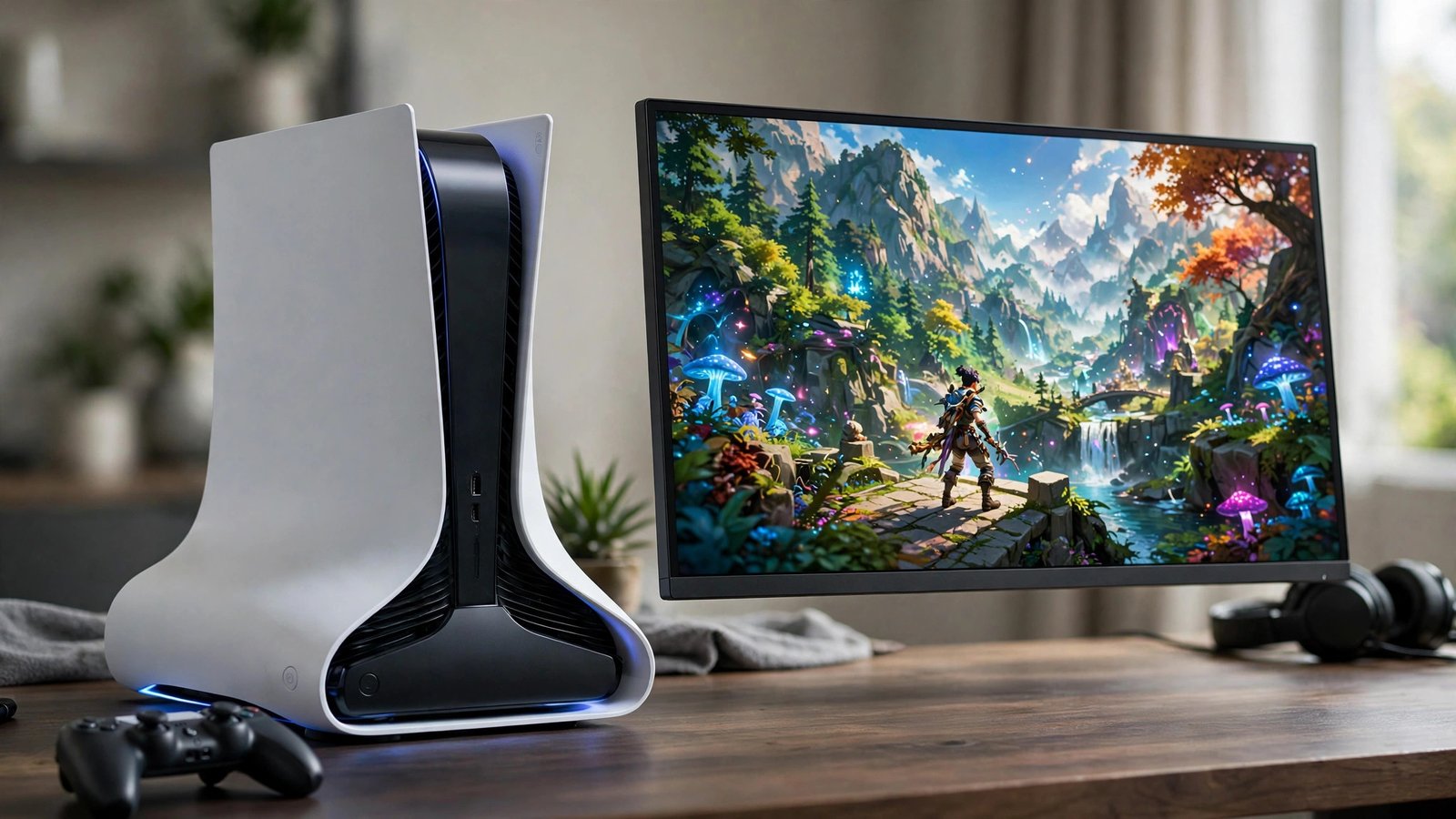
Short answer: no, you do not need a 4K monitor for PS5. Most PS5 games render below native 4K and upscale to fit your screen, so a good 1440p monitor with 120Hz support is often the better buy: cheaper, smoother, and easier on the wallet. Buy 4K only if you want maximum sharpness, sit close to a big screen, and have the budget for it. This guide explains what the PS5 actually outputs, when 4K genuinely matters, what to check before buying, and our verdict by budget.
What the PS5 actually outputs
Here is the reality behind the 4K badge on the box. Very few PS5 games run at native 4K. Most render somewhere between 1080p and 1800p and then upscale to 4K, using techniques like dynamic resolution and temporal upscaling. On a 4K screen this still looks good, but you are rarely seeing true native 4K detail.
What the PS5 does support well is high frame rates. The console can output 120Hz at 1080p, 1440p and 4K, and it supports VRR (variable refresh rate) plus ALLM (auto low latency mode) over HDMI. In practice, 120Hz modes are far more common than native 4K, which is why a fast 1440p monitor often gives you a better experience than a slow 4K one. If refresh rates confuse you, our guide to 60Hz vs 144Hz vs 240Hz breaks down what actually matters.
When 4K genuinely matters
There are cases where 4K is worth it. If you sit close to a 32 inch or larger screen, the extra sharpness of 4K is genuinely visible. Cinematic single-player games with detailed worlds, like open-world adventures and story-driven epics, look their best in 4K. And if you also watch films or stream 4K content on the same screen, a 4K panel pulls double duty.
But be honest about your setup. On a 27 inch screen at normal desk distance, the jump from 1440p to 4K is subtle. And if the 4K monitor you can afford is stuck at 60Hz while a 1440p alternative offers 120Hz or more, the smoother screen will improve your gaming far more than the extra pixels.
The 1440p alternative: the PS5 supports it natively
Since a 2022 system update, the PS5 outputs 1440p natively, so there is no more blurry downscaling from 4K. A 1440p 120Hz monitor is the sweet spot for PS5 gaming: the console drives it comfortably, 120Hz modes work properly, and you keep VRR support on most models.
The price difference is significant. A quality 27 inch 1440p 144Hz monitor costs roughly £200 to £300, while an equivalent 4K 144Hz model starts around £400 and climbs quickly. That saving could go towards games, a headset, or just stay in your pocket.
Checklist before buying a PS5 monitor
Whatever resolution you choose, check these boxes first:
- HDMI 2.1 if you want 4K at 120Hz. For 1440p at 120Hz, HDMI 2.0 is enough, which keeps cheaper monitors in play.
- 120Hz support at your chosen resolution. Some monitors accept a 120Hz signal only at lower resolutions, so check the specs carefully.
- VRR support over HDMI. It smooths out frame rate dips and the PS5 supports it, so do not leave it on the table.
- Low input lag and a proper game mode. A monitor with sluggish processing ruins the responsiveness no amount of resolution can fix.
- Decent HDR or none at all. Cheap monitors advertise HDR that looks worse than SDR. Only pay for HDR on models with proper brightness, ideally 600 nits or more.
Verdict by budget
Under £250: buy 1440p 120Hz+. You get smooth high frame rate gaming with VRR, and this is where the value is. 4K at this price means 60Hz and compromises everywhere else.
£250 to £450: still 1440p for most people, but now you can get premium 1440p with excellent HDR and build quality. Only consider 4K here if you find a genuine 4K 120Hz model with HDMI 2.1 on sale.
£450 and up: this is 4K territory. A proper 4K 144Hz monitor with HDMI 2.1, VRR and good HDR gives you the sharpest PS5 image available. Just make sure you are buying it for a 32 inch or larger screen where the difference shows.
4K vs 1440p for PS5 compared
| 4K | 1440p | |
|---|---|---|
| Sharpness | Maximum detail, best on 32 inch and up | Very good on 27 inch, native PS5 support |
| 120Hz availability | Needs HDMI 2.1, costs more | Widely available, works over HDMI 2.0 |
| Price | £400+ for a good 120Hz+ model | £200 to £300 for quality 120Hz+ |
| Best for | Big screens, cinematic games, mixed film use | Most PS5 gamers, high frame rates, value builds |
For the full picture on panels, sizes and refresh rates, our gaming monitor buying guide walks through every buying decision in one place.
Frequently Asked Questions
Can PS5 run 4K at 120Hz?
Technically yes, but almost no games do both at once. A handful of less demanding titles offer 4K 120Hz modes; most games make you choose between higher resolution and higher frame rates. You need an HDMI 2.1 display to use 4K 120Hz at all.
Does the PS5 support 1440p?
Yes. Since a system update in September 2022, the PS5 outputs 1440p natively, including 120Hz modes and VRR on supported displays. There is no longer any need to buy 4K just to get a clean image.
Is HDMI 2.1 required for PS5?
Only for 4K at 120Hz. For 1440p at 120Hz or 4K at 60Hz, HDMI 2.0 has enough bandwidth. Do not pay extra for HDMI 2.1 unless you are buying a 4K 120Hz screen.
Will a 4K monitor make PS5 games look better automatically?
Not automatically. Most PS5 games render below native 4K and upscale, so the improvement over a good 1440p screen is modest, especially at 27 inches. A 4K monitor only shines with a large screen and games that actually push high resolutions.
About the Author