The Wii U's built-in Wii Mode plays almost the entire Wii library, but not GameCube discs
Yes, and unlike some backward-compatibility questions on this site, this one has a clean answer: the Wii U plays almost the entire Wii library through a dedicated built-in mode. There’s an interesting twist, though, once you compare it to the Wii’s own GameCube compatibility.
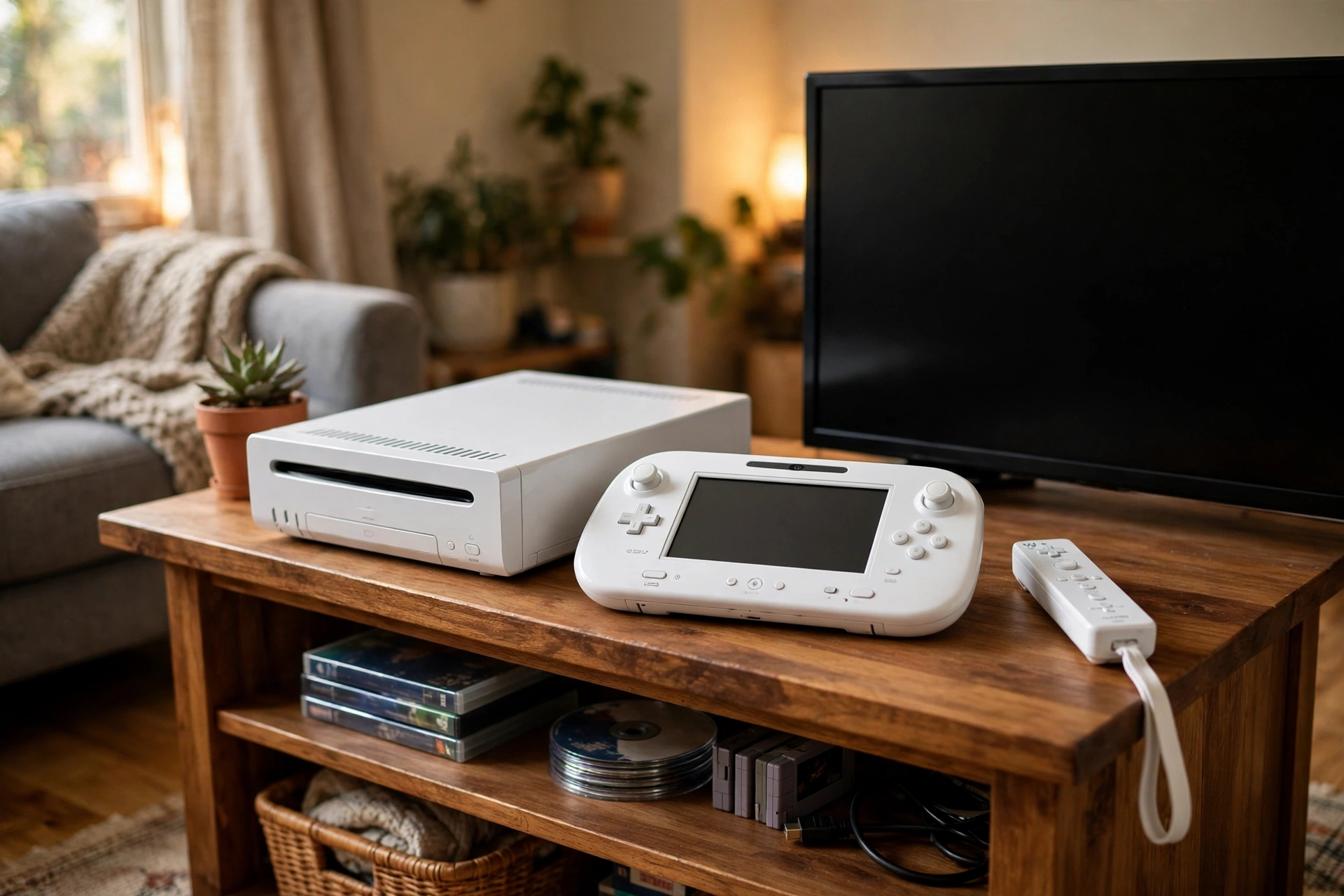
How Wii U Backward Compatibility Actually Works
The Wii U includes a genuine “Wii Mode” that effectively turns the console into a Wii when activated, rather than relying on approximate software emulation. Entering Wii Mode from the Wii U Menu lets you play Wii Game Discs directly, access WiiWare and Virtual Console titles you’d downloaded on the original Wii, and even display Wii software on the Wii U GamePad screen for off-TV play, a feature the original Wii never had.
What You Need to Actually Play Wii Games
| Requirement | Detail |
|---|---|
| Controller | Wii Remote, Wii Remote Plus, or Classic Controller (Wii U GamePad cannot be used for Wii software directly) |
| Accessories | Nunchuk, Wii MotionPlus, Sensor Bar, and Wii Balance Board all carry over and work normally |
| Discs | Standard Wii Game Discs insert and play directly, no conversion needed |
| Digital titles | WiiWare and Virtual Console purchases transfer over via system transfer from an original Wii |
The Twist: What Wii U Can’t Do That Wii Can
This is the detail most people don’t expect. While the Wii U can do essentially everything the original Wii could, it specifically cannot play GameCube discs or use a GameCube controller, a feature that certain original Wii models do support. If you’re chasing full three-generation compatibility (GameCube, Wii, and Wii U titles) on a single console, that’s actually impossible; an original launch-era Wii model is the only console that bridges GameCube and Wii, while the Wii U only bridges Wii and Wii U.
Picture Quality: A Genuine Upside
Wii games running on Wii U via HDMI output look noticeably crisper than on the original console’s composite or component output, since the higher-quality connection improves colour saturation and sharpness even though the underlying game isn’t upscaled or altered. This is a real, if modest, benefit to playing Wii software on Wii U hardware rather than an original Wii.
Setting Up Wii Mode Step by Step
From the Wii U Menu, select the Wii Mode icon to boot into what functions as a full Wii environment. Insert a Wii disc as you would on an original Wii, or navigate to downloaded WiiWare/Virtual Console titles from within Wii Mode itself. Sync a Wii Remote to the console using the sync button, located near the Wii U’s power button, exactly as you would have done on an original Wii.
For similar model and generation-specific compatibility questions, our GameCube on Wii guide, PS2 on PS3 guide, and Xbox 360 on Xbox One guide cover the same territory for other consoles.
Frequently Asked Questions
Can I use the Wii U GamePad to play Wii games?
No, Wii U GamePad support isn’t available for original Wii software. You’ll need a genuine Wii Remote, Wii Remote Plus, or Classic Controller to play.
Do I lose my Wii save data when moving to Wii U?
No, Nintendo’s official system transfer process moves save data, along with WiiWare and Virtual Console purchases, from an original Wii to a Wii U without loss.
Is there any Wii game that won’t work on Wii U?
Compatibility is described as covering the vast majority of the library, with Nintendo stating “almost all” Wii software and accessories work, though a small number of edge cases involving specific unusual peripherals may behave differently.
Moving Your Wii Library to Wii U: System Transfer Step by Step
If you still own an original Wii, Nintendo’s official system transfer moves your saves, downloaded games, and Mii characters to the Wii U, so you do not have to start over. The process needs both consoles, an SD card, and about an hour of patience. It is worth doing before you retire the old console, because the transfer can only run while both machines are working.
Start by updating both consoles to their latest firmware, then download the Wii System Transfer tool from the Wii Shop Channel on the Wii U side. On the original Wii, open the transfer tool from the Wii Menu and follow the prompts to prepare your data. The Wii copies your save data, WiiWare titles, Virtual Console games, and Mii characters onto the SD card, and the Wii U then reads that card and installs everything into Wii Mode.
A few things do not transfer, and it is better to know them now. Some save data tied to specific online features stays behind, and any content bought with points that were never spent cannot move. Your original Wii keeps working after the transfer, but the downloaded titles move to the Wii U, so they will no longer be playable on the old console.
If you no longer own a Wii, none of this matters. Wii discs play directly on the Wii U without any transfer, and only downloaded purchases need the old console. For most players, the discs alone are enough, and the system transfer is a bonus for people who built up a large digital Wii library.
Five Wii Games That Play Best on Wii U
Most Wii games play the same on Wii U as they did on the original console, but a few genuinely benefit from the move. The Legend of Zelda: Skyward Sword plays well because the Wii U’s HDMI output sharpens the painted art style, and the Wii MotionPlus controls work exactly as they did on Wii. Mario Kart Wii is another winner, since the sharper picture makes distant racers easier to read, and the online features may be gone but local multiplayer is unchanged.
Super Mario Galaxy 2 looks noticeably cleaner over HDMI, and the pointer controls work well with the Wii Remote pointed at the sensor bar. New Super Mario Bros. Wii is a great family pick on Wii U, because up to four players can share one screen and the GamePad display lets someone else use the TV while the game continues. Xenoblade Chronicles, the original Wii version, benefits most of all, since its large open areas and small text were hard to read on composite video and are far clearer through the Wii U’s HDMI connection.
These five are worth replaying first if you are setting up a Wii U as your Wii replacement. They show off the picture quality improvement best, and they are all games that reward a second playthrough.
Can you play Wii games on Wii U without a Wii Remote?
No. Wii games need a Wii Remote, Wii Remote Plus, or a Classic Controller, depending on the game. The Wii U GamePad cannot control Wii software directly. It can only display the picture while you play with a Wii Remote. If you do not own a Wii Remote, you will need to buy one before you can play Wii games on Wii U.
Do Wii games look better on Wii U than on Wii?
Yes, slightly. The Wii U outputs Wii games over HDMI, while the original Wii used composite or component cables, so colours look richer and edges look sharper. The games themselves are not upscaled or remastered, so the improvement is modest rather than dramatic, but it is noticeable on a modern television, especially for games with small text or detailed scenery.
Final Thoughts
Wii U backward compatibility with the Wii library is genuinely excellent, built through dedicated Wii Mode hardware rather than approximate emulation. The one real limitation, no GameCube support, is worth knowing before you assume the Wii U replaces every older Nintendo console you own.
About the Author