Stick drift comes from mechanical wear inside the joystick module, not a single fixable cause
Your crosshair drifts left on its own. Your character walks forward without you touching the stick. Stick drift is one of the most common hardware complaints in gaming, and most advice online either oversells a temporary fix as permanent or, worse, is written by the same brands trying to sell you a replacement controller. Here’s an honest breakdown.
What Actually Causes Stick Drift
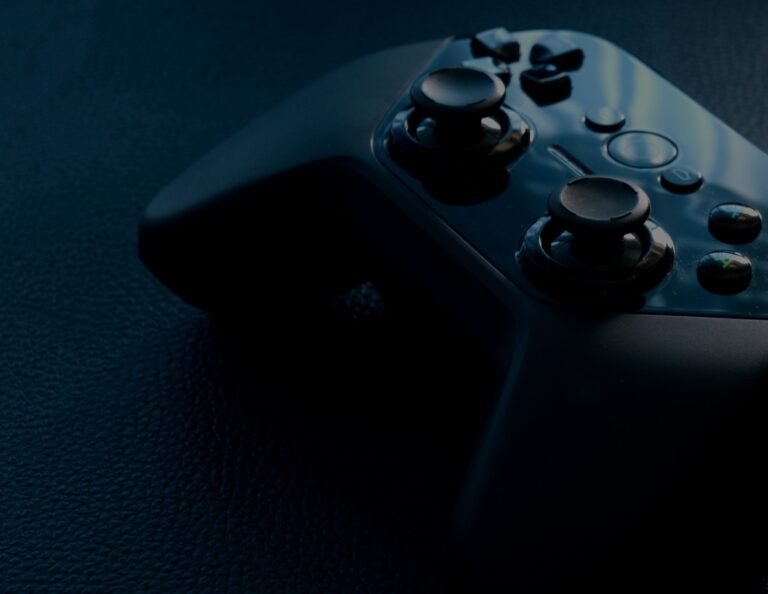
Standard PS5, Xbox, and Switch controllers use potentiometer-based thumbsticks, which rely on physical contact between a resistive surface and a wiper component to register position. That physical contact is exactly the problem: friction wears down the resistive track over months of use, and dust or oils from your hands accelerate the process further. This is a mechanical wear issue, not a software bug, which is the single most important thing to understand before attempting any fix.
Fixes Ranked by How Well They Actually Work
Compressed Air (Free, Temporary)
Power off the controller, hold the stick to one side to expose the gap at its base, and spray short 2-3 second bursts of compressed air into the gap from multiple angles. This clears loose dust and debris, and it’s genuinely effective if drift developed gradually from grime rather than actual component wear. It does nothing for a worn resistive track.
Contact Cleaner (Under £10, Temporary but Longer-Lasting)
Electronic contact cleaner (not WD-40 or general lubricant, which leave residue that attracts more dust) cleans the contact surface more thoroughly than air alone and leaves a thin protective layer. Apply a short burst into the same gap, rotate the stick vigorously in all directions for about 30 seconds, then let it dry for a few minutes before testing.
Software Recalibration (Free, Situational)
Every major platform has a built-in calibration tool (PS5: Settings > Accessories > Controllers > Calibrate Controller; similar menus exist on Xbox and Switch). This helps when drift is caused by a shifted centre-point reading rather than physical wear, but it can’t compensate once the resistive track itself is damaged.
Hall Effect Upgrade or Replacement (The Only Permanent Fix)
Hall Effect sticks use magnets and a sensor instead of physical contact, so there’s no friction and effectively no wear-based drift. This is achieved either by buying a controller with Hall Effect sticks built in from the start, or by replacing the joystick module in an existing controller with a Hall Effect version, a repair that’s increasingly accessible but still involves opening the controller.
Comparison: Which Fix Suits Your Situation
| Situation | Best Fix | Expected Result |
|---|---|---|
| Mild, intermittent drift after heavy use | Compressed air | Often resolves fully if caused by dust |
| Drift that returns within days of cleaning | Contact cleaner | Lasts longer than air alone, still temporary |
| Drift with no clear pattern | Software recalibration | Fixes centre-point issues, not wear |
| Persistent drift after cleaning attempts | Hall Effect upgrade/replacement | Permanent solution |
Preventing Drift Before It Starts
Avoid clicking the thumbsticks (L3/R3) repeatedly for functions like sprint or melee where a game allows remapping to shoulder buttons instead, since each click stresses the joystick module beyond normal movement wear. Keep food and drink away from your controller, store it away from direct sunlight and humidity, and avoid wrapping the cable tightly around the controller body, which stresses internal connections over time. If you’re buying a new controller and drift has been a recurring problem, going straight for a Hall Effect model from the outset sidesteps the entire issue.
Once your controller is sorted, our controller connection troubleshooting guide, gaming IEMs guide, gaming keyboard cleaning guide, and gaming PC overheating guide cover other commonly overlooked parts of a comfortable, reliable setup.
Frequently Asked Questions
Can stick drift be fixed permanently without buying a new controller?
Yes, if you’re comfortable opening the controller, replacing the joystick module with a Hall Effect version achieves a permanent fix without buying an entirely new controller.
Does stick drift affect all controller types equally?
No, drift specifically affects potentiometer-based sticks. Controllers with Hall Effect sticks from the factory are essentially immune to this specific wear mechanism, though other components can still fail over time.
Is stick drift covered under warranty?
This varies by manufacturer and region, and policies have shifted over time following public pressure and, in some cases, legal action over the issue. Check your specific manufacturer’s current warranty terms rather than assuming either way.
Final Thoughts
Stick drift is a mechanical wear problem, not a software glitch, which is why cleaning and recalibration only ever offer temporary relief. If you’re tired of the cat-and-mouse cleaning cycle, a Hall Effect controller or replacement module is the only fix that actually solves the underlying cause.
About the Author