Switch Lite plays most of the library, but a handful of games need detachable Joy-Cons it doesn't have
Mostly yes, and for the vast majority of the library that’s a straightforward answer. But there’s a specific, well-defined category of games that simply won’t work properly on Switch Lite, and knowing which ones before you buy either the console or a game saves a wasted purchase.
The Simple Rule
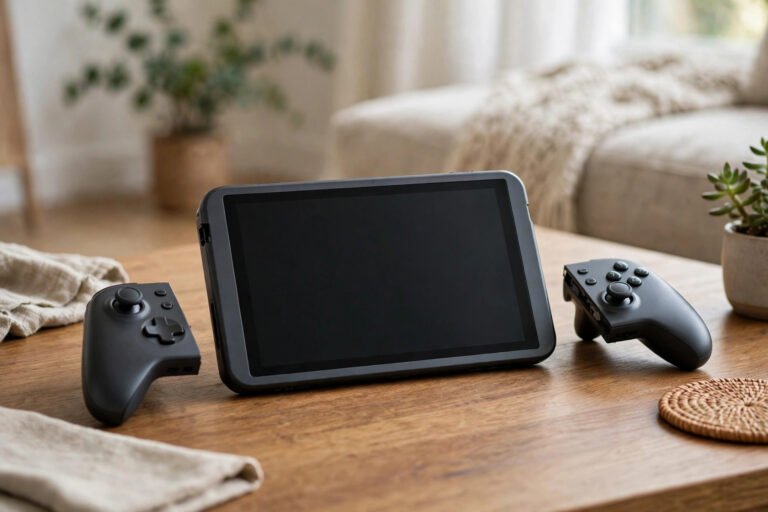
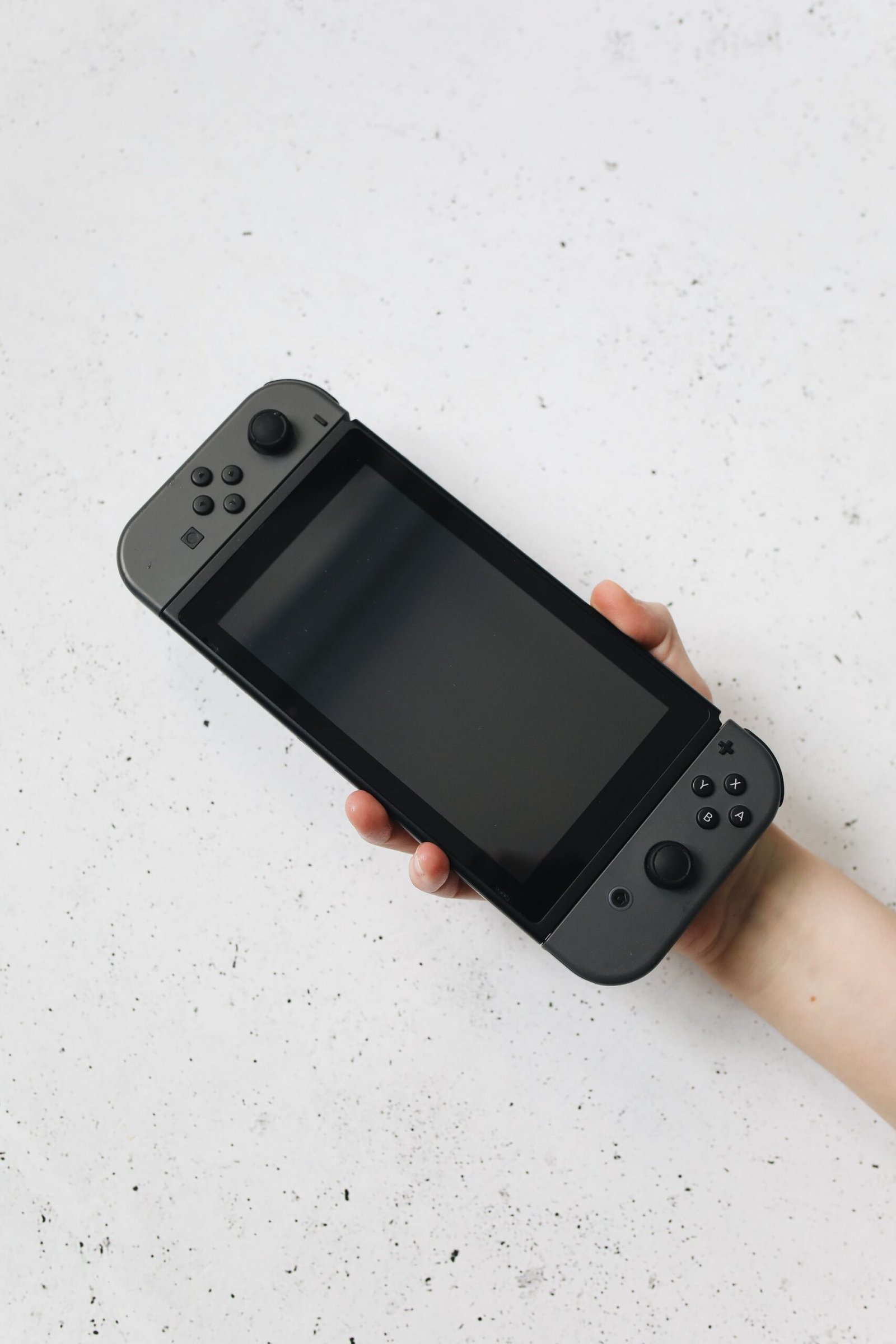
Nintendo’s own rule is genuinely simple: any Switch game that supports Handheld Mode works on Switch Lite. The console has no docking capability at all, no video-output hardware in its USB-C port, and its Joy-Con controllers are permanently built in rather than detachable, unlike the standard Switch and Switch OLED models.
Why Some Games Don’t Work
The problem isn’t processing power, the Switch Lite uses the same CPU/GPU combination as the standard Switch, so performance is effectively identical. The issue is entirely about physical hardware: games built around detachable Joy-Cons (for local multiplayer with one Joy-Con each, or motion-based play that needs the controllers pointed or waved) simply have no way to function as designed on a console where the controllers can’t be removed.
Games That Don’t Work Properly on Switch Lite
| Game | Why It’s a Problem |
|---|---|
| 1-2-Switch | Built entirely around detachable, separated Joy-Con motion play |
| Super Mario Party | Several minigames require two separate Joy-Cons held individually |
| Ring Fit Adventure | Requires a Joy-Con in the Ring-Con and a separate one on your leg strap |
| Nintendo Labo kits | Cardboard kits are physically designed around the original Switch’s shape |
| Nintendo Switch Sports | Officially listed as not compatible with Switch Lite by Nintendo |
The Workaround That Sometimes Helps
Some of these games can technically be made playable by buying a separate pair of Joy-Cons and a stand to prop up the Switch Lite, effectively recreating the missing detachable-controller functionality. This works reasonably well for games needing two separate controllers, but it doesn’t help at all with Nintendo Labo, since that’s a physical fit problem with the cardboard kits themselves, not just a controller issue. It’s also worth factoring the extra cost of Joy-Cons and a stand into your decision, since it can meaningfully close the price gap that made the Lite attractive in the first place.
What You Genuinely Can’t Do on Switch Lite
Beyond specific incompatible games, the Switch Lite permanently lacks TV output. There’s no official way to connect it to a television, and third-party workarounds involving screen mirroring introduce lag that makes fast-paced games frustrating to play that way. If TV play matters to you at all, the standard Switch or Switch OLED are the only real options, not the Lite plus an accessory.
For similar hardware and compatibility questions, our Wii on Wii U guide and GameCube on Wii guide cover the same territory for older Nintendo hardware.
Frequently Asked Questions
Does the Switch Lite have worse performance than the standard Switch?
No, both use the same CPU/GPU combination, so any game that runs in Handheld Mode performs identically on either console. The differences are entirely about physical features, not processing power.
Can I use a Pro Controller with the Switch Lite?
Yes, a Pro Controller works wirelessly or wired with Switch Lite and can substitute for some detachable-Joy-Con requirements, though not all, since certain games specifically need two separate Joy-Cons rather than any generic second controller.
Will Nintendo add TV output to the Switch Lite through a software update?
No, the limitation is physical hardware (a missing video chip and DisplayPort-capable USB-C circuitry), not software, so no update can add this capability.
Final Thoughts
The Switch Lite plays the overwhelming majority of the Switch library without issue, and the exceptions are well-documented and predictable rather than a surprise waiting to happen. Check a specific game’s box or store listing for Handheld Mode support before buying, and you’ll rarely be caught out.
About the Author