Only certain Wii models kept the hardware needed for GameCube compatibility
Yes, but only on specific Wii models, and Nintendo quietly removed the required hardware partway through the console’s production run. If you’re digging out an old GameCube library, checking your exact Wii model first saves a lot of frustration.
How GameCube Compatibility Actually Works
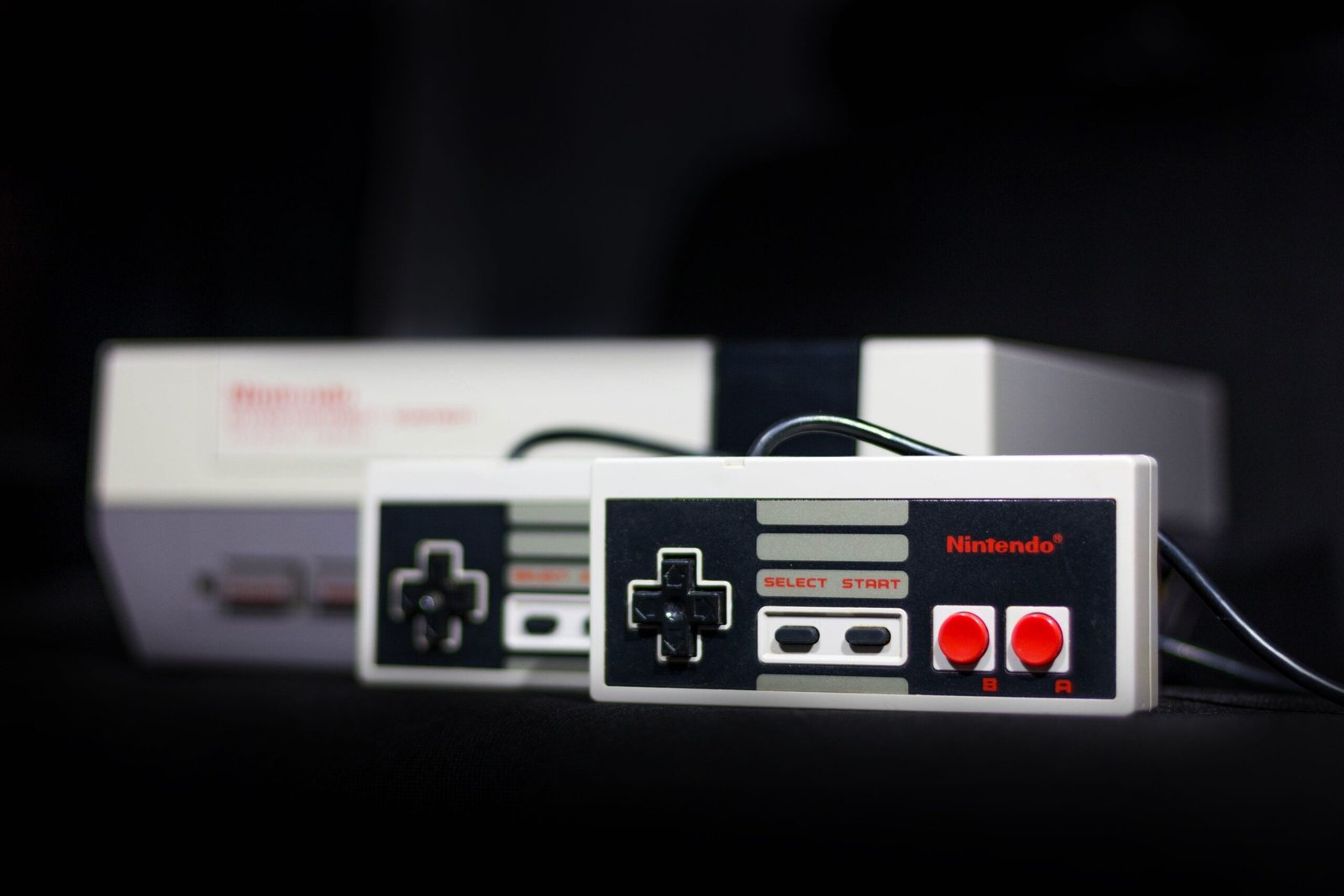
When Nintendo launched the Wii in November 2006, it built genuine GameCube hardware directly into the console rather than relying on software emulation. Early Wii units included GameCube controller ports, a memory card slot, and the internal chipset needed to run GameCube discs natively, which is why compatibility on those models is close to perfect rather than approximate.
Which Wii Models Support GameCube Games
| Model | GameCube Compatibility | Controller/Memory Card Ports |
|---|---|---|
| Original Wii (2006-2011) | Full | Yes, 4 controller ports + 2 memory card slots |
| Wii Family Edition (2011) | None | No, ports removed entirely |
| Wii Mini (2012) | None | No, no backward compatibility of any kind |
The simplest way to check without hunting down a model number: look at the back and sides of the console. If you can see GameCube controller ports and a memory card slot, GameCube discs will work. If those ports are missing entirely, that unit cannot play GameCube games under any circumstances, regardless of what disc you insert.
What Actually Works vs What Doesn’t
On a compatible original Wii, the vast majority of the roughly 651-title GameCube library runs correctly, since Nintendo’s own testing at launch confirmed effectively the entire NTSC library functioned properly. The main exceptions are titles that relied on the Game Boy Advance Link Cable for connectivity features, such as certain minigames in Animal Crossing or four-player modes in Final Fantasy Crystal Chronicles, which need the physical GBA link cable hardware that most players no longer own. These games still boot and play their core content fine; only the GBA-linked extras are affected.
Using a GameCube Controller on Compatible Wii Models
GameCube games on a compatible Wii require an actual GameCube controller plugged into one of the rear ports, since the Wii Remote isn’t a substitute for GameCube-era control schemes. If you don’t have an original controller, third-party GameCube-style pads are widely available and work identically for this purpose.
What If Your Wii Doesn’t Support GameCube Discs?
If you own a Wii Family Edition or Wii Mini, there’s no software fix or update that restores GameCube compatibility, since the limitation is physical hardware that was never included. Your only realistic options are sourcing an original GameCube console, or a compatible original-model Wii instead, which are both readily available secondhand.
If you’re building a wider retro collection, our N64 games guide, PS2 on PS3 compatibility guide, Xbox 360 on Xbox One compatibility guide, and Wii on Wii U compatibility guide cover similar backward-compatibility questions for other consoles, and our Switch on Switch Lite guide covers a similar hardware-limitation question for current-generation Nintendo hardware.
Frequently Asked Questions
Do all original Wii units definitely play GameCube games?
Every original Wii model (produced 2006-2011) includes the necessary ports and hardware. It’s specifically the later Family Edition and Wii Mini revisions that removed this feature.
Can I mod a Wii Mini to add GameCube support?
The Wii Mini lacks the internal GameCube-compatible hardware entirely, not just the external ports, so this isn’t something that can be added back through modding in the way some port-removal issues can be.
Do GameCube memory cards work on a compatible Wii?
Yes, the memory card slots on a compatible original Wii function identically to a real GameCube, so existing save files transfer over without any special process.
Final Thoughts
GameCube backward compatibility comes down entirely to which Wii model you own, not any settings or discs. An original launch-era Wii with visible controller ports plays virtually the entire GameCube library correctly; the Family Edition and Wii Mini cannot, regardless of what you try.
About the Author