PC gaming has never been easier to get into, and never more confusing. Shelves full of graphics cards, a dozen different game launchers and settings menus packed with abbreviations can make starting out feel like hard work. This guide cuts through the noise with practical advice on hardware, stores, settings and communities, so you spend less time worrying about your PC and more time playing games.
Spend Your Money Where It Matters Most
When people ask what makes the biggest difference in a gaming PC, the answer is simple: the graphics card. The GPU does most of the heavy lifting in modern games, so it deserves the largest share of your budget. A balanced mid-range build with a strong graphics card will beat an expensive processor paired with a weak card almost every time.
The processor still matters for strategy games, simulators and open-world titles that track a lot of moving parts. A solid modern six-core chip handles nearly every game comfortably, so you rarely need the most expensive processor on the shelf.
Memory, Storage and the Parts People Forget
Sixteen gigabytes of RAM is the sweet spot for gaming today. It covers the game, the operating system and a browser with a few tabs open in the background. Thirty-two gigabytes is nice for streaming or video editing, but it rarely changes gaming performance.
A solid-state drive is non-negotiable: it cuts loading times dramatically, and some newer games simply do not run well without one. A one-terabyte NVMe SSD is a sensible starting point. On a tight budget, pair a smaller SSD for Windows and your current games with a large hard drive for the backlog.
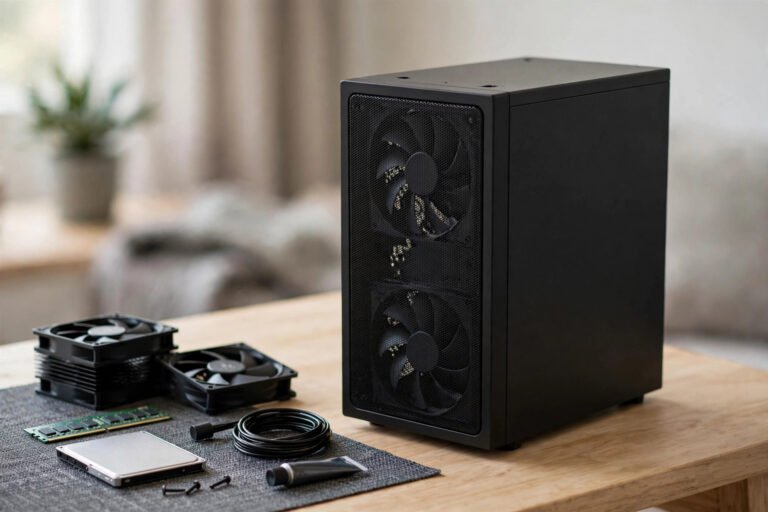
Do not skimp on the power supply or cooling. A reliable power supply from a known brand protects every other component, and a decent air cooler keeps temperatures and noise down. Neither needs to be expensive, but both need to be adequate.
Where to Buy Your Games
Steam remains the default PC store: an enormous library, frequent sales, cloud saves and handy features such as Remote Play. GOG sells DRM-free games, so you genuinely own what you buy. The Epic Games Store gives away a free game or two every week, which is a painless way to build a library from nothing.
For independent games, itch.io is a treasure chest of small, creative titles, many free or pay-what-you-want. Humble Bundle sells discounted bundles that raise money for charity. One word of caution: buy from official stores. Grey-market key sites can sell revoked or region-locked keys, and the small saving is rarely worth the risk of losing the game later.
Graphics Settings That Make the Biggest Difference
Start with the basics: set the resolution to your monitor’s native resolution and the refresh rate as high as the display supports. After that, shadows and anti-aliasing usually cost the most performance. Dropping shadows from ultra to high often buys a big frame-rate gain that you will barely notice visually.
Upscaling tools such as DLSS, FSR and XeSS render the game at a lower internal resolution and reconstruct a sharp image, giving a large performance boost for a small visual trade-off. If your monitor supports FreeSync or G-Sync, use that to stop screen tearing instead of V-Sync, which can add input lag.
Finally, cap your frame rate a few frames above your monitor’s refresh rate. It stops the graphics card working flat out for no visible benefit, which means less heat, less noise and a steadier experience.
Keeping Your PC Running Well
Update your graphics drivers regularly, especially when a big new game launches, because day-one driver updates often fix performance problems. Use the manufacturer’s own software or Windows Update rather than random driver tools from the internet.
Heat is the slow enemy of performance. Clean fans and dust filters every few months with a can of compressed air. If games start stuttering after months of smooth play, check your temperatures with a free monitoring tool before assuming anything is broken.
Communities Worth Joining
The PC gaming community is one of the platform’s best features. The r/buildapc community on Reddit offers sensible build advice, while r/pcgaming covers news and honest discussion. Discord servers for your favourite games are the fastest way to find people to play with and get help with tricky settings. For troubleshooting, the Steam forums and PCGamingWiki are invaluable: the wiki documents fixes, mods and tweaks for thousands of games, including older titles that need a little coaxing to run on modern systems.
Frequently Asked Questions
How much should I spend on a gaming PC?
For smooth 1080p gaming, a budget of around £600 to £800 buys a capable machine if you shop carefully, with the graphics card taking the largest share. Spending more mainly buys higher resolutions and frame rates rather than access to different games. Set a firm budget first, then balance the parts within it.
Is it better to build a PC or buy a prebuilt one?
Building your own usually gets you better parts for the money and teaches you how everything fits together, but it takes an afternoon and some patience. A prebuilt from a reputable seller is fine if the parts list is fully disclosed and the price is fair. Avoid prebuilts that hide the exact model of the power supply or motherboard.
Do I need an expensive monitor for PC gaming?
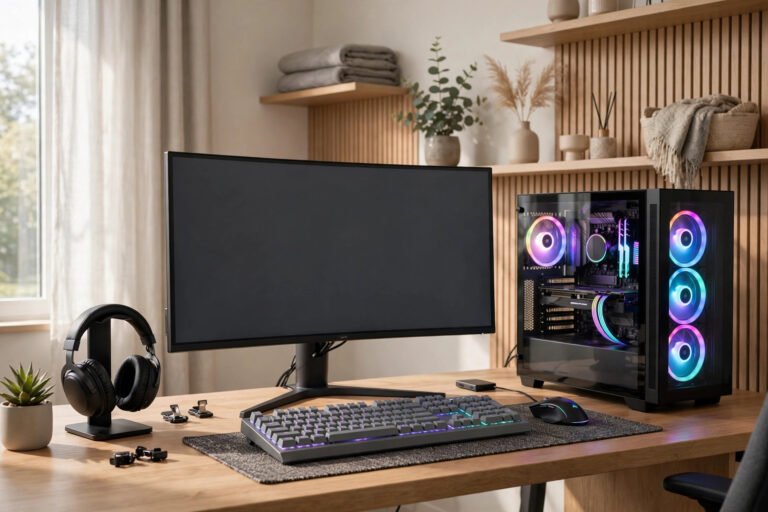
Not necessarily, but the monitor matters more than many beginners expect. A 1080p display with a 144Hz refresh rate is the sweet spot for value, and games feel noticeably smoother on it than on a basic 60Hz screen. Only chase 4K or ultra-wide displays once your graphics card is strong enough to drive them.
About the Author