
Progressive Web App technology lets certain browser games keep working after you go offline
A dropped connection, a flight, or a school network having a bad day doesn’t have to end your game session. A genuine category of browser games is built specifically to keep running once your internet disappears, and understanding how that actually works helps you pick games that won’t just freeze the moment wifi drops.
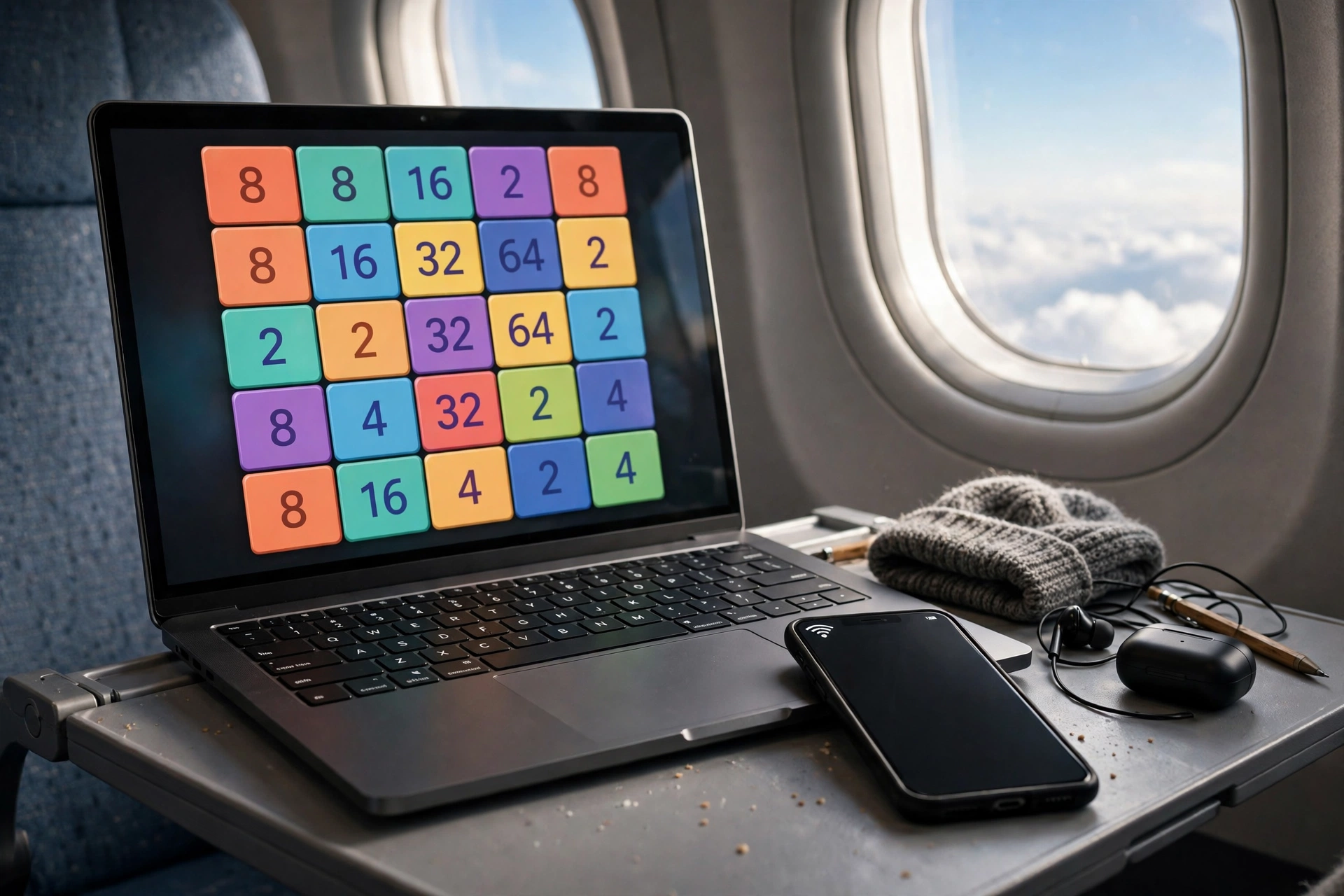
How a Browser Game Works Without the Internet
Three mechanisms make this possible. Browser cache stores a page’s HTML, JavaScript, CSS, and images locally after you first load it, letting simple pages reload without a fresh connection. Service Workers go further, deliberately caching a game’s files in the background so it works offline by design rather than by accident. Progressive Web Apps (PWAs) build on Service Workers to let you install a game to your home screen or desktop, working essentially like a native app afterward, including full offline functionality.
The Original: Chrome Dino
Google’s T-Rex Runner, better known as Chrome Dino, was added as an Easter egg in 2014 specifically for Chrome’s “no connection” error page. It has no network calls, no analytics, nothing that could break offline, since offline was the entire point of its existence. You can reach it any time by typing chrome://dino into the address bar, connection or not.
Genres That Work Well Offline
Puzzle Games
2048, Sudoku, Minesweeper, and Nonogram are consistently cited across offline-gaming resources as reliable no-wifi options, since their logic runs entirely client-side with no server dependency once loaded.
Classic Arcade
Snake, Tetris-style block games, and Solitaire variants tend to be built as simple, self-contained HTML5/JavaScript files, which is exactly the profile that survives a dropped connection without issue.
Single-Session Word and Logic Games
If you open a game like Wordle while online and don’t refresh the tab, the day’s puzzle stays playable offline since the answer loaded once when the page rendered. This is a narrower case than a true PWA, but it’s a genuinely useful trick for a specific session.
Comparison: Why Some Games Fail Offline and Others Don’t
| Game Type | Works Offline? | Why |
|---|---|---|
| Single-page HTML5/JS games (Snake, 2048, Sudoku) | Yes, once cached | No server calls needed after initial load |
| PWA-installed games | Yes, reliably | Service Worker caches all assets deliberately |
| Multiplayer or live-leaderboard games | No | Requires a live server connection to function |
| Ad-heavy aggregator sites | Usually no | Ad networks and tracking scripts require a live connection |
How to Set a Game Up for Offline Play in Advance
While you still have a connection, open the game fully and let every asset load completely rather than closing the tab early. If your browser offers an “Install” icon in the address bar, use it, since this is the clearest signal the site supports proper offline caching via a Service Worker. If no install option appears, bookmark the page and specifically test it with wifi disabled before you actually need it, rather than assuming it will work.
For games that need a live connection instead, our best multiplayer unblocked games guide covers the other end of that spectrum.
Frequently Asked Questions
Can I tell if a game will work offline before my connection drops?
The clearest signal is an “Install” prompt in your browser’s address bar, indicating PWA/Service Worker support. Otherwise, the safest approach is testing with wifi disabled while you still have a backup connection available.
Do offline browser games use a lot of storage?
Generally very little. Most lightweight HTML5 games cache under 50KB to a few megabytes, far less than a typical mobile app download.
Why does my usually-online game suddenly stop working offline?
Most likely it relies on live ad networks, leaderboards, or multiplayer servers that require an active connection, even if the core gameplay itself is simple enough to otherwise run locally.
Ten Offline Browser Games Ready to Play in 2026
Knowing that offline games exist is one thing. Having a list ready before your connection drops is another. These ten games all work in the browser with no internet after the first load, and each one suits a different mood.
2048 is the best puzzle pick. Slide numbered tiles on a four by four grid, merge matching pairs, and chase the 2048 tile. It loads fast, saves your best score locally, and works with keyboard arrows or touch swipes. Sudoku is the quiet classic. Full puzzle grids need no server at all, and a single puzzle can fill a whole train journey. Minesweeper is the deduction game that never gets old. Clear the board without hitting a mine, and use the numbers to work out where the mines must be.
Solitaire, in its Klondike form, is the game most people can sit down to without instructions. It needs no multiplayer, no account, and no live data, which is exactly why it survives offline so well. Snake is the arcade pick. It is lightweight, runs smoothly on small screens, and trains your reflexes without any complex rules. Flappy Bird is the one-more-try game. Short runs, instant restarts, and no online features make it perfect for killing five minutes.
Wordle works offline too, with one condition. If you open the page while online and do not refresh the tab, the day’s puzzle stays playable after the connection drops, because the answer already loaded. Tic Tac Toe is the simplest game on this list, and it is ideal for passing a phone to a friend on a flight. Bubble Shooter is the relaxed choice. Aim, match three colours, and clear the board at your own pace. Chess, against the computer, rounds out the list. A full game needs no server once the page has loaded, and it is the deepest game here by a long way.
The trick with every game on this list is the same. Open it while you still have a connection, let it load fully, and leave the tab open. Do not refresh after the connection drops, because a refresh can force a network check and break the offline state.
Setting Up Offline Games on a Chromebook and on Mobile
The setup is different on each device, so here is the step-by-step for the three most common ones. Getting it right takes two minutes, and it is the difference between a game that works on a flight and one that shows an error page.
On a Chromebook, open Chrome and go to the game page while you have internet. Let the game load completely, then look for the install icon in the address bar. If it appears, click it and confirm. Chrome installs the game as an app, and it will then open from the launcher and work offline like a normal app. If no install icon appears, the game still works offline from the browser tab as long as you keep the tab open and do not refresh it.
On Android, open the game in Chrome while online and let it load fully. Tap the three-dot menu, then tap Add to Home screen. Chrome places an icon on your home screen. The next time you tap that icon, the game opens in its own window, and if the site supports offline caching it will load without a connection. Test it once with Wi-Fi off before you rely on it, because not every site caches properly.
On iPhone, open the game in Safari while online and let it load fully. Tap the Share button, then tap Add to Home Screen, and confirm. The game icon appears on your home screen and opens in its own full-screen view. Safari caches the page, and the game will run offline if the site was built to support it. As with Android, test it with Wi-Fi off first, while you still have a backup connection to fix any problem.
One setting matters on every device. Do not clear your browser’s site data or cache before you need the game, because that wipes the stored files the game depends on. Local saves and high scores live in that same storage, so clearing it deletes your progress too.
Can you play Wordle offline?
Yes, for one puzzle at a time. Open Wordle while you are online and do not refresh the tab. The day’s puzzle loads with the page, so it stays playable after the connection drops. You cannot load tomorrow’s puzzle until you are back online, and refreshing the tab will break the offline state.
Why did my offline game stop working after a browser update?
A browser update can clear or change the cache that stores the game’s files, which breaks the offline copy. The fix is simple. Reopen the game while you have internet and let it load fully, which rebuilds the cache. Then test it again with Wi-Fi off. If you cleared site data yourself, the same fix applies, but your saved high scores may be gone.
Final Thoughts
Genuine offline browser gaming comes down to Service Worker caching and PWA installation, not luck. Load a handful of simple puzzle or arcade games while you have a connection, test them with wifi off, and you’ll have a reliable backup for flights, commutes, or an unreliable network.
About the Author