
Checking a site's real accessibility model matters more than trusting its name alone
“Unblocked Games Premium” isn’t a single website, it’s a name used by dozens of unrelated sites, and that’s exactly why the honest answer to “is it safe” is genuinely mixed rather than a simple yes or no. Here’s how to actually evaluate one of these sites rather than trusting the name alone.
Why There’s No Single Answer
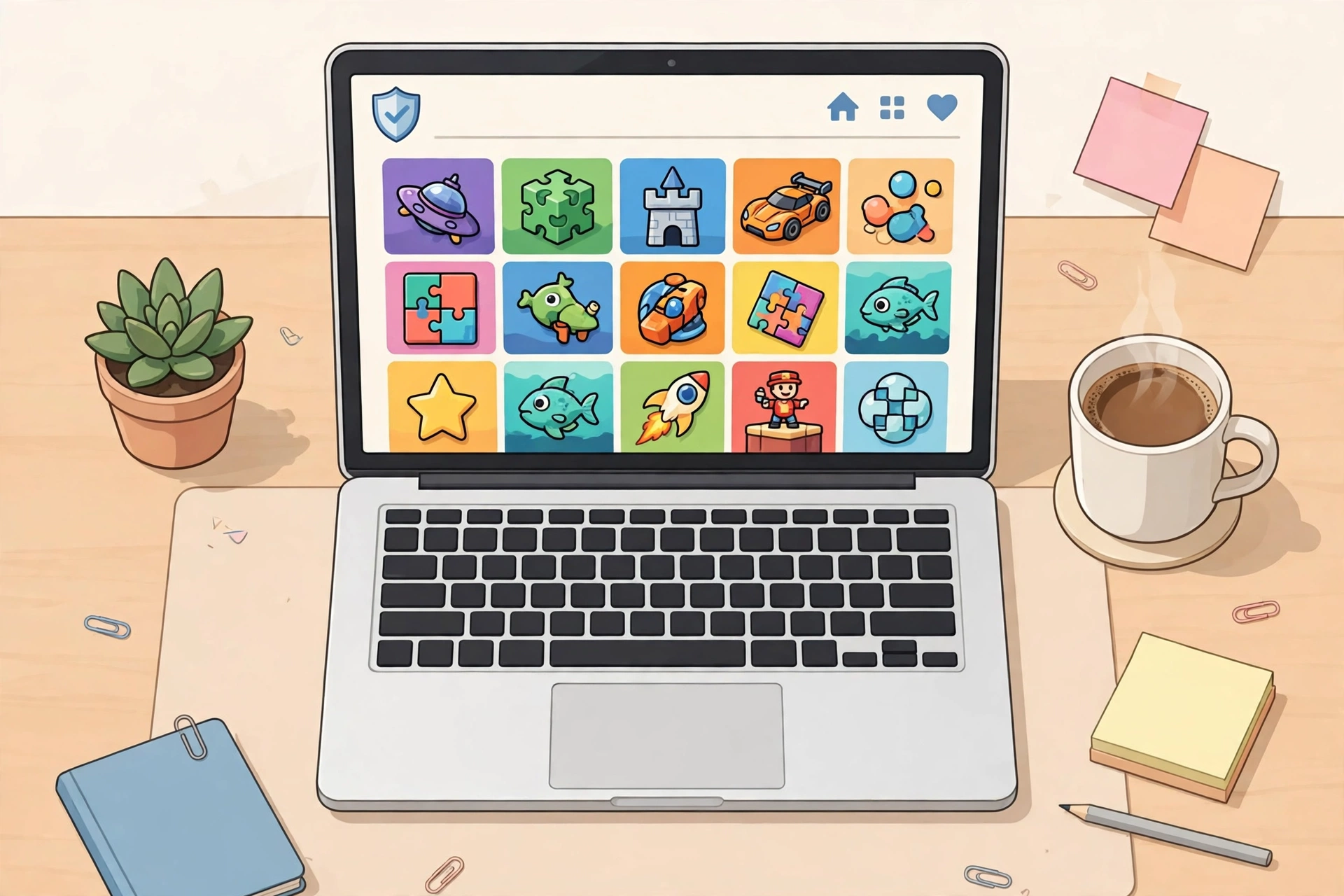
Because “Unblocked Games Premium” (and near-identical variants like “Unblocked Premium Games”) is used as a generic label by many independently run sites, safety varies enormously from one to the next. Some are genuinely just ad-supported game hubs with reasonable practices. Others actively promote VPN or proxy tools alongside their game library, or use browser extensions and proxy servers specifically to route around network restrictions, which is a materially different (and riskier) access model than simply hosting HTML5 games.
Real Risks Worth Knowing About
Intrusive Ads and Malware
Many unblocked games sites host aggressive ad networks with weaker vetting standards than mainstream platforms, and poorly maintained sites can expose visitors to malware, adware, or unwanted redirects through those ad slots specifically, not the games themselves.
VPN and Proxy Upselling
Several “Unblocked Games Premium” branded sites exist partly to funnel visitors toward VPN affiliate products, framing a VPN as an enhancement for “bypassing geo-restrictions” or improving access. Installing a VPN specifically to route around a school or workplace’s network policy carries real consequences if discovered, separate from any technical safety question.
Browser Extensions That Modify Network Behaviour
Some sites push a companion browser extension marketed under the same “Unblocked Games Premium” name, which actively modifies how your browser handles network requests to route around local restrictions. Installing extensions with this level of access is a genuine security consideration, since it’s a fundamentally different risk profile than simply visiting a webpage.
How to Actually Check a Specific Site
| Check | What It Tells You |
|---|---|
| Domain age (WHOIS lookup) | Very new domains warrant more caution, though age alone isn’t proof either way |
| Google Safe Browsing / VirusTotal scan | Flags known malware or phishing associated with the URL |
| Does it push a VPN, extension, or “premium” upsell? | A red flag for a different, riskier access model than simple game hosting |
| SSL certificate present | Baseline expectation, but not proof of legitimacy on its own since scam sites use them too |
A Genuinely Safer Alternative
Rather than gambling on which “Unblocked Games Premium” clone you’ve landed on, established platforms like CrazyGames, Poki, and Coolmath Games offer the same kind of HTML5 game libraries without the proxy, VPN, or extension-based access model that introduces most of the actual risk. Our best unblocked games websites guide covers these in more detail, including what makes a platform genuinely trustworthy versus just well-branded.
Frequently Asked Questions
Is it illegal to use an Unblocked Games Premium site?
Playing HTML5 games themselves isn’t illegal. The concern is whether accessing the site breaches your school or workplace’s Acceptable Use Policy, and whether the specific site’s practices (VPN upselling, extension installs) introduce genuine security risk.
Why do so many different sites use the same “Premium” name?
“Unblocked Games Premium” has become a generic, high-search-volume phrase that many independent site operators use to attract traffic, similar to how “76,” “wtf,” or “24h” have become genericised labels in this space rather than one single brand.
Does a professional-looking design mean a site is safe?
No, a polished appearance isn’t a reliable safety signal on its own. Checking for VPN/extension upselling and running an actual malware scan tells you more than visual design does.
A Worked Safety Check: Testing a Premium Site in Two Minutes
The fastest way to judge a site is to run a simple check before you play anything. Open the site and look at the address bar first. It should show a padlock and an address starting with https. That is a basic expectation, not a guarantee, because scam sites use https too, but a site without it is an instant no.
Next, click a game and watch what happens. A safe browser game loads inside the page. If clicking play triggers a download prompt, an installer, or a request to install a browser extension, stop there. A browser game never needs an installer or an extension to run, and any site that asks for one is using a different and riskier access model than simple game hosting.
Then check the ads. Play for a minute and count how many popups or new tabs open. One or two static banner ads is normal for a free site. Repeated popups, fake download buttons, or redirects to unrelated pages are a sign the ad network is poorly vetted. Close the tab if the ads keep fighting you, because the games are not worth the risk.
Finally, run the address through a free scanner before you trust it. Paste the URL into Google Safe Browsing or VirusTotal and read the result. A clean result is not proof of safety, but a flagged result is a clear reason to stay away. The whole check takes about two minutes, and it is worth doing once for every new Premium branded site you try.
What Happens If Your School or Workplace Catches You
The technical safety question and the policy question are two different things. Even a site that is technically clean can still breach your school or workplace Acceptable Use Policy if gaming is blocked on that network. Most school networks log the domains students visit, and repeated visits to gaming sites can show up in those logs.
The consequences vary. In many schools the first result is a warning and the site being added to the blocklist. Repeated use can mean detention, loss of device privileges, or a conversation with a parent. At work, bypassing a network filter can be treated as a policy violation and can affect a disciplinary record. These are real outcomes, and they apply even if nothing malicious happened on the site itself.
The safer choice is simple. Play on your own device and your own connection during your own time, and keep school or work devices for school or work. If you only have a break at school, use established platforms with a clean reputation rather than a random Premium clone, and never install a VPN or extension to get around a filter. The game is not worth a disciplinary record.
Can an Unblocked Games Premium site steal my passwords?
A website on its own cannot read passwords saved in your browser, but a malicious site can try to trick you into typing them into a fake login form, or push an extension that can see what you type. Never log in to anything from a gaming site, and never install its extension. If a site asks for an email or password before letting you play, leave.
Is there an official Unblocked Games Premium website?
No. There is no single official site behind the name. Dozens of unrelated sites use the same label, and none of them is the original or the authorised one. That is why the safety question has no single answer, and why you should judge each site on its own behaviour rather than trusting the name.
Final Thoughts
“Is Unblocked Games Premium safe” doesn’t have one universal answer because it’s not one website. Judge each specific site on its actual practices, particularly whether it’s pushing VPNs or extensions, rather than trusting a familiar-sounding name.
About the Author