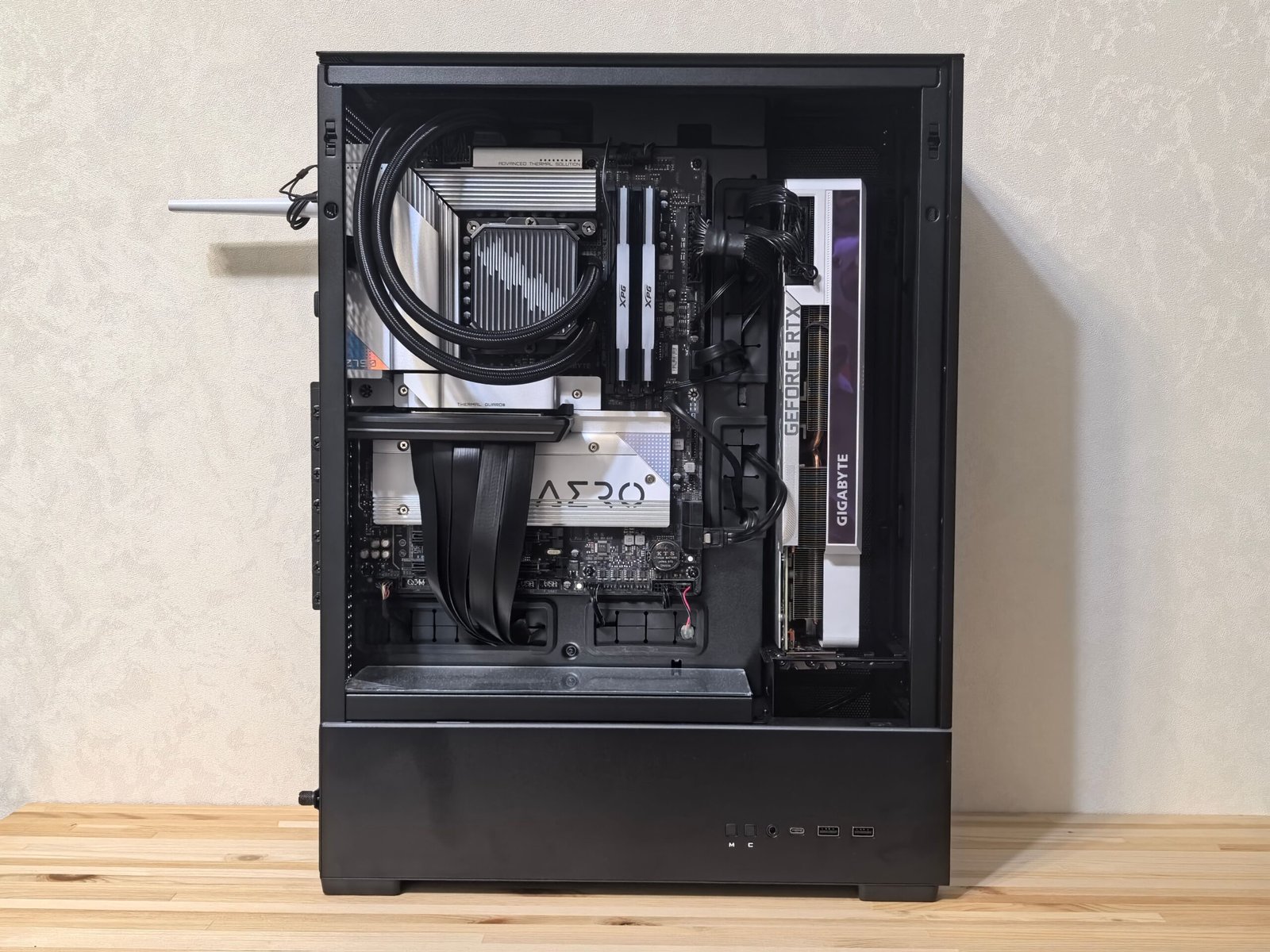
Smart component allocation matters more than total budget when building under £1000
A genuinely capable 1080p gaming PC for under £1000 is entirely realistic, provided you spend the budget on the right components rather than spreading it evenly. Here’s how to prioritise.
Where the Budget Should Actually Go
The GPU deserves the largest single share of a budget build, since it has the most direct impact on gaming performance. As a rough guide, aim for roughly 35 to 40% of your total budget on the graphics card, 15 to 20% on the CPU, and the remainder split across RAM, storage, motherboard, PSU, and case.
Component-by-Component Priorities
Graphics Card
Mid-range current-generation or previous-generation cards from Nvidia’s RTX 40/50 series or AMD’s RX 7000/9000 series offer the best value at this budget tier. The RTX 5060 (around $370-380) is the strongest all-round pick for 1080p in 2026, with the older RTX 4060 (around $270-300) and AMD’s RX 7600 or RX 7600 XT (around $250-270, with the XT’s 16GB VRAM notably higher than most Nvidia competitors at this price) covering the tighter end of the budget. Intel’s Arc B580 is also worth a look under $300 if you’re comfortable with less mature drivers in exchange for strong value. Avoid the very cheapest cards in a lineup, since the jump to the next tier up is usually a small price increase for a meaningful performance gain.
Processor
A mid-range 6-core CPU from AMD’s Ryzen 5 line or Intel’s Core i5 line is sufficient for gaming at this budget tier, since most games are more GPU-bound than CPU-bound at 1080p and 1440p. Spending significantly more on the CPU than the GPU is one of the most common budget-allocation mistakes in this price bracket.
RAM
16GB is the practical minimum for gaming in 2026, with 32GB worth considering if your budget allows, since some newer titles are increasingly RAM-hungry. Dual-channel configuration (two matched sticks rather than one) meaningfully improves performance over a single stick of the same total capacity.
Storage
A 1TB NVMe SSD is the sensible baseline, since modern games regularly exceed 50-100GB each and load times on SSDs are dramatically better than mechanical drives. Avoid allocating budget to a large mechanical hard drive at the expense of SSD capacity.
Sample Budget Allocation
| Component | Approximate Share |
|---|---|
| Graphics Card | 35-40% |
| Processor | 15-20% |
| Motherboard | 8-10% |
| RAM (16GB) | 6-8% |
| Storage (1TB NVMe) | 7-9% |
| PSU | 7-9% |
| Case | 5-7% |
Prebuilt vs Custom at This Budget
Prebuilt systems at the sub-£1000 tier sometimes cut corners on the PSU or motherboard to hit a price point, so check individual component specs before buying rather than trusting the headline GPU and CPU alone. A custom build gives more control over these often-overlooked parts, though it requires more research and assembly time.
Where Not to Cut Corners
The power supply is the component most worth avoiding cheaping out on, since a poor-quality PSU is a genuine fire and hardware-damage risk, not just a performance concern. Look for at least an 80 Plus Bronze certification, and don’t buy a PSU from an unfamiliar brand purely to save a small amount.
Once your PC is sorted, our gaming desk and chair guide, gaming mat guide, and gaming IEMs guide cover the rest of the setup around it.
Frequently Asked Questions
Can a £1000 gaming PC handle 1440p?
Yes, at medium to high settings in most titles, though native 4K and maxed-out ray tracing settings are generally outside this budget tier’s realistic capability.
Should I buy a monitor within this £1000 budget or separately?
Most budget guides assume the monitor is a separate purchase, since display quality needs vary hugely by preference and a good monitor can meaningfully outlast several PC upgrade cycles.
Is it cheaper to build or buy prebuilt at this budget?
It varies by current market pricing and sales, so it’s worth comparing both routes at the time of purchase rather than assuming one is always cheaper. Building typically gives more control over individual component quality.
Final Thoughts
A well-balanced sub-£1000 build genuinely competes on 1080p and moderate 1440p gaming, provided the budget is weighted toward the GPU and a quality PSU rather than spread evenly or overspent on the CPU. Component allocation matters more than the total budget figure alone.
About the Author