A good gaming mat protects your desk and improves mouse tracking
“Gaming mat” actually covers three quite different products, and knowing which one you need before you buy saves both money and disappointment. This guide covers all three: mouse mats, full desk mats, and floor mats for chairs with casters.
The Three Types of Gaming Mat
Mouse Mats (Mousepads)
The most common meaning, and the one most established brands build their reputation on. A dedicated surface for your mouse, sized to sit under your mouse and keyboard, or just the mouse alone. These come in cloth (fabric-topped, rubber base, the category SteelSeries’ QcK line has dominated in esports for over a decade) or hard surface (plastic or glass, where the Logitech G440 is a well-known reference point for pure speed).
Desk Mats
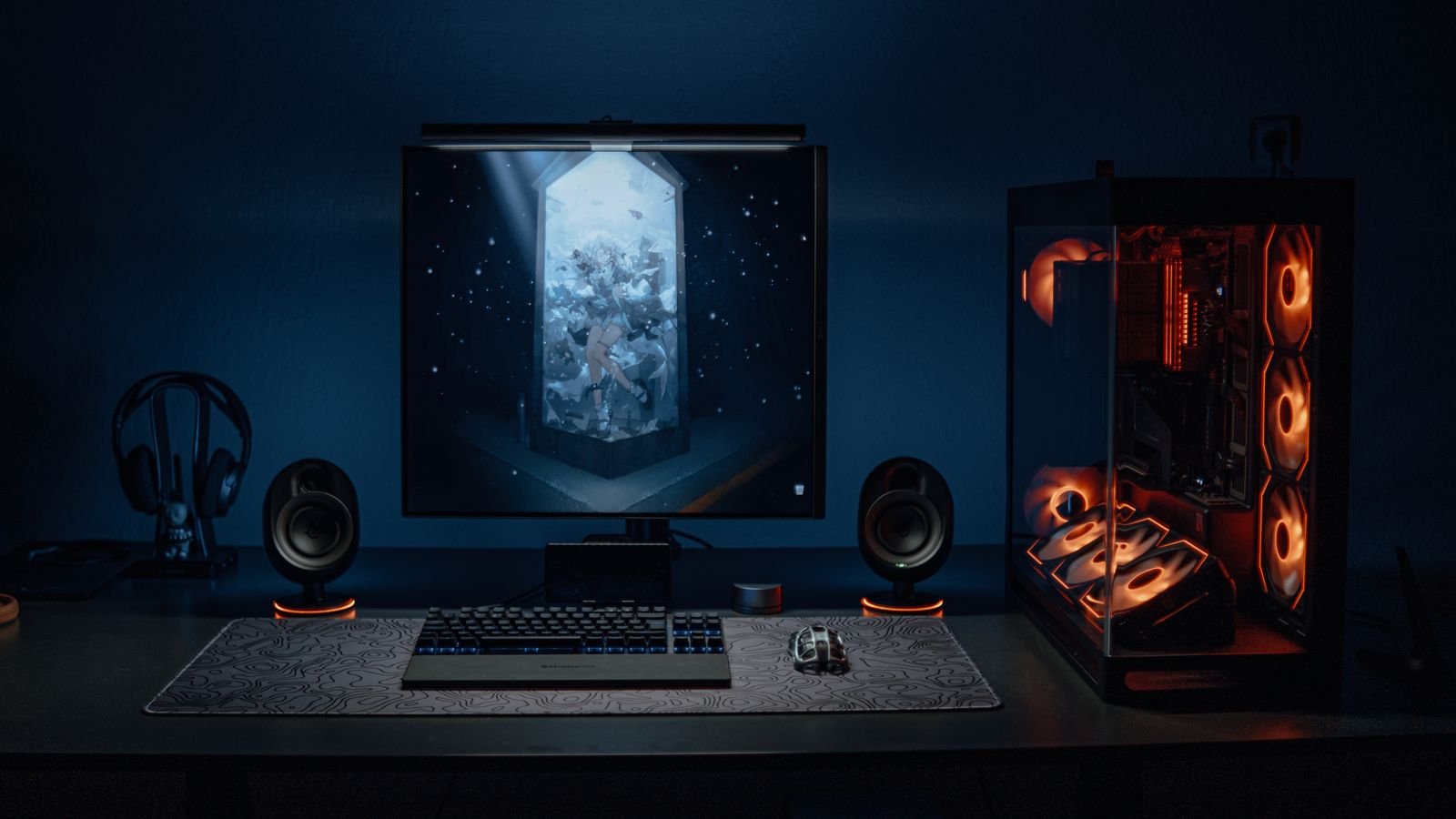
An extended version of the mouse mat that covers most or all of your desk surface, protecting the desk from scratches, spills, and RGB light bleed while giving a uniform surface for both mouse and keyboard. These are typically cloth-topped and roll up for storage or travel.
Floor/Chair Mats
A hard, low-friction mat placed under a gaming chair’s casters, protecting carpet from wear and wheel marks, or protecting hardwood and laminate floors from scratches. Essential if your chair sits on anything other than a hard, scuff-resistant floor.
Cloth vs Hard Surface Mouse Mats
| Cloth Mat | Hard Surface Mat | |
|---|---|---|
| Mouse glide | Smooth, slightly higher friction | Fastest glide, very low friction |
| Precision | Better for slower, precise tracking | Better for fast flick movements |
| Durability | Wears and frays over time | Very durable, doesn’t fray |
| Best for | Most genres, general use | Competitive FPS, high-sensitivity play |
Sizing a Desk Mat
Desk mats follow a few fairly consistent industry size bands: small (around 240-300mm x 200-250mm) for high-sensitivity setups needing less mouse travel, medium (300-400mm x 250-350mm) for limited desk space, large (450-500mm x 350-450mm) for low-to-high DPI gaming with room to spare, and extra-large or “extended” mats (500-950mm x 290mm and up, like the Razer Gigantus V2 at 1220x610mm) that cover the entire desk including keyboard, mouse, and monitor stand. Measure your actual desk surface before buying rather than guessing, since an oversized mat will curl at the edges and a too-small one leaves an awkward strip of bare desk.
What to Look for in a Floor Mat
Floor mats for gaming chairs are usually rated by weight capacity and floor type. A PVC or polycarbonate mat with a smooth (not studded) underside works on carpet, while hardwood and laminate floors need a mat specifically rated for hard floors, since carpet-rated mats can scratch hard surfaces through grit trapped underneath. Look for a mat rated for at least 120kg if you’re a heavier user or the chair itself is substantial.
Do You Actually Need All Three?
Not necessarily. A mouse mat is worth having regardless of setup, since bare desk surfaces (especially wood or glass) genuinely hurt tracking precision. A desk mat is more of an aesthetic and desk-protection choice than a functional necessity. A floor mat is only essential if you’re on carpet or a floor type prone to scratching from chair casters, in which case it’s genuinely worth the investment to protect your flooring.
Once your desk surface is sorted, our gaming desk and chair guide covers the rest of the physical setup.
Frequently Asked Questions
Does a mouse mat actually improve gaming performance?
It improves tracking consistency rather than raw performance. A dedicated mat gives your mouse sensor a uniform surface to read, which reduces erratic cursor movement compared to tracking directly on a desk, particularly glass or glossy wood surfaces.
Can I use a desk mat with a mechanical keyboard?
Yes, and many people prefer it. A cloth desk mat softens the sound of keyboard feet on a hard desk slightly and gives a consistent surface for both keyboard and mouse.
What size floor mat do I need for a gaming chair?
A general rule is to allow enough space for the chair to roll and swivel without the casters leaving the mat, typically around 90x120cm for most desk setups, larger if you move around a lot while playing.
Final Thoughts
“Gaming mat” can mean three genuinely different products, so work out which problem you’re actually solving, mouse tracking, desk protection, or floor protection, before you buy. Most setups benefit from at least a proper mouse mat; the other two are situational depending on your desk material and flooring.
About the Author