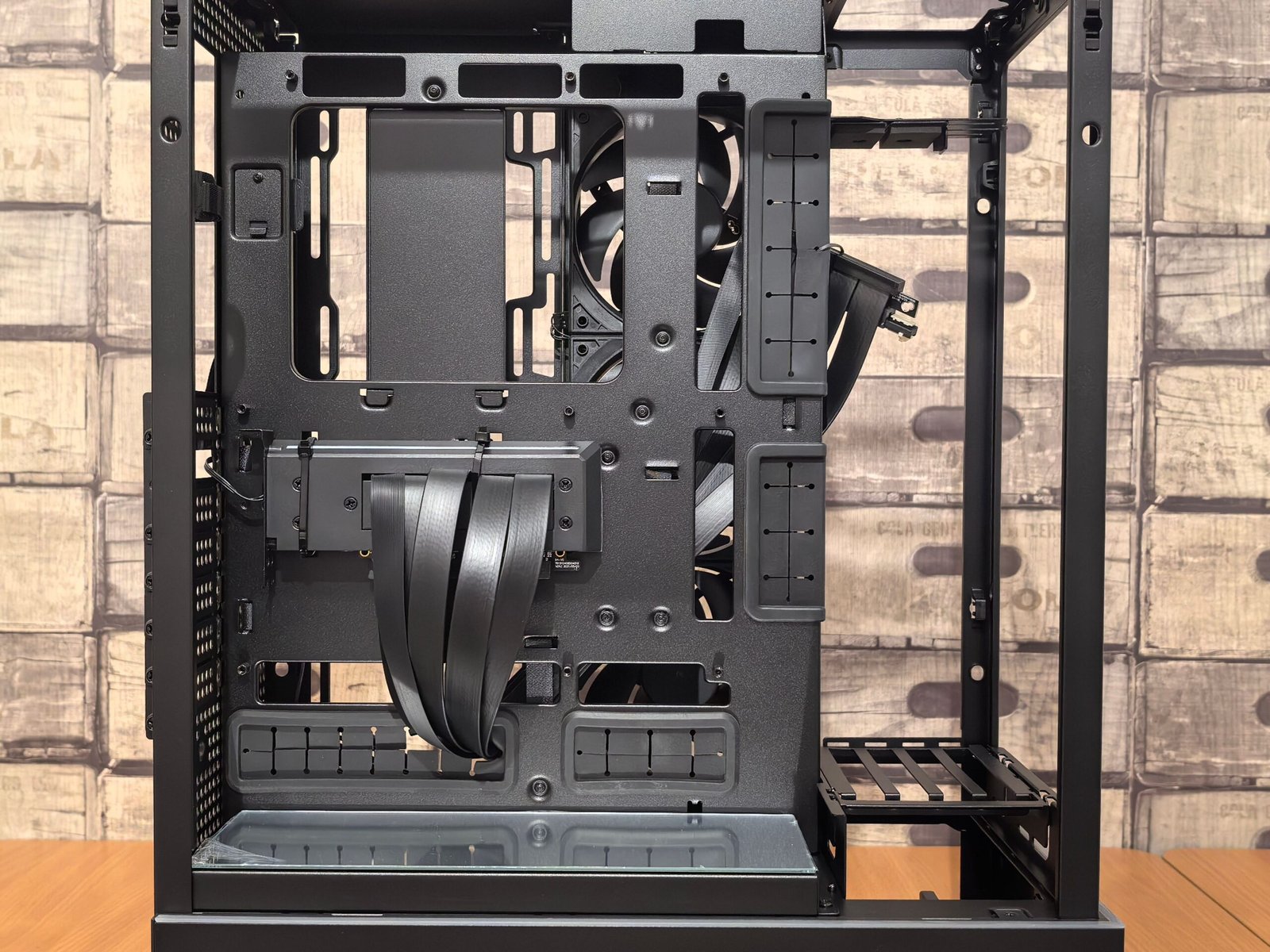
Checking internal components before buying a refurbished desktop matters more than the exterior
A refurbished gaming desktop is generally an easier and lower-risk buy than a refurbished laptop, mainly because desktop components are easier to inspect, test individually, and replace later if something underperforms. Here’s what to actually check.
Why Desktops Are Lower Risk Than Laptops When Refurbished
Every major component in a desktop, the GPU, RAM, storage, and PSU, is a standard, replaceable part rather than soldered or proprietary. If one component underperforms or fails after purchase, it can usually be swapped out individually rather than needing to replace or return the whole machine, which isn’t the case with most gaming laptops.
Key Checks Before Buying
GPU Condition and Mining History
This is the single most important check specific to desktop GPUs. Cards previously used for cryptocurrency mining were often run at high load continuously for months, which accelerates fan bearing and thermal paste wear even if the card still benchmarks fine. Ask sellers directly whether a GPU has mining history, and be cautious of unusually cheap high-end cards without a clear explanation.
PSU Age and Wattage
Power supplies degrade with age and heavy use, and an underpowered or ageing PSU is a common cause of random shutdowns under gaming load. Check the PSU’s rated wattage against the GPU’s recommended power draw, and treat a PSU older than five years with more caution regardless of its rated output.
Storage Drive Health
If the listing specifies an SSD or HDD, ask for the drive’s power-on hours or health percentage if available. SSDs have a finite write endurance, and a heavily used drive from a previous owner is worth checking or budgeting to replace, particularly since storage upgrades are relatively cheap compared to other components.
Case Airflow and Dust
A quick look at listing photos for dust buildup in fans and filters tells you a lot about how well the previous owner maintained the system. Heavy dust buildup, even if cosmetic, suggests the internals likely need a proper clean and possibly a thermal paste reapplication before gaming performance is fully back to expected levels.
Refurbished Desktop vs New Build: Cost Comparison
| Refurbished Desktop | New Equivalent Build | |
|---|---|---|
| Typical savings | 25 to 45% off equivalent new spec | Full retail price |
| Warranty | Varies, 90 days to 1 year typical | 1 to 3 years standard on components |
| Upgrade path | Same as new, fully standard parts | Same as new, fully standard parts |
| Risk level | Moderate, depends on seller and grading | Low |
Questions to Ask the Seller
Before buying, it’s worth directly asking: what testing was performed before listing, whether the GPU has any mining or heavy commercial use history, what the warranty covers and for how long, and whether original packaging or proof of component authenticity is included. Marketplaces like Back Market apply a consistent Fair/Good/Excellent cosmetic grading scale (never affecting performance) alongside an up-to-100-point inspection and standard 1-year warranty, which gives more accountability than an unverified third-party listing. A seller who can’t or won’t answer these clearly is a reasonable signal to look elsewhere.
If you’re deciding between a desktop and a laptop, our refurbished gaming laptop guide covers the equivalent checks for portable builds.
Frequently Asked Questions
Is it safe to buy a refurbished desktop with an unknown GPU history?
It’s not necessarily unsafe, but it adds uncertainty. Ask directly about mining or heavy commercial use, and factor a potential fan or thermal paste service into your budget if the seller can’t confirm the card’s history.
Can I upgrade a refurbished gaming desktop later?
In almost all cases, yes. Desktops use standard component sizes and connectors, so RAM, storage, GPU, and even the PSU can typically be upgraded individually as needed, unlike most laptops.
What warranty length should I expect on a refurbished desktop?
Anywhere from 90 days to a full year is common depending on the seller. Manufacturer and large retailer refurbishment programmes tend to offer the longer end of that range.
Final Thoughts
A refurbished gaming desktop is generally a safer refurbished purchase than a laptop, mainly because every component is standard, inspectable, and individually replaceable. Focus your checks on GPU history, PSU age, and warranty terms, and the savings over a new build are usually worth it.
About the Author