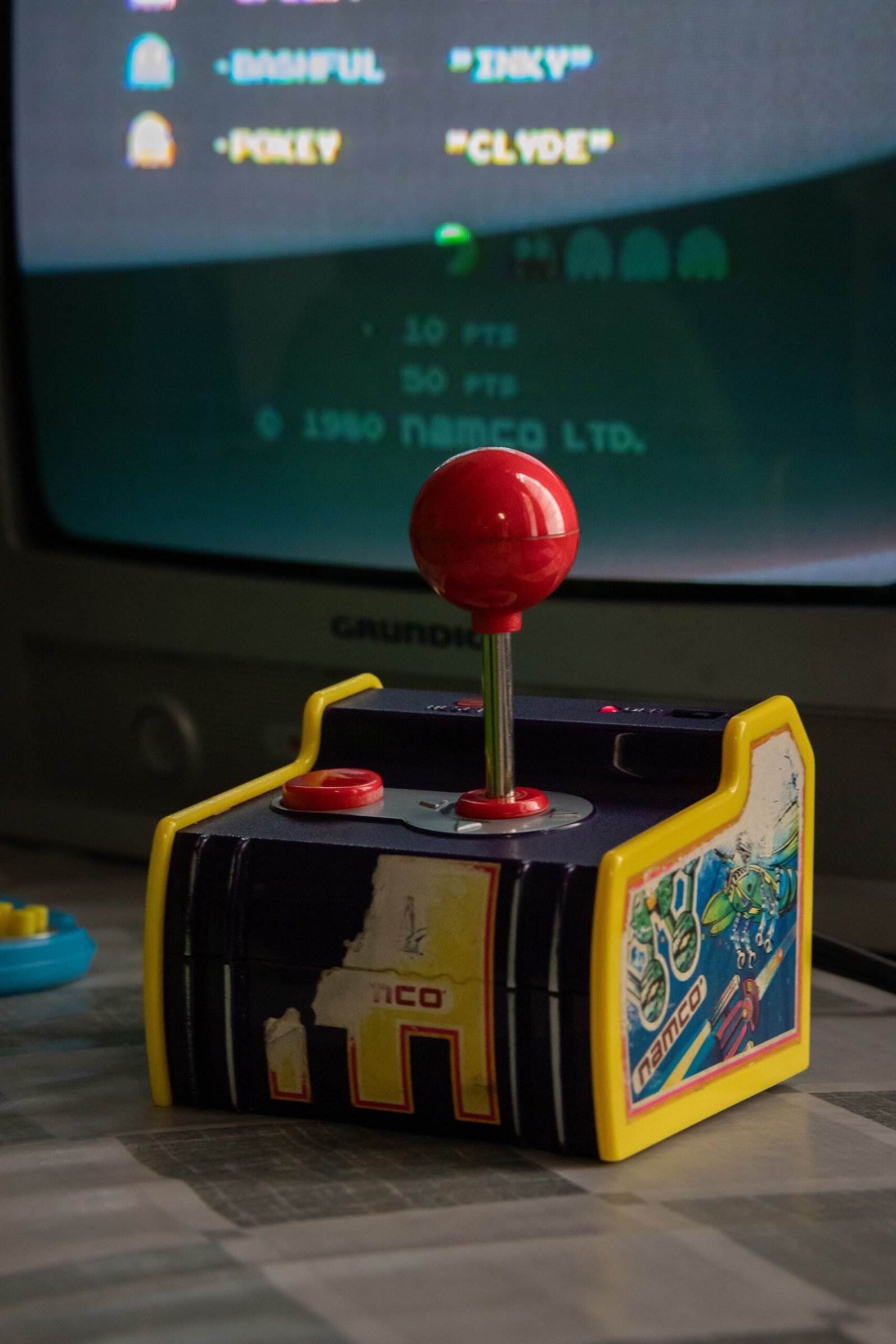
The BattleXP G350 shares its shell with the popular Anbernic RG35XX Pro
The BattleXP G350 has built a reputation as one of the more capable budget retro handhelds, typically priced under £35, and it borrows its shell directly from the popular Anbernic RG35XX Pro. That shared design brings some real advantages beyond just the price tag.
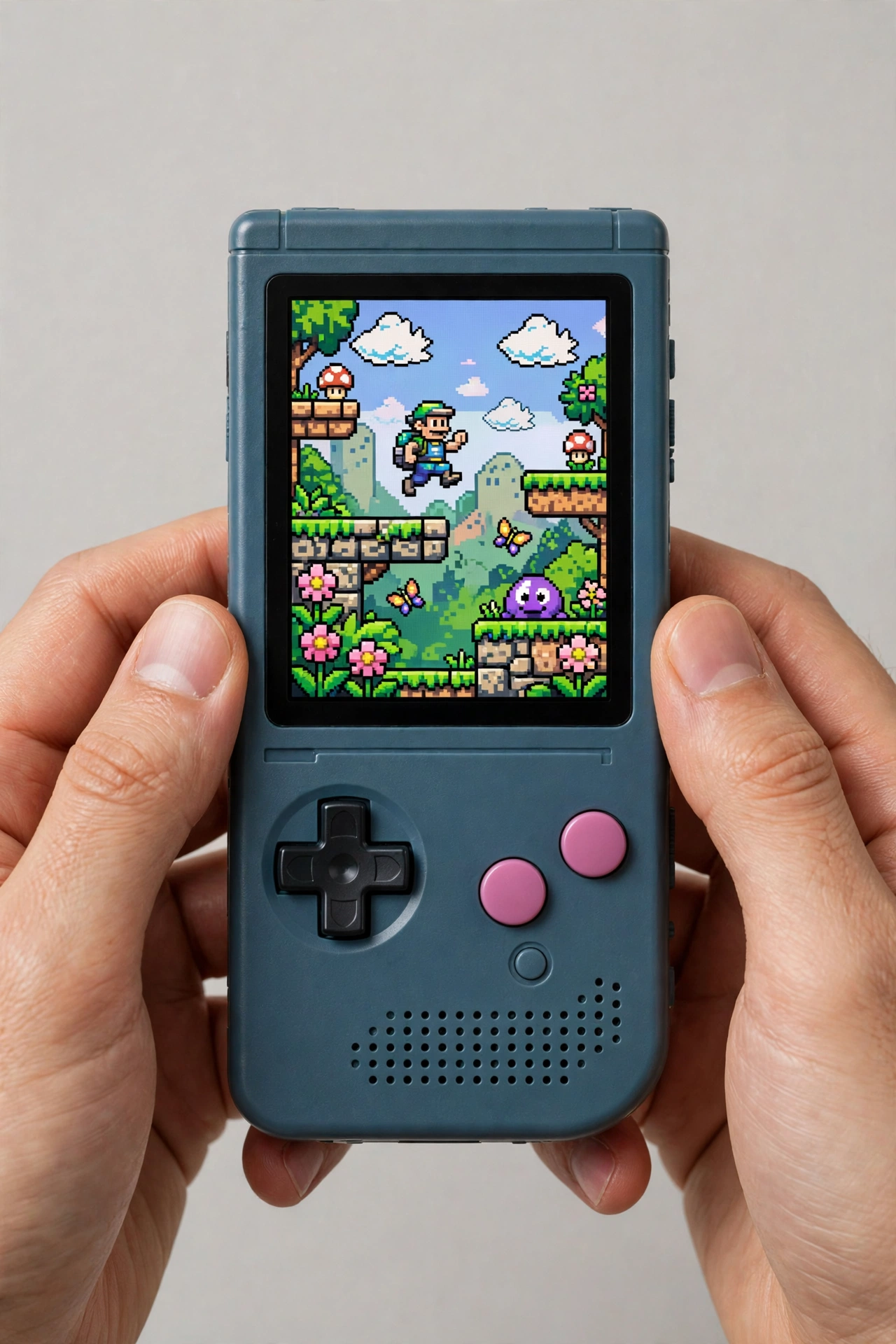
BattleXP G350: Key Specifications
| Feature | Detail |
|---|---|
| Screen | 3.5″ IPS, 640×480, 4:3 aspect ratio, OCA full lamination |
| Chipset | Rockchip RK3326 quad-core, 1.5GHz |
| GPU | Mali-G31 MP2 |
| RAM | 1GB |
| Battery | 3200mAh, roughly 4-7 hours of play |
| Storage | Dual microSD slots, up to 256GB each |
| Bundled OS microSD card | Branded Kioxia card, which is safer to keep using than the no-name cards bundled with most rivals |
| Connectivity | USB-C, 3.5mm audio jack, no built-in Wi-Fi/Bluetooth |
| Operating system | Linux-based, ships with BatleXP firmware, supports ArkOS/MinUI flashing |
G350 Price in Late 2026
The price has fallen further in late 2026. An AliExpress deal on 1 Nov 2026 priced the G350 at $27 with a promo code, while Notebookcheck, updated 5 Oct 2026, listed $33.69 on AliExpress and $49.99 on Amazon. In GBP, that is roughly £20-27 on AliExpress and about £37 on Amazon. That means the usual under £35 price still holds for AliExpress but no longer for Amazon. Sale prices swing with promo codes, so check the current deal before buying.
What the G350 Gets Right
Belonging to the same shell family as the RG35XX Pro gives the G350 a genuine build quality edge. It has the same textured grip, physical volume buttons, thick 30-degree tapered D-pad design, a power button that stays put, and a nice coated plastic construction.
The 3.5-inch IPS screen is bright, colourful, and protected by OCA full lamination, which helps keep glare down. The look of this handheld is instantly recognisable to anyone who has seen the RG35XX Pro, and the controls carry over just as faithfully: a tactile D-Pad, four concave action buttons, proper start and select buttons plus volume controls, hall effect joysticks and shoulder triggers with a genuinely premium feel.
With the RK3326 quad-core 1.5GHz processor and 1GB of RAM, the G350 handles PS1 with ease, running demanding titles like Gran Turismo 2 at only 50% CPU usage. It also handles N64 games like Smash Bros and Mario Kart 64, as well as Dreamcast and PSP, though more demanding systems can push its 1GB RAM ceiling.
The 3200mAh battery delivers about 4-7 hours of play, depending on the system and workload, though the final time changes with the game and screen brightness.
Where the G350 Falls Short
No Wi-Fi or Bluetooth, a big downside in this range. It means no wireless controller pairing with your TV, no RetroAchievements, no easy game updates, and no online play or features. You have to set everything up over USB-C or swap in a microSD card.
1GB of RAM is a ceiling. If you want to run heavier emulators or more modern games, the RAM limit becomes a bottleneck. Sadly, this may hold back your favourite games in the next year or two.
BattleXP G350 vs 2026 Step-Up Options
| Device | Price | What the extra money buys |
|---|---|---|
| BattleXP G350 | Roughly £20-27 on AliExpress, about £37 on Amazon | No Wi-Fi, with a 1GB RAM ceiling |
| Anbernic RG40XX V | About $50 | Wi-Fi, better performance and video out |
| Anbernic RG-35XX H | About $68 | Wi-Fi, better performance and video out |
| Miyoo A30 | About $49 | Wi-Fi, better performance and video out |
| TrimUI Smart Pro S | About $90 | Wi-Fi, better performance and video out |
Step Up From the G350
If you can spend a little more, these are the current 2026 step-up options from the G350:
- Anbernic RG40XX V (about $50): the extra money buys Wi-Fi, better performance and video out.
- Anbernic RG-35XX H (about $68, the consensus pick under $100): the extra money buys Wi-Fi, better performance and video out.
- Miyoo A30 (about $49): the extra money buys Wi-Fi, better performance and video out.
- TrimUI Smart Pro S (about $90): the extra money buys Wi-Fi, better performance and video out.
Who the G350 Suits
The G350 suits budget-conscious retro gamers who mainly play PS1 and other classics. The straightforward Linux-based operating system suits users happy with a plug-and-spot system, while the lack of Wi-Fi makes it less appealing for anyone who wants a more connected experience. The missing Wi-Fi also locks out achievement syncing, box art scraping and easy file transfer.
A Quick Look at the G350’s Firmware
Custom Firmware Support
ArkOS is the most popular custom firmware here. It is stable, well-documented, and supports a great deal of tweaking. You can also use MinUI on the G350 (non-ArcOS-based) thanks to the known support from a G350 user community.
dArkOS, a fork of ArkOS, now installs cleanly on the G350, and it is the only ultra-budget device in its class that runs modern custom firmware without control-inversion problems. PortMaster runs on it, including Half-Life 2, and the device has a vibration motor the R36S lacks.
Game Library
The G350 comes with a dual microSD card setup, featuring one card for the operating system and another for games, allowing for a large pre-installed library. It supports over 20,000 pre-installed games across various systems, including PS1, N64, Dreamcast, and more, making it a great choice for retro gaming fans who want a large selection of classic titles right out of the box.
BattleXP G350 in Everyday Use
BattleXP G350 vs R36S: Which Budget Handheld Wins in 2026
The R36S has been the default budget handheld for years, and it is the device every new rival gets compared against. The G350 is the first rival that beats it in almost every area that matters, while costing about the same money. Here is how the two stack up head to head.
Build quality is the biggest gap. The R36S feels cheap in the hand, with a hollow shell and buttons that sit too close together. The G350 borrows its shell from the Anbernic RG35XX Pro, so it has a solid coated plastic body, a proper textured grip, and buttons that feel like they belong on a more expensive device. Pick both up blind and the G350 is the one you would guess costs more.
The controls tell the same story. The G350 has a large D-pad with good pivot and solid accuracy, four separate concave action buttons, and hall effect joysticks and shoulder triggers with a premium feel. The R36S has a stiff D-pad and buttons that are joined together, which is why some owners cut them apart with a knife. The G350 also has a vibration motor, which the R36S lacks entirely, and that small detail makes a real difference in games that use rumble.
Software is the third win for the G350. The R36S ships with a basic ArkOS build that works but feels rough around the edges. The G350 ships with BatleXP firmware, which is an ArkOS clone, and it also runs proper ArkOS cleanly after a simple flash. It is the only ultra-budget device in its class that runs modern custom firmware without the control-inversion problems that plagued other cheap handhelds. MinUI and dArkOS run on it too, so you are not locked into one system.
The comparison is not one-sided. Both devices use the same Rockchip RK3326 chip and 1GB of RAM, so performance is identical. Both have a 3.5-inch 640 by 480 screen, and both lack Wi-Fi. The R36S is sometimes a few pounds cheaper on sale, and it has a larger community because it has been around longer. But if both are the same price, the G350 is the better buy. It feels better, controls better, and runs better software, for the same money.
A Week With the G350: Everyday Use in Practice
Specs only tell half the story, so here is what a week of daily use actually feels like. The G350 weighs 191 grams and measures about 128mm tall, which means it slips into a jacket pocket without a bulge. It is not as small as a phone, but it is small enough to carry everywhere without thinking about it. The coated plastic shell picks up fingerprints, but it also survives being dropped on a hard floor without a crack, which matters more.
Battery life holds up in real use. The 3,200mAh battery gives about four to seven hours depending on what you play. PS1 games sit near the top of that range, while N64 and Dreamcast pull it down towards four hours. A full charge from empty takes about two hours over USB-C. For a daily commute or a long evening on the sofa, that is enough, and topping up from a phone charger works fine.
The screen is good indoors and usable outdoors. The 3.5-inch IPS panel is bright and colourful, and the full lamination keeps glare down. In direct sunlight it washes out like every budget screen does, but in shade or on a train it stays readable. The 4:3 aspect ratio is the right shape for the retro games this device is built for, so there are no black bars on the sides.
Long sessions are comfortable. The hall effect sticks do not drift, the shoulder buttons are quiet and easy to reach, and the tapered D-pad stays accurate after hours of play. Your hands will tire before the controls do. One practical tip is worth following on day one. The games microSD card that ships in the box is unbranded and unreliable, so copy your games to a branded card from SanDisk or Samsung before you build up a save library you care about. The operating system card is a branded Kioxia card and is safe to keep using as it is.
Is the BattleXP G350 better than the R36S?
Yes, for most buyers. The G350 has a better shell, a better D-pad, separate action buttons, a vibration motor, and cleaner custom firmware support, all for about the same price. Performance is identical, because both use the same RK3326 chip. The R36S only wins if you find it much cheaper on sale or you want its larger owner community.
What microSD card should you buy for the G350?
Buy a branded card from SanDisk or Samsung, 128GB or 256GB, and use it for your games. The bundled games card is unbranded and can fail without warning, which would lose your saves. Keep the branded Kioxia operating system card that ships in the device, because it is reliable, and only replace the games card.
BattleXP G350: Final Thoughts
The BattleXP G350 is a budget retro handheld that punches above its price. It has a great build, a good screen, and PS1 emulation that runs well, all for typically under £35. The 1GB RAM ceiling and the omission of Wi-Fi are its main limitations, but within those limits, this handheld rarely misses.
About the Author