Retro handhelds range from budget emulation devices to premium multi-system consoles
The retro handheld market has exploded in the last few years, spanning everything from £25 budget emulation devices to premium multi-system consoles well over £200. Picking the right one depends far more on which era of games you want to play than on chasing the highest spec sheet.
Understanding What “Retro Handheld” Actually Means
Most modern retro handhelds are dedicated emulation devices, running Linux-based firmware that emulates classic console hardware rather than containing original hardware itself. This means their real limiting factor isn’t nostalgia value but raw processing power, since emulating a PlayStation or N64 accurately takes considerably more computing power than the original console itself required.
Choosing by Emulation Target
Budget Tier: NES to PS1 Era
Entry-level handhelds built around chips like the Rockchip RK3326 handle 8-bit and 16-bit consoles (NES, SNES, Genesis, Game Boy) flawlessly and PS1/GBA titles well. The Miyoo Mini Plus (around £45-70) is the benchmark budget pick thanks to its mature custom firmware, while Anbernic’s RG35XX range and RG40XX V offer a bigger screen and longer battery life for a similar price. Anbernic floods the market with affordable Linux-based handhelds in nearly every shape and size, while Miyoo takes a more conservative, tightly optimised approach on fewer models. Anything more demanding than PS1/GBA tends to be inconsistent at this tier, so keep expectations aligned with that generation.
Mid Tier: PS1 to PSP/Dreamcast Era
Retroid’s Android-based Pocket line is the standout here, with the Retroid Pocket 5 handling most PS2 and GameCube titles (often upscaled) on a Snapdragon 865 and AMOLED screen, though Android setup is fiddlier than the plug-and-play Linux devices from Anbernic or Miyoo. Expect to pay £150-220 for genuinely reliable performance at this tier, with compatibility still varying by specific game rather than being a guarantee across the board.
Premium Tier: GameCube, Switch-Era Emulation
AYN’s Thor and the Retroid Pocket 6 sit at the top of the dedicated handheld market, alongside Valve’s Steam Deck OLED, capable of GameCube and even some Switch emulation. Expect £250-400+ and more setup complexity than dedicated retro-focused devices, plus be aware that an ongoing 2026 memory chip shortage (nicknamed the “RAMpocalypse” by enthusiast press) has pushed prices on premium models like the AYN Thor up multiple times this year.
Comparison by Budget Tier
| Tier | Price Range | Reliable Emulation Up To | Best For |
|---|---|---|---|
| Budget | £25-45 | PS1, GBA | First-time buyers, casual use |
| Mid | £80-150 | PSP, Dreamcast, N64 (mostly) | Broader library, more reliable performance |
| Premium | £150-400+ | GameCube, some Switch titles | Enthusiasts wanting the widest range |
Key Specs Worth Understanding
Screen
A 4:3 aspect ratio screen matches the original proportions of most retro consoles, avoiding the stretching or letterboxing that happens on widescreen displays. IPS panels offer better colour and viewing angles than cheaper TN panels, which matters for handhelds you’ll often use at an angle.
Battery Life
Battery capacity varies significantly by device, but 4-7 hours of continuous play is a reasonable expectation at the budget tier, with better-optimised or larger-battery devices extending further. More demanding emulation (higher console generations) drains battery faster than simple 8-bit titles.
Storage and Game Libraries
Nearly all dedicated retro handhelds rely on microSD cards for game storage rather than fixed internal memory, and dual card slots (common on many devices) let you separate your operating system card from your game library card, useful if you want to reflash firmware without losing your collection.
Custom Firmware: Worth Knowing About
Many budget and mid-tier handhelds ship with basic stock firmware but support flashing community-built alternatives like ArkOS or MinUI, which generally offer a cleaner interface, better performance tuning, and more customisation than what ships out of the box. This is common enough across the hobby that it’s worth checking whether a device you’re considering has active community firmware support before buying.
For a look at a specific budget option, our BattleXP G350 review covers one of the more popular entry-level devices in detail.
Frequently Asked Questions
Do I need to own the original games to use a retro handheld?
This depends on the games’ current copyright status and your local laws around software backups and emulation, which vary by region. It’s worth understanding the legal position in your own country before loading a device with game files.
Is Wi-Fi important on a retro handheld?
Not for actual gameplay, since emulated retro games don’t need internet access, but Wi-Fi does make transferring files, artwork, and firmware updates considerably easier. Budget devices often omit it to keep costs down.
What’s the difference between a horizontal and vertical form factor?
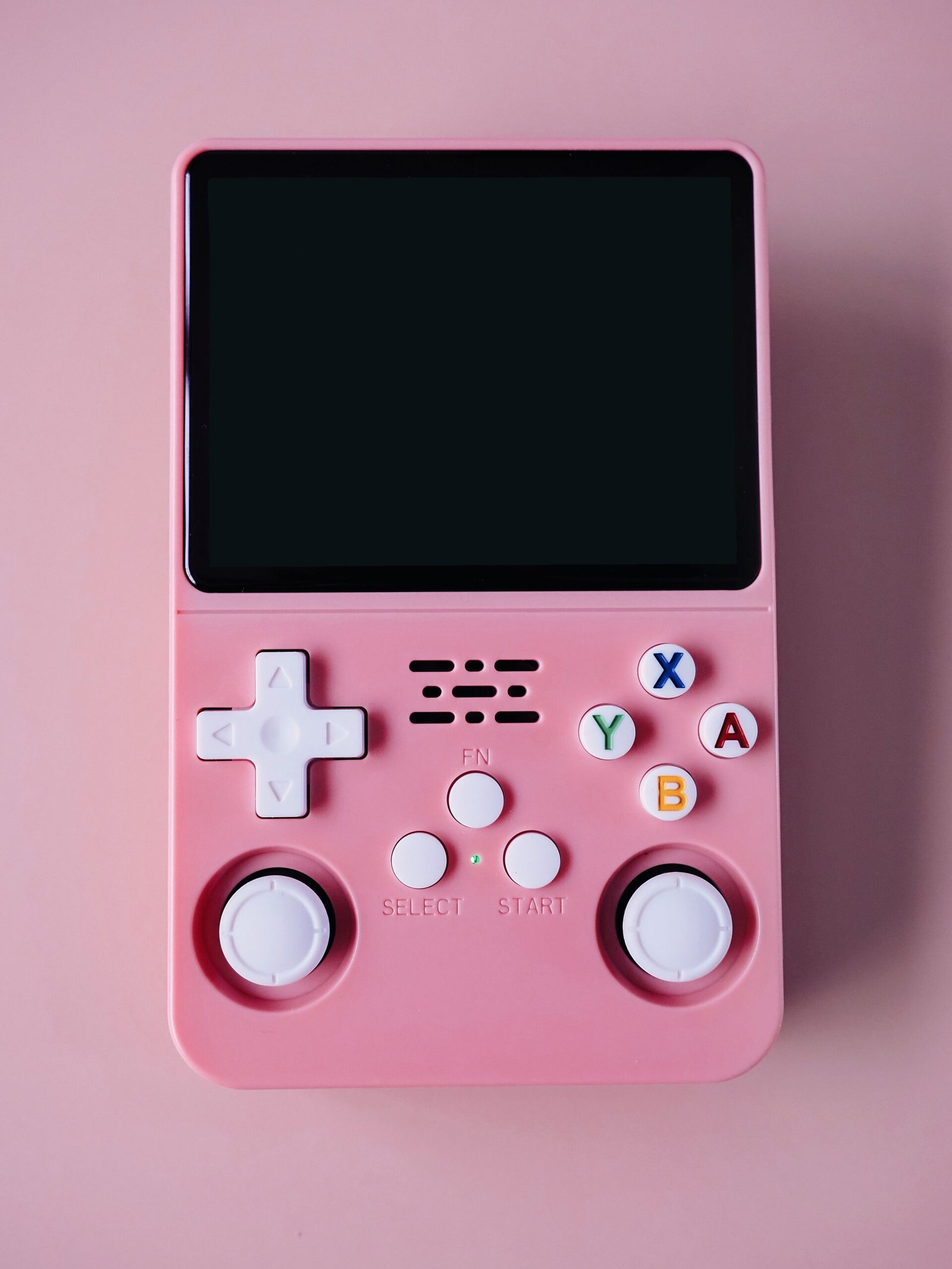
Horizontal devices resemble a traditional console controller shape and suit console-style games like SNES or Genesis titles, while vertical devices echo the original Game Boy shape and can feel more natural for portrait-oriented or simpler titles.
Final Thoughts
Match the handheld to the console generation you actually want to play rather than buying the most powerful device available. A budget device that handles your target games flawlessly beats an expensive one that’s overkill for what you’ll actually use it for.
About the Author