Horror browser games rely on atmosphere and sound design rather than graphical horsepower
Horror games have always translated surprisingly well to the browser. They don’t need cutting-edge graphics to be effective, since tension comes from sound design, pacing, and atmosphere rather than raw visual horsepower, which makes the genre a natural fit for lightweight HTML5 titles.
Why Horror Games Work So Well in the Browser
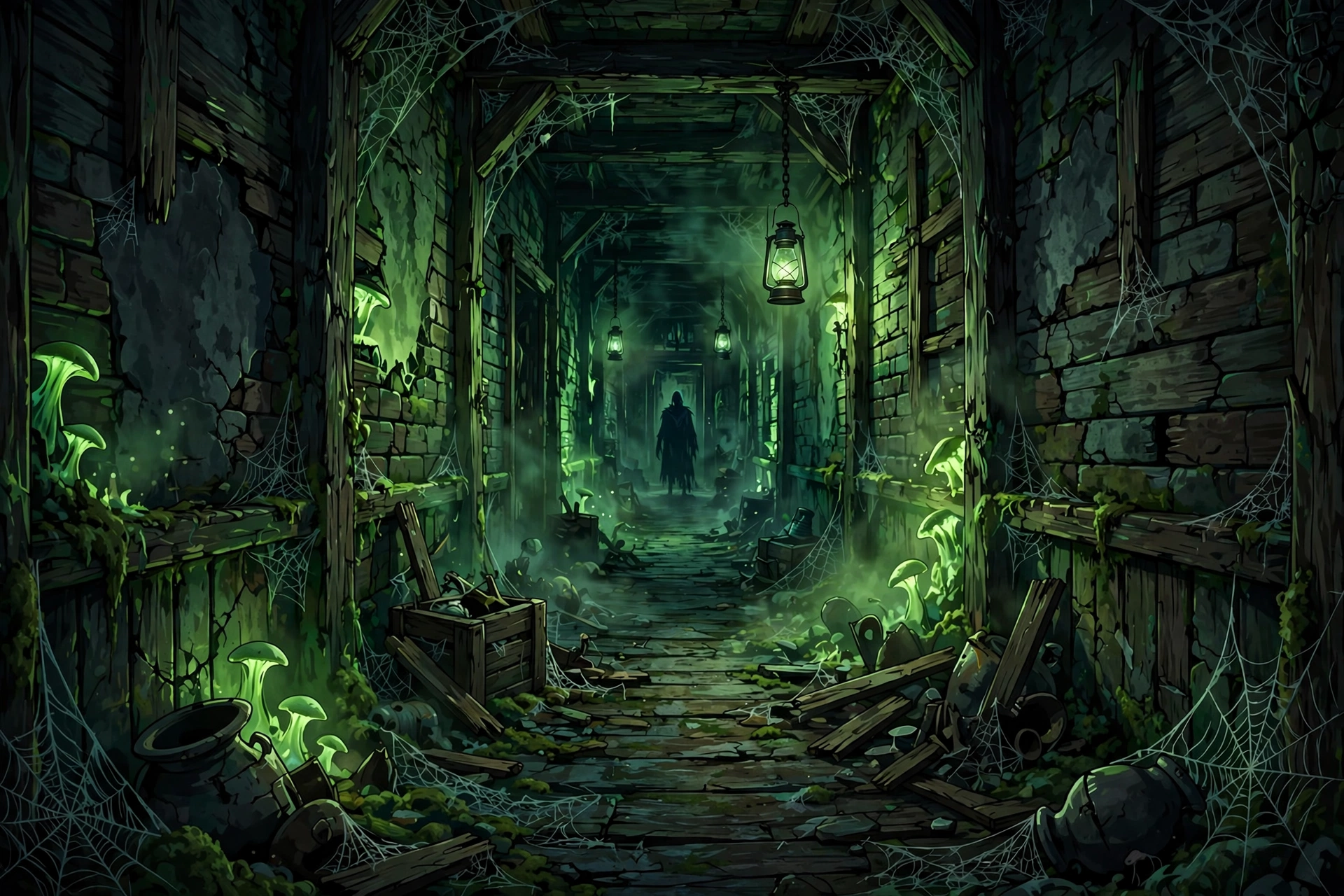
Unlike action or racing games, horror doesn’t rely on fast reflexes or complex physics, both of which are harder to pull off in a lightweight browser engine. A dark corridor, a distant sound cue, and a slow build-up cost very little in terms of processing power but can be genuinely unsettling, which is why some of the most effective horror games in existence are small, freeware, browser-friendly titles rather than big-budget productions. Itch.io alone tags well over a thousand free browser-playable titles under Horror, further split into Psychological Horror, Survival Horror, and Point & Click subcategories, which gives a good sense of how much genuine variety exists at the small-scale, independently made end of the genre.
Types of Browser Horror Games
Jumpscare-Focused
These rely on sudden audio and visual shocks after a period of tension-building, and titles inspired by the Five Nights at Freddy’s formula (static-camera survival against something approaching) are especially common in this style. They’re short, replayable, and don’t require much setup to understand.
Psychological and Atmospheric
Slender: The Eight Pages, a freeware title from Parsec Productions, is one of the genre’s most influential browser-era horror games, built entirely around escalating dread rather than jump scares. Games in this style favour slow pacing, minimal HUD, and sound design over explicit threats.
Escape and Puzzle Horror
These combine horror atmosphere with light puzzle-solving, usually built around finding a way out of a location while something in the environment actively works against you. They tend to run well in the browser since puzzle mechanics are computationally simple compared to combat systems.
Comparison Table
| Style | Pace | Best For |
|---|---|---|
| Jumpscare-focused | Fast, short sessions | Quick breaks, replayability |
| Psychological/atmospheric | Slow build-up | Longer, immersive sessions |
| Escape/puzzle horror | Moderate, methodical | Players who enjoy problem-solving |
Is It Safe to Play Horror Games in a Browser?
The genre itself doesn’t carry any special safety risk beyond the usual browser-gaming precautions. Stick to established platforms like CrazyGames, Poki, or itch.io rather than obscure mirror sites, since horror games in particular attract a lot of low-quality copycat sites trying to capitalise on trending titles. Our best unblocked games websites guide covers reputable platforms worth sticking to.
A Note on Content and Age-Appropriateness
Horror games vary considerably in intensity, from mild tension-building to genuinely intense jump scares and unsettling themes. If you’re choosing one for a younger player or a shared/school device, check age ratings and reviews first, since “horror” covers a wide range from family-friendly spooky to genuinely intense.
For lighter, non-horror options, our Best Browser Games guide and Chromebook unblocked games guide cover a broader range of genres.
Frequently Asked Questions
Do horror browser games need a powerful computer?
No, most run comfortably on modest hardware including Chromebooks, since the genre relies on atmosphere and sound rather than demanding graphics.
Are jumpscare games or atmospheric games scarier?
It depends entirely on personal preference. Jumpscare games deliver sudden, intense shocks, while atmospheric games build sustained dread over a longer period, which some players find more genuinely unsettling.
Can I play horror games without sound?
You can, but sound design is central to how most horror games build tension, so playing without audio significantly reduces the intended effect.
A Worked First Session: Surviving Your First Granny Run
Granny is the best first horror game to learn in the browser, because its rules are simple and every mistake teaches you something. You wake up locked in a house, Granny is hunting you, and you have five in-game days to escape. Each day ends when Granny catches you, and the house resets with you still inside.
Start by learning the sound rules, because sound is the whole game. Granny hears every noise you make. Dropping an item, knocking over a vase, or walking fast on a creaking floor brings her straight to you. Move slowly, crouch when you can, and listen before you open a door. Her footsteps and the music tell you how close she is, which is why headphones make the game far easier than speakers.
Your first goal is not escape, it is mapping the house. Spend day one opening cupboards and drawers and noting where the useful items are. The hammer, the padlock key, the cutting pliers, and the car key are the items that matter most, and they appear in different places each run. Do not pick up everything at once. Take one item, use it or drop it somewhere safe, then move on.
When Granny spots you, do not panic and run in a straight line. Break her line of sight around a corner, hide under a bed or inside a cupboard, and wait for her footsteps to move away. She searches the area where she last heard you, so a quiet hiding spot a room away usually works. The escape itself comes last. Once you have the padlock key, the pliers, and the car key, head for the front door or the garage and leave in one calm run.
Getting the Most Out of Browser Horror on a Chromebook
Chromebooks are actually a good fit for browser horror, because these games are light on graphics and heavy on sound. The weak point is usually audio, not processing power. Plug in a pair of headphones before you start. Built-in Chromebook speakers flatten the directional sound cues that tell you where a threat is coming from, and in a game like Granny or Five Nights at Freddy’s, that information is the difference between surviving and getting caught.
Play in fullscreen. Press F4 or use the fullscreen button in the game window to hide the browser chrome and the shelf. A bigger play area makes dark corridors easier to read, and it stops the mouse cursor from drifting onto another tab at the worst moment. Turn the brightness up slightly if the game is too dark to read, since Chromebook screens can crush shadow detail.
Close other tabs before you start. Browser horror games are light, but a dozen open tabs with video or chat running in the background can still cause stutter, and a stutter at the wrong second ends a run. If a game feels laggy, try a different browser on the same Chromebook, since performance varies between Chrome and other browsers on the same hardware.
What is the scariest unblocked horror game for beginners?
Granny is the best starting point. It is tense without being overwhelming, the rules are easy to learn, and a single run only lasts a few minutes. Five Nights at Freddy’s is scarier in short bursts because of its jump scares, while the Backrooms is the quietest option if you want dread without sudden shocks.
Can you play FNAF unblocked at school?
Browser versions of Five Nights at Freddy’s exist on several unblocked game portals, and they usually load on school networks because they run as plain HTML5 pages. Whether you should play them at school is a different question, since gaming on a school network can breach your school’s Acceptable Use Policy. Save it for your own device and your own time.
Final Thoughts
Browser horror games prove that dread doesn’t require a big budget, just good pacing and sound design. Whether you prefer sudden jumpscares or slow-building psychological tension, the genre has a strong, genuinely well-made library available for free through established platforms.
About the Author