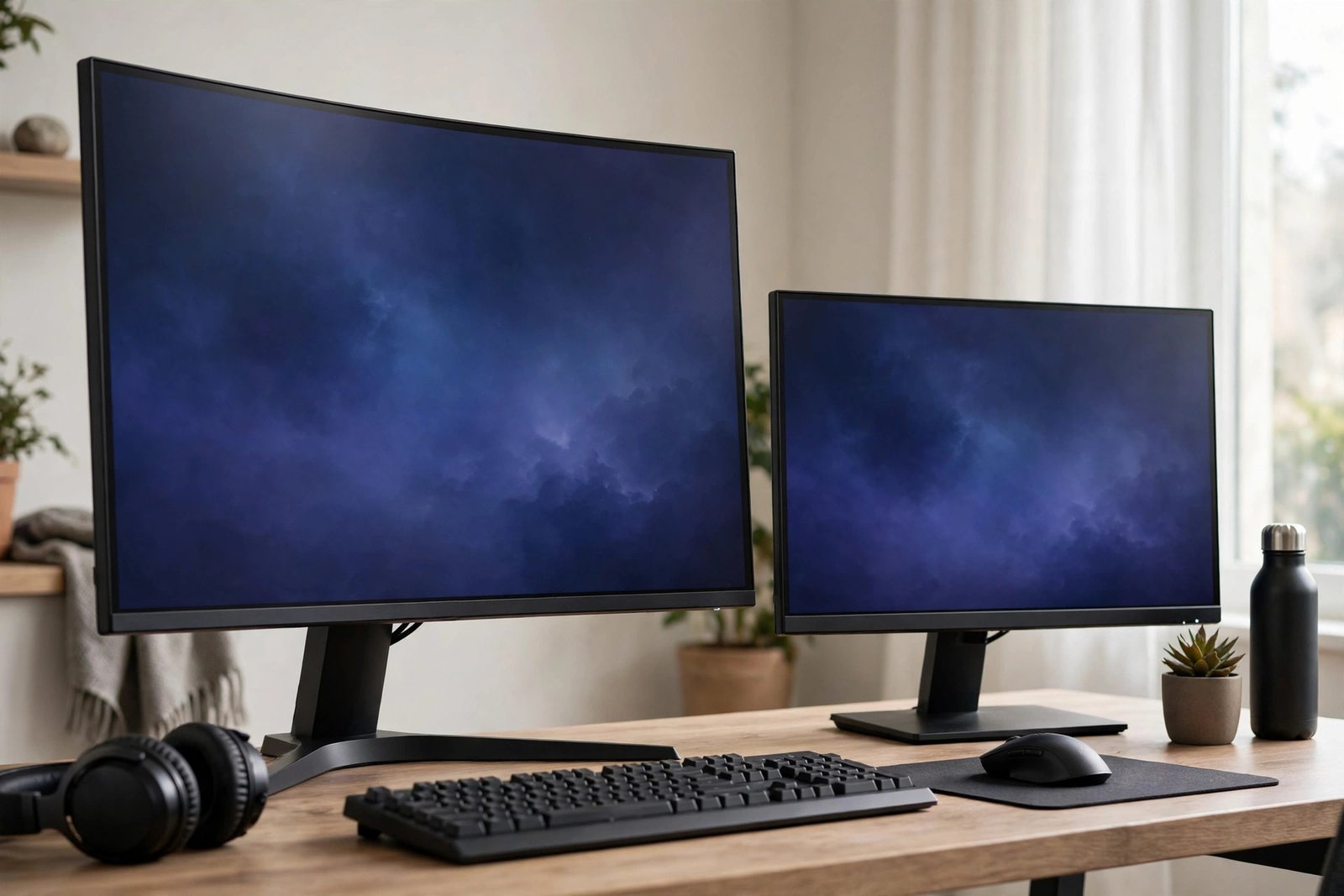
Short answer: a 27 inch 1440p monitor is the sweet spot for most desk setups. It is sharp enough that you stop noticing pixels, big enough to feel immersive, and sensibly priced. A 32 inch monitor suits 4K resolution and deeper desks, but it demands more viewing distance and a bigger budget. Pick your size around your desk depth and your resolution, not the other way round.
Why size and resolution must be paired
A monitor’s sharpness depends on pixel density, or PPI (pixels per inch), not on size alone. Spread 2560 x 1440 pixels across 27 inches and you get about 109 PPI, which looks crisp at a normal desk distance. Stretch those same pixels across 32 inches and density drops to about 92 PPI, which is no sharper than a 24 inch 1080p screen. The image gets bigger, but it does not get sharper.
That is the pairing rule in one sentence: 27 inches pairs with 1440p, 32 inches pairs with 4K. Break it and you either pay for pixels your eyes cannot resolve or buy a big screen that looks soft. Keep this in mind and the rest of the decision becomes straightforward.
The case for 27 inch
27 inches at 1440p is the most popular gaming monitor size in the UK for good reason. At a typical viewing distance of 60 to 80 cm, the whole screen sits comfortably inside your field of view. You can glance at the minimap or ammo counter without turning your head, which matters in fast competitive games.
It is also the value champion. A quality 27 inch 1440p 165Hz panel typically costs £200 to £350, and it is far easier for a mid-range graphics card to drive than 4K. You get high frame rates without spending a fortune on a GPU. For most gamers, at most desks, this is the size to buy.
The case for 32 inch
32 inches comes into its own at 4K, where pixel density climbs to about 138 PPI and the image looks superb. Games with detailed worlds, strategy titles and anything cinematic benefit from the extra screen real estate. If your desk is deep enough to sit 80 to 100 cm back, a 32 inch screen fills your vision in a way 27 inches cannot.
The trade-offs are real, though. You need a powerful GPU to push 4K at high frame rates, and a good 32 inch 4K 144Hz monitor typically costs £400 to £700. A 32 inch 1440p model is cheaper, but at 92 PPI it looks soft up close, so only consider one if you sit well back from your desk.
What about 24 inch?
24 inches at 1080p remains the esports standard: cheap, easy to drive at very high frame rates, and small enough that everything stays in your central vision. If you play competitive shooters seriously and want 240Hz or more on a budget, 24 inches still makes sense. For everyone else, 27 inch 1440p is a meaningful upgrade in clarity and immersion for not much more money.
Desk depth guide: how far you sit matters more than you think
Measure your desk before you buy. As a rough guide, a 27 inch monitor works well at 60 to 80 cm viewing distance, which suits standard desks. A 32 inch monitor wants 80 to 100 cm, which means a deeper desk or a monitor arm that pushes the screen back.
Sit too close to a 32 inch screen and you will find yourself physically turning your head to see the corners, which is tiring and slow in competitive games. Sit too far from a 27 inch screen and you lose the immersion you paid for. Size your monitor to your seating position, not to your ambition.
The resolution pairing rule: 27 = 1440p, 32 = 4K
To put numbers on it: 27 inch 1440p gives roughly 109 PPI, the sweet spot for sharpness at desk distance. 32 inch 4K gives roughly 138 PPI. 27 inch 4K (163 PPI) is overkill for gaming, since the extra pixels cost GPU performance your eyes barely register. And 32 inch 1440p (92 PPI) looks noticeably soft unless you sit far back.
If you want the full breakdown of how resolution affects performance and price, our guide to 1080p vs 1440p vs 4K for gaming goes deeper.
27 vs 32 inch compared
| 27 inch | 32 inch | |
|---|---|---|
| PPI at 1440p | ~109, crisp at desk distance | ~92, looks soft up close |
| PPI at 4K | ~163, superb but overkill for gaming | ~138, superb and worth it |
| Desk depth needed | 60 to 80 cm viewing distance | 80 to 100 cm viewing distance |
| Typical UK price band | £200 to £350 for 1440p 165Hz+ | £400 to £700 for 4K 144Hz |
| Best for | Most gamers, competitive play, value builds | 4K gaming, cinematic single-player, deep desks |
Verdict: which size should you buy?
Buy 27 inches at 1440p unless you have a specific reason not to. It is the best balance of sharpness, performance, price and desk fit for the overwhelming majority of gamers. Step up to 32 inch 4K only if your desk is deep, your GPU can drive it, and your budget stretches past £400. Either way, pair the size with the right resolution using the rule above, and check our gaming monitor buying guide for panel types and refresh rates before you buy.
Frequently Asked Questions
Is 32 inch too big for gaming?
Not if you pair it with 4K and sit 80 to 100 cm back. At that distance a 32 inch screen is immersive without forcing you to turn your head. It is too big for shallow desks and for 1440p, where it looks soft.
What resolution for a 27 inch monitor?
1440p. At 27 inches it delivers about 109 PPI, which looks crisp at normal desk distances and is easy for mid-range graphics cards to drive at high frame rates. 4K at 27 inches is overkill for most gamers.
How far should I sit from a 32 inch monitor?
Aim for 80 to 100 cm between your eyes and the screen. Closer than that and you will turn your head to see the corners; much further and you lose the benefit of the bigger panel.
Does a bigger monitor lower FPS?
Size alone does not affect FPS, resolution does. A 32 inch 1440p monitor runs exactly like a 27 inch 1440p one. But 32 inch monitors are usually bought at 4K, and 4K is much harder on your GPU than 1440p.
About the Author