The wall behind your setup is prime space for video game posters and wall art
A gaming setup is more than a monitor, a desk, and a chair. The wall behind it is the first thing anyone notices in a room tour, a stream thumbnail, or just walking into the room, and a bare wall makes even an expensive setup look unfinished. Video game posters are the easiest way to fix that without a full redecoration.
Choosing a Style That Fits Your Setup
Retro Arcade Style
Pixel art and classic arcade-cabinet-inspired designs work well in almost any gaming room, since they read as “gaming culture” broadly rather than tying the room to one specific game or franchise. These age well too, since the aesthetic doesn’t feel dated the way a poster for a specific recent release eventually can.
Neon and Blacklight Prints
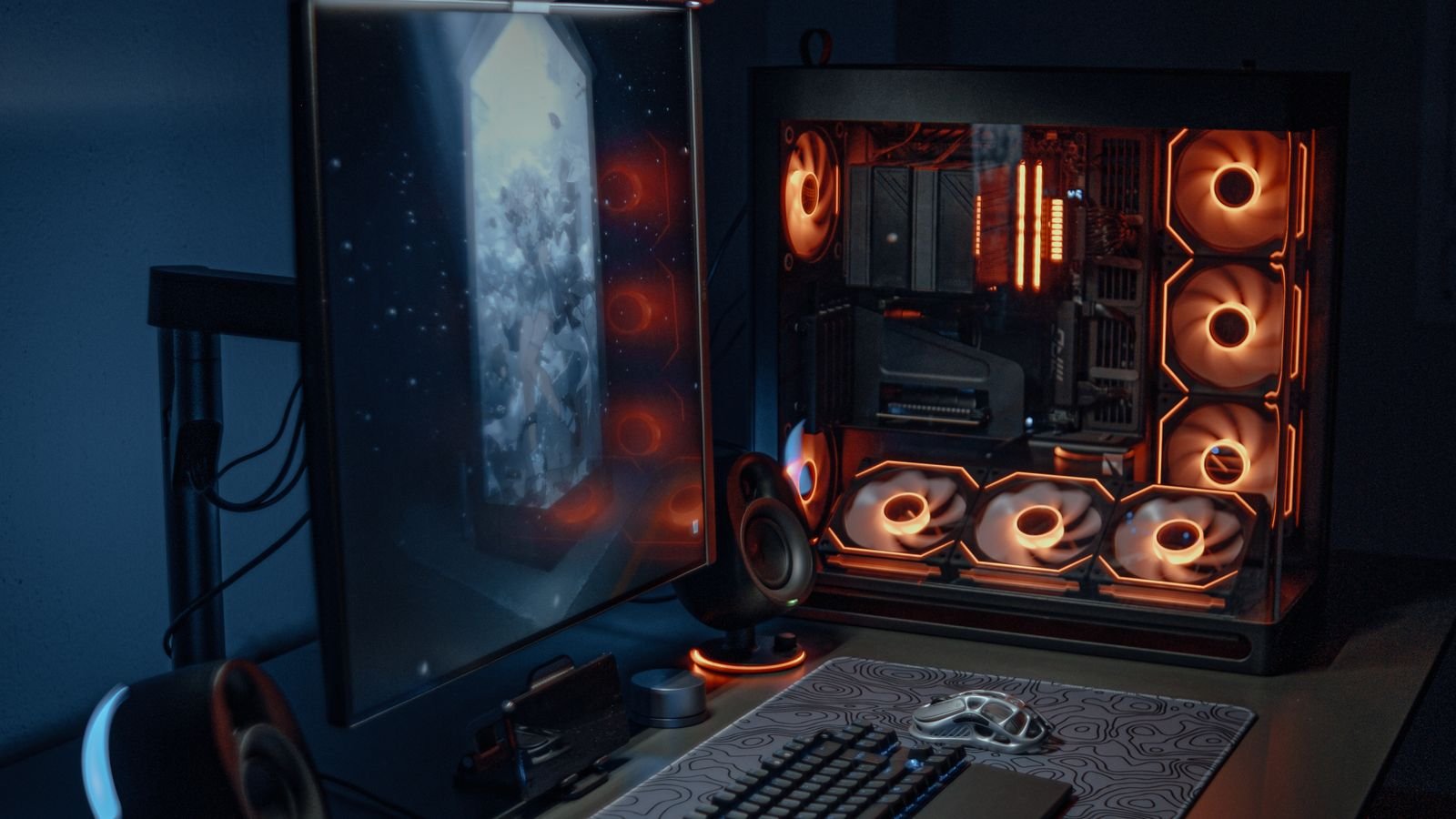
High-contrast neon-style prints, especially on a dark background, photograph exceptionally well for stream thumbnails and room tour content. They pair particularly well with an RGB-lit setup, since the poster’s colours echo the ambient lighting already in the room.
Minimalist Line Art
Simple geometric or line-art posters suit a cleaner, less cluttered aesthetic and work well if your setup already leans minimal rather than maximalist RGB.
Blueprint/Schematic Style
Posters styled like technical schematics or blueprints of gaming hardware or peripherals fit a more “engineered” tech aesthetic, and tend to suit a monochrome or muted colour scheme better than bright neon options.
Building a Gallery Wall vs a Single Anchor Piece
There are two common approaches. A single large-format anchor poster establishes the visual identity of the whole wall on its own, and works well in smaller rooms where a gallery of multiple posters would feel cramped. A gallery wall, several smaller posters arranged together, gives more flexibility to mix styles and swap individual pieces over time without redoing the whole wall. A few well-chosen posters, properly placed, generally looks better than many mismatched ones hung at random.
Print and Frame Options
| Option | Look | Durability | Cost |
|---|---|---|---|
| Unframed matte print | Casual, low glare | Fades faster without UV protection | Lowest |
| Unframed glossy print | Vibrant colour, some glare | Moderate | Low |
| Framed print (glass) | Polished, gallery-style | Best protection from dust/fading | Highest |
| Canvas print | Textured, no glare | Good, but can sag over years | Mid to high |
Placement Tips
Position posters at eye level when seated at your desk, not standing height, since that’s the perspective you and anyone on a video call or stream will actually see most often. Leave a small gap, at least 5 to 10cm, between the top of your monitor or shelving and the bottom of any poster directly behind it, so the two don’t visually compete for attention in webcam shots.
Protecting Posters from Sun and Screen Glare
Direct sunlight is the biggest cause of colour fading over time. If your setup faces a window, either choose a UV-protective frame or position posters away from the direct light path. Screen glare bouncing off glass-framed posters can also be distracting during gameplay, so matte framing or unframed prints often work better directly behind or beside a monitor.
For the rest of the room, our gaming desk and chair guide and gaming mat guide cover the functional side of the setup this wall art sits behind.
Frequently Asked Questions
What size poster works best behind a gaming desk?
For a single anchor piece, 24×36 inches is a common and versatile size that reads well in both photos and in person without overwhelming a standard desk setup. Smaller 12×18 inch prints suit a gallery-wall arrangement better.
Do gaming posters fade over time?
Yes, particularly with direct sunlight exposure. UV-protective framing glass or positioning away from windows significantly slows fading compared to an unprotected print in direct light.
Should posters match my RGB lighting colours?
It’s not essential, but posters with tones that complement your ambient RGB lighting tend to photograph better for stream thumbnails and room tours, since the colours read as intentional rather than clashing.
Final Thoughts
Video game posters are a low-cost, low-effort way to finish off a gaming setup that otherwise ends at the edge of the desk. Pick a consistent style, whether retro, neon, minimalist, or blueprint, rather than mixing several at once, and think about placement relative to your webcam angle and monitor if you plan to stream or share setup photos.
About the Author