“Unblocked games” is one of the most searched phrases in school computer labs, but few people stop to ask what it actually means. This guide explains the term, how school and workplace filters work, where to find safe free browser games, and the one rule that matters more than all the rest: just because a site loads does not mean you are allowed to use it.
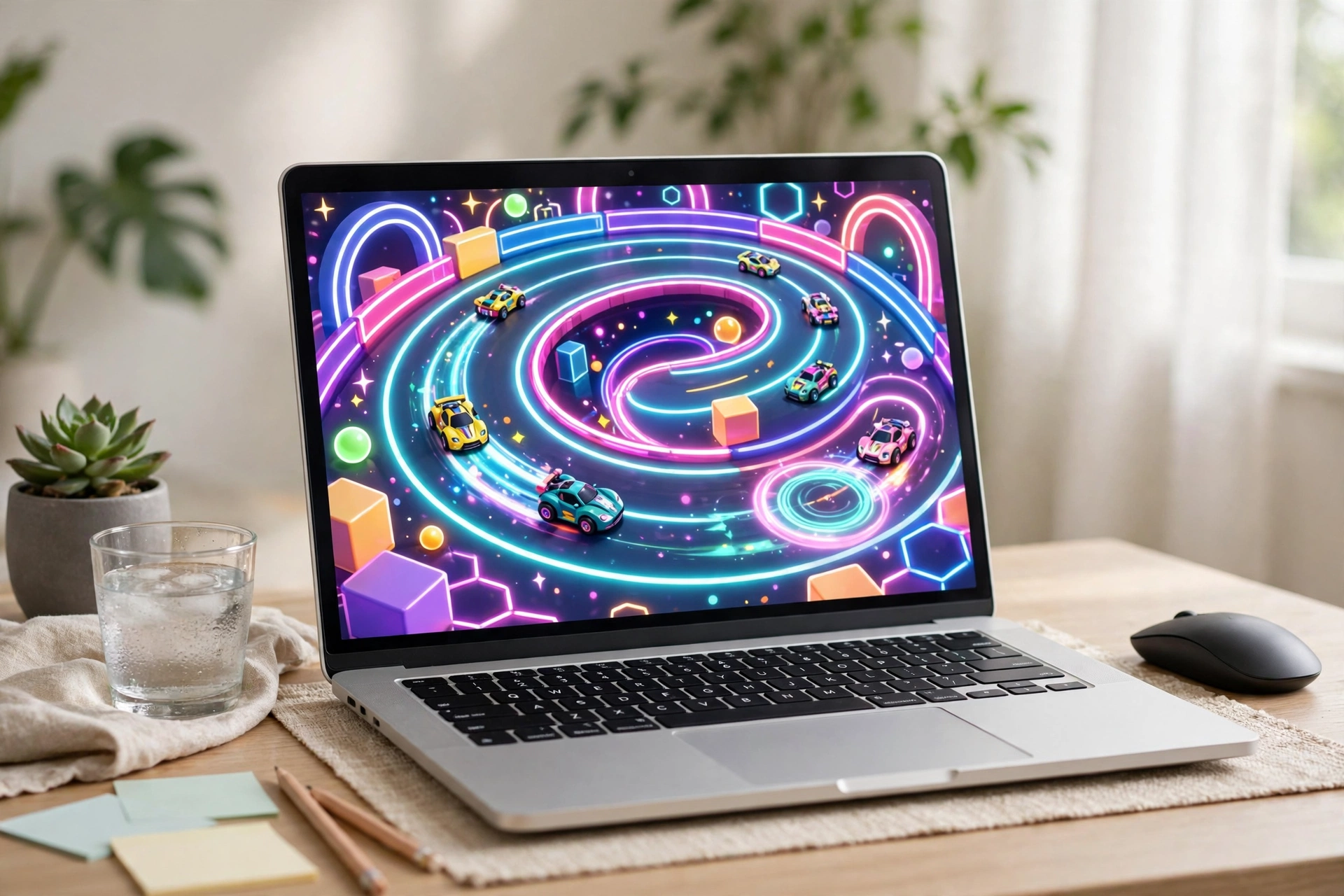
What “Unblocked” Actually Means
“Unblocked” is not a type of game. It is a description of access: a game counts as unblocked if you can reach it on a network that blocks other gaming sites. The games themselves are ordinary browser games — the same arcade, puzzle and .io titles you would play anywhere. The label only means the site hosting them has not been added to your school or workplace filter list.
That is why unblocked collections look so random. They are not curated for quality; they are simply the sites that happen to slip through. Some are perfectly good. Others are hastily thrown together and packed with warning signs: aggressive pop-ups, misleading download buttons and VPN upselling.
How School and Work Filters Work
Filters are less mysterious than they seem. Most schools and workplaces combine blocklists (lists of banned addresses), category filtering (blocking whole groups such as “games” or “entertainment”) and keyword scanning. When you visit a site, the filter checks it against these lists in a fraction of a second.
No filter is perfect. New sites appear faster than blocklists update, and some site owners use fresh domains or mirror addresses to stay ahead. That is the engine behind the whole unblocked scene: a constant race between filters adding sites and new sites popping up. A site being reachable today says nothing about whether it will be reachable tomorrow, or whether it was ever meant to be.
Where to Find Safe Free Browser Games
You do not need shady mirror sites to play free games in a browser. Plenty of reputable options exist: long-running game portals with clear ownership and about pages, independent developers’ own sites, and creative storefronts like itch.io where many games are free or pay-what-you-want. Your school or library may even keep an approved list, so ask before you assume there is nothing to play.
Whatever you choose, apply the same safety test every time. The game should load in the browser with no download, no extension and no account needed for simple titles. If a site fails that test, close it and move on. Free never has to mean risky.
Accessible Does Not Mean Allowed
This is the most important section in this guide. School and workplace networks are provided for work and learning, and acceptable-use policies set the terms. A game site that loads is not automatically permitted: filters miss things constantly, and “the filter didn’t stop me” is no defence.
Think of it like an unlocked door. Just because it opens does not mean you are invited in. If games are allowed during breaks, enjoy them. If you are unsure, ask a teacher or manager. Thirty seconds of asking beats losing computer privileges over a misunderstanding.
Playing Responsibly
A few habits keep gaming trouble-free. Play at sensible times: breaks and free periods, not during lessons or work tasks. Never try to bypass the filter itself. Installing VPNs, proxies or “unblocker” tools breaks the rules far more seriously than playing a game ever could. Keep the browser updated, keep sessions short, and if a site starts behaving badly — surprise redirects, download prompts, scary warnings — close the tab and tell someone.
Frequently Asked Questions
What does “unblocked games” mean?
It means games you can reach on a network that blocks other gaming sites. The label describes access, not quality: some unblocked sites are fine, while others are packed with pop-ups and misleading buttons.
Why do some game sites work at school while others are blocked?
Filters check sites against blocklists and categories, but new domains appear faster than lists update. A site that loads today may simply not have been added yet. Being reachable says nothing about whether it is allowed.
Is it against the rules to play games that are not blocked?
It depends on your school or workplace acceptable-use policy. Many places allow games during breaks, but playing during work time or bypassing filters can cost you privileges. Accessible does not mean allowed, so ask if you are unsure.
The Best Free Browser Games to Play Right Now
You do not need a list of forty sites to have fun. A short list of proven games on trusted platforms is better. These are the games to start with. Every one of them runs in a browser with no download and no account needed.
For quick arcade fun, start with Slope and Run 3. Slope is a fast 3D ball rolling game where you steer down a neon track and dodge gaps. One mistake ends the run, so it is perfect for short breaks. Run 3 is an endless runner where you sprint through space tunnels and flip gravity to stay alive. Both are available on Cool Math Games, a long running platform with a clear owner and a clean safety record. Play them there, not on a random mirror site.
For competitive play, try 1v1.LOL. It is a browser based build and shoot game in the style of Fortnite, with no download and no install. It works on a Chromebook and on a school PC. Check that you are on the real domain before you play, because lookalike sites copy its name. The real site is easy to recognise: it loads fast, it asks for nothing, and it has no download button anywhere on the page.
For creative play, try Minecraft Classic and Scratch. Minecraft Classic is the original browser version of Minecraft, free on the official Minecraft website. You can build with friends in a shared world, straight from your browser. Scratch is a coding community from MIT where you can play thousands of games made by other people, and even build your own. Both are safe, both are educational, and both are the kind of site a teacher is happy to see on screen.
For puzzle and thinking games, Cool Math Games is still the best single destination. It has over a thousand titles, from logic puzzles to strategy games, and its educational label helps it stay available on school networks. Hooda Math is a good second choice, built by a maths teacher, with hundreds of games that mix fun with learning. Both sites are honest about what they are. Neither one hides a download behind a play button.
Start with these. If you want more, explore from inside a trusted platform instead of searching for new sites. A game linked from Cool Math Games or itch.io is far safer than a game found on a random top ten list. The platform has already done the checking for you.
Red Flags: How to Spot a Dangerous Unblocked Games Site
Most unblocked games sites are harmless. A minority are not. They exist to push downloads, collect clicks, or install things you did not ask for. Learn the warning signs and you will never fall for one.
The biggest red flag is a download prompt. A real browser game never needs you to download a file, install a launcher, or add a browser extension. If a site tells you to download something before you can play, close the tab. The same goes for a site that asks you to install a VPN or a “game booster” to continue. Those are not part of the game. They are the product.
Watch out for fake play buttons. A dangerous site covers its page with large, bright buttons that say Play Now or Download. The real game is a small link hidden underneath. If you click the big button, you get an advert, a pop up, or a file you did not want. A safe site has one clear play button and nothing that pretends to be one.
Look at the address bar. A lookalike domain is a common trick. A site called unblockedgames66ez.net is not the same as the real Unblocked Games 66. A single letter changed, an extra word added, or a different ending like .xyz instead of .com can mean a copycat site. If the address looks slightly wrong, it probably is. Type the address yourself instead of clicking a search result.
Check for an About page and a contact page. A real site has them. A throwaway mirror site does not. If the site has no owner, no About page, and no way to contact anyone, treat it as untrustworthy. The same goes for a site covered in pop ups that open new tabs on their own. A site that fights you for attention is a site that does not respect you.
Finally, trust your device. If your browser warns you about a site, believe it. If your antivirus flags a download, delete it. If a game asks for your school login, your email, or any personal detail, close the tab at once. A browser game needs none of those things. When in doubt, go back to a site you already trust.
Do unblocked games work on a Chromebook?
Yes, most of them do. Chromebooks run the same HTML5 browser games as any other computer. Slope, Run 3, 1v1.LOL, Minecraft Classic and Cool Math Games all work on a Chromebook with no install. The catch is your school’s management settings. A school Chromebook can block sites at the device level, not just on the Wi-Fi. If a game is blocked on a school Chromebook, no website trick will open it. Use the games your school allows, or play on your own device at home.
Can playing unblocked games get you in trouble at school?
Yes, it can. A site being reachable does not mean you are allowed to use it. Most schools have an acceptable use policy that covers gaming on school computers. Breaking it can mean losing computer access, detention, or worse. The safe rule is simple: play games only when your teacher says it is free time, and stick to sites your school has approved. A game is never worth a punishment.
About the Author