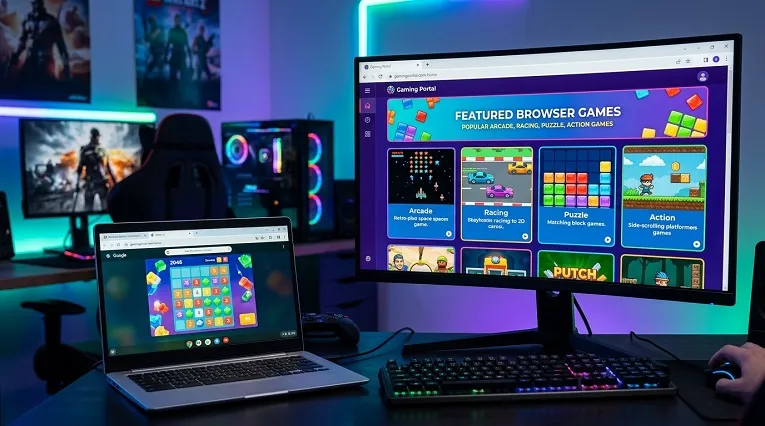
SZ Games is a free browser gaming portal: a website packed with games you can play instantly, with nothing to install and no account required. It is part of a wider trend of games hosted on GitHub, where developers publish playable web games for anyone to try. This guide explains what SZ Games is, how to use it, how GitHub-hosted games work, and the caveats worth knowing before you play.
What SZ Games Is
At its core, SZ Games is a curated arcade for the web. Instead of downloading games or signing up for services, you open the site, pick a title and start playing within seconds. The library leans towards quick, pick-up-and-play experiences: arcade classics, puzzle games, racing, sports and .io-style multiplayer titles that run entirely in your browser.
Portals like this exist because modern browsers are powerful gaming platforms in their own right. HTML5 and WebGL let developers build smooth, colourful games that run on almost any device with a browser: laptops, Chromebooks, tablets and phones, with no app stores or installs. SZ Games collects these in one place so you do not have to hunt across the internet for something to play.
How to Access and Use SZ Games
Using the portal could not be simpler. Open the site in any modern browser, browse the homepage or use the categories to find a genre you like, then click a game to load it. Most games show a short description and the controls before you start. Because everything runs in the browser, there is nothing to install and no account to create.
The site works on the devices students actually use. School Chromebooks, library computers and phones all handle browser games well, since the games are lightweight by design. If a game does not load, try refreshing the page or switching browsers: an up-to-date Chrome, Edge or Firefox solves most issues. And as with any gaming site at school, check your school’s acceptable-use policy first. Being able to open a site is not the same as being allowed to use it in class.
What You Will Find in the Library
The catalogue covers the genres that suit short sessions best. Arcade and retro-style games form the backbone, joined by puzzles, platformers, racing and sports titles. Multiplayer .io games let you jump into quick matches against other players with no signup. New titles are added over time, so the front page is worth checking whenever you want something fresh.
Because the games are free and instant, the portal suits odd moments well: a break between lessons, a commute, or a few minutes while dinner cooks. There is no progress to lose and no installs to manage. You just play.
How GitHub-Hosted Browser Games Work
Many browser games you will come across, including some linked from portals, are hosted on GitHub, the platform developers use to store and share code. GitHub offers free static web hosting called GitHub Pages, which serves a game’s HTML, JavaScript and image files straight to your browser. When you open such a game, your browser downloads the code and runs it locally. Nothing is installed, and closing the tab clears it from memory.
Developers like GitHub Pages because it is free, reliable and version-controlled: every change to the game is tracked, and anyone can inspect the code. For players, the practical result is a game that loads from a github.io address and plays like any other web game. Some well-known open-source games live there permanently, maintained in the open by their creators.
Honest Caveats: Licensing and Trust
Here is the part most game portals will not tell you. GitHub hosts code; it does not check that every game uploaded there is properly licensed. Alongside genuine open-source projects, you will find unlicensed clones and copies of commercial games uploaded by strangers. Playing a clone in your browser is unlikely to cause you problems, but it is worth knowing the difference between a developer sharing their own work and someone re-uploading a game they do not own.
Verify sources where you can. Games linked from the developer’s own page or a reputable portal are safer bets than files from random accounts. Be wary of GitHub-hosted games that ask you to download extra files or switch off browser protections: a normal web game needs neither. And the safety basics still apply: no personal details, no extensions, no installers.
Tips for the Best Experience
Play in a modern, updated browser for the smoothest performance, and try fullscreen mode (usually F11) for arcade titles. If a game stutters, close other tabs: browser games share your device’s memory with everything else you have open. On a school network, stick to the portal itself rather than following links to unknown mirrors, and keep sessions within your school’s rules.
Frequently Asked Questions
What is SZ Games?
SZ Games is a free browser gaming portal where you can play games instantly with nothing to install and no account needed. Its library focuses on quick, pick-up-and-play titles: arcade games, puzzles, racing, sports and multiplayer .io games.
Are GitHub-hosted games safe to play?
Usually, yes. Your browser runs the game’s code locally and nothing is installed. But GitHub does not verify licensing, so some uploads are unlicensed clones. Stick to games linked from reputable portals or the developer’s own pages, and never download extra files or switch off browser protections.
Can I play SZ Games on a Chromebook?
Yes. The games run in the browser using HTML5 and WebGL, so Chromebooks, tablets and phones handle them well. Use an up-to-date browser, and check your school’s acceptable-use policy before playing on a school device.
About the Author