Short answer: yes, a curved monitor is good for gaming at 27 inches and above, with a curvature between 1000R and 1800R. The bend pulls the screen edges into your peripheral vision, which makes racing games, flight sims and open worlds feel noticeably more immersive. Below 27 inches the effect is marginal, curved screens cost more than flat ones, and cheap VA models can smear. We cover the pros and cons, explain curvature ratings, and give a clear verdict.
What a curved screen actually does
On a large flat monitor, the edges sit further from your eyes than the centre. The difference is small, but your eyes register it: corners can look washed out and you work harder to check HUD elements at the extremes.
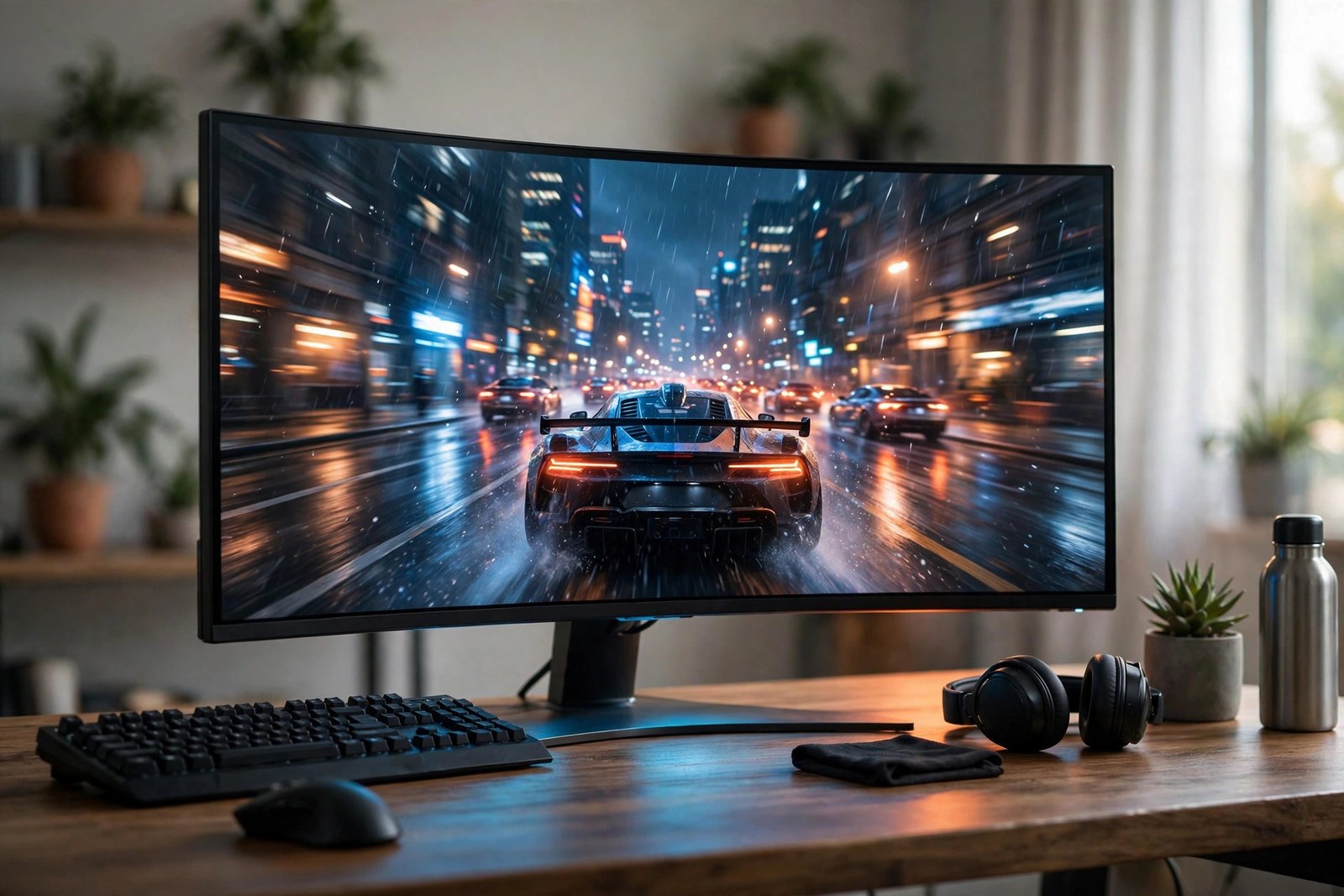
A curved monitor bends the panel into a shallow arc so the whole screen sits at roughly the same distance from your face, and the edges fall naturally into your peripheral vision. You get no extra pixels, just a picture that wraps around you a little. That is why curves are so often paired with ultrawide 21:9 panels.
The pros of curved gaming monitors
Genuinely better immersion
For cockpit games, racing sims and cinematic adventures, the wrap-around effect is real and immediately noticeable. Your peripheral vision picks up motion at the screen edges. After a driving sim on a curved ultrawide, flat screens feel oddly distant.
More comfortable long sessions
With the whole panel at a uniform distance, your eyes refocus less as they move across the screen. Manufacturers claim reduced eye strain; independent evidence is thin, but many gamers report less fatigue after long sessions. Treat it as a plausible bonus rather than a proven benefit.
Ultrawides finally make sense
On a 34 inch ultrawide, the curve is close to a necessity. The extra width is the point of the format, and the bend keeps the far edges usable instead of angled away from you.
The cons of curved gaming monitors
Poor viewing angles for bystanders
A curved screen has one sweet spot: directly in front of it. Anyone watching from the side sees a distorted image. If friends often watch you play, flat is the more sociable choice.
Wall mounting is awkward
Curved monitors protrude further and rarely sit flush on a mount. If a clean wall-mounted setup matters to you, factor that in before buying.
You pay a premium
Expect to pay roughly 10 to 20 percent more than a flat monitor with the same panel, resolution and refresh rate. That money could instead buy a higher refresh rate or a better panel type, which usually matters more.
Cheap VA panels can smear
Most budget curved monitors use VA panels with slower pixel response than IPS, which shows up as dark smearing behind moving objects in fast games. Check proper reviews for response figures rather than trusting the marketing.
Curvature ratings explained: 1000R vs 1500R vs 1800R
The number before the R is the radius of the curve in millimetres. A 1000R screen follows a circle with a 1 metre radius, so sitting about 1 metre away keeps the whole screen at a constant distance. Smaller number, tighter bend.
- 1000R: the most aggressive curve, common on Samsung’s Odyssey range. Strongest immersion at desk distances, though some find it too much for desktop work.
- 1500R: the middle ground and the most common rating on 27 and 32 inch models. Noticeable wrap without looking strange, and the safest pick if you also do office work.
- 1800R: a gentle curve. The immersion gain is subtle and rarely worth a big premium on its own.
Who should buy one, and who should stick with flat
Buy curved if you mainly play immersive single-player games or sims, your monitor is 27 inches or larger, you sit centred at your desk, and the curved model costs about the same as the flat alternative.
Stick with flat if you play competitive esports, regularly share your screen with people beside you, plan to wall mount, or the curved version costs a lot more. For competitive play, put the money towards a higher refresh rate instead, as our guide to 60Hz vs 144Hz vs 240Hz explains.
Curved vs flat compared
| Curved | Flat | |
|---|---|---|
| Immersion | Excellent, the screen wraps into your peripheral vision | Good, but the edges sit further from your eyes |
| Viewing angles | Narrow sweet spot, poor for bystanders | Wide and easy to share |
| Price | Typically a 10 to 20 percent premium | Better value at the same spec |
| Desk space | Deeper footprint, awkward to wall mount | Slim and easy to mount |
| Best for | Immersive single-player games and sims | Competitive play, shared use and office work |
Verdict: is a curved monitor good for gaming in 2026?
Yes, with conditions. At 27 inches and above, with a 1500R or 1000R curve and a quality panel, a curved monitor genuinely improves immersion where it counts. It is no competitive advantage and will not rescue a bad panel, so never pick the curve over refresh rate, resolution or panel quality. If you are still weighing the fundamentals, our gaming monitor buying guide covers panel types, resolution and refresh rate first.
Frequently Asked Questions
What does 1000R mean?
It means the screen curves with a radius of 1000 millimetres, or 1 metre. Sit a metre away and the whole screen sits at roughly the same distance from your eyes. Lower R numbers mean a tighter bend.
Are curved monitors bad for office work?
Not bad, but not ideal. Straight lines in spreadsheets can look slightly bowed, especially at aggressive curvatures like 1000R. A gentle 1800R curve is fine for mixed use.
Do curved monitors break more easily?
There is no solid evidence that curved screens fail more often than flat ones from reputable brands. The panel is manufactured curved rather than bent afterwards, so buy from a known brand with a decent warranty.
Is 1800R or 1000R better for gaming?
1000R gives noticeably more immersion and suits a dedicated gaming setup at 27 inches and up. 1800R is subtler and better for mixed gaming and office use. Most gamers end up happiest in the middle with 1500R.
About the Author