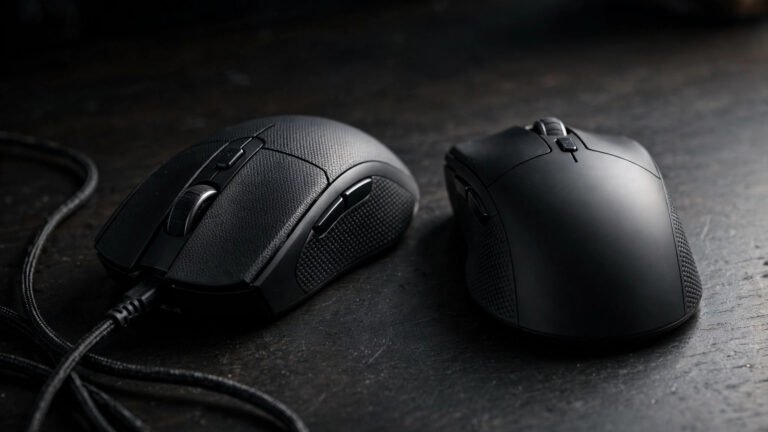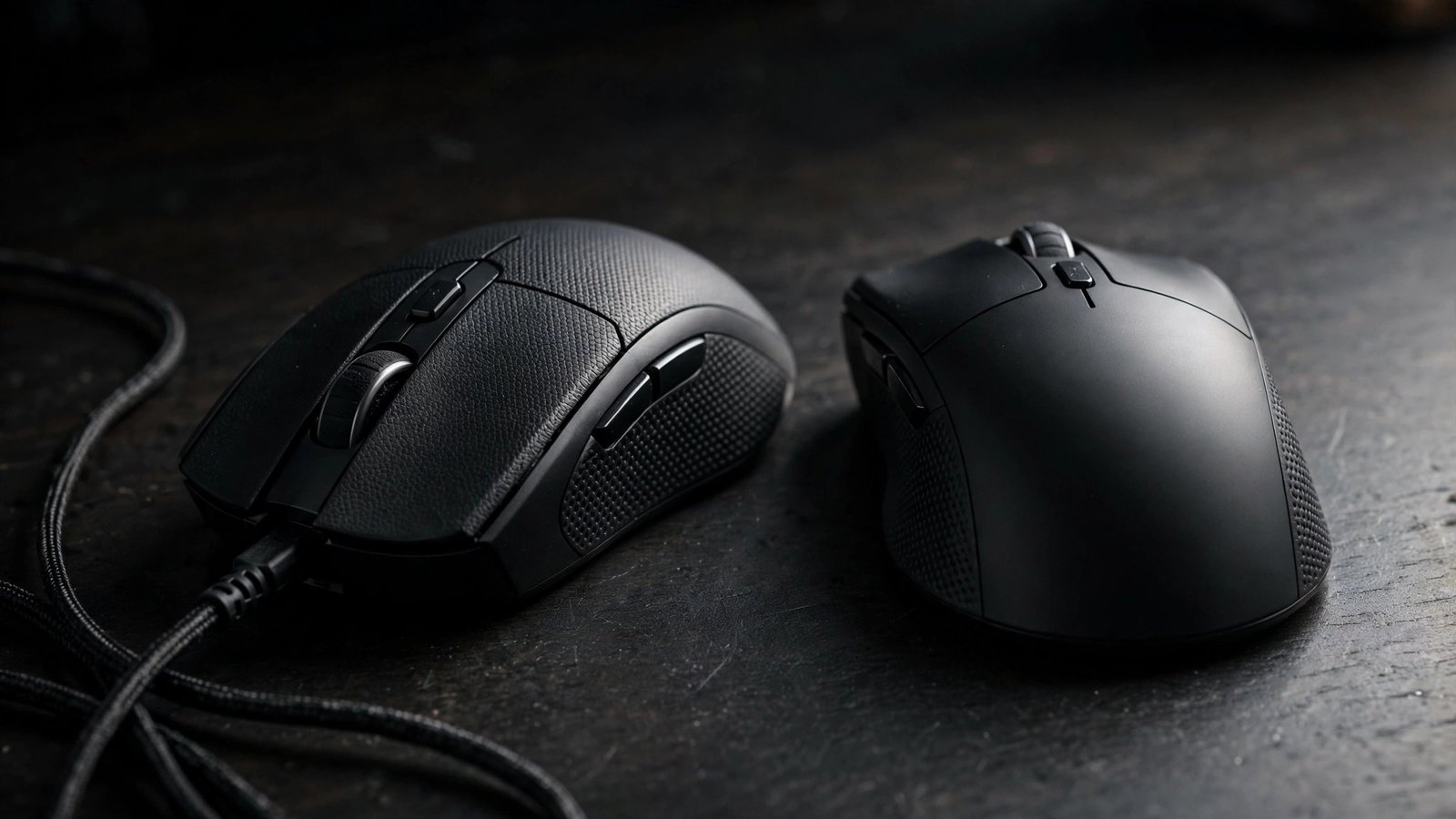
Is a wireless gaming mouse slower than a wired one? For years, the answer was a clear yes. Competitive players plugged in their mice without a second thought, and wireless was treated as a compromise for people who valued a tidy desk over raw performance.
That was then. Here is the direct answer for 2026: a modern 2.4GHz wireless gaming mouse is effectively as fast as a wired one for almost every gamer. The latency gap between the two has shrunk to a point where most players cannot feel it. The one exception is Bluetooth, which is the wireless option you should avoid for gaming because it adds far more delay.
In this guide we will look at how mouse latency actually works, compare the wireless technologies side by side, and help you decide which type to buy.
How Mouse Latency Actually Works
Mouse latency is not a single number. It is the total time between you pressing a button and your PC acting on it, and it comes from several steps in a chain.
First, the switch under the button has to register the click. Mechanical switches bounce for a fraction of a millisecond, which is why many gaming mice now use optical switches that register almost instantly. Next, the sensor processes the movement data, and then the mouse reports its position to your PC at a fixed polling rate.
A polling rate of 1000Hz means the mouse reports its position 1,000 times per second, or once every millisecond. A mouse rated at 8000Hz reports every 0.125 milliseconds. On paper that sounds like a big leap, but in practice the difference is tiny once you factor in the rest of the chain, including your monitor and your own reaction time. Running 8000Hz polling also uses more CPU power, and on older machines it can even cause stuttering.
The key point is this: latency stacks up. A slow monitor or a game running at low frame rates adds far more delay than the difference between a wired and a good wireless mouse ever will.
Wireless Technologies Compared
Not all wireless is equal. There are two completely different ways a mouse can connect without a cable, and they perform very differently.
The first is 2.4GHz wireless using a dedicated USB dongle. This is what brands call Lightspeed, HyperSpeed, and similar names. Because the connection is designed purely for gaming, latency is kept extremely low, often around a single millisecond, matching or even beating wired mice in some tests. It does use up a USB port for the dongle, but that is the only real trade-off.
The second is Bluetooth. It is built into most laptops and is great for everyday use because it needs no dongle and sips battery power. For gaming, though, it is a poor choice. Bluetooth connections typically add far more delay, and the connection can feel inconsistent when there is interference from other devices. Bluetooth also tends to drop into power-saving modes, which can make the first click after a pause feel sluggish.
So when people say wireless mice are laggy, they are almost always thinking of Bluetooth. A proper 2.4GHz gaming connection is a different beast entirely.
Where Wired Still Wins
Wired mice are not dead. In fact, there are several good reasons many gamers still prefer a cable.
The first is simplicity. A wired mouse never needs charging, never runs out of battery mid-match, and cannot suffer wireless interference from routers or other peripherals. You plug it in and it works, every time.
The second is price. In the UK, you can buy an excellent wired gaming mouse with a top-tier sensor for £25 to £45. An equivalent wireless model usually costs £60 to £90, and flagship wireless mice can reach £120 to £160. If your budget is tight, a cable buys you a lot more performance per pound.
Finally, some of the lightest competitive mice are still wired, because there is no battery to carry. For players who want the absolute lightest setup possible, wired can still be the way to go.
Real-World Latency Numbers
To put numbers on it, here is what you can roughly expect from each type.
A wired gaming mouse at 1000Hz polling typically adds around 1 millisecond of click latency. A good 2.4GHz wireless mouse lands in the same ballpark, roughly 1 to 2 milliseconds. The gap between them is about a millisecond, which is far below what a human can perceive.
Bluetooth, on the other hand, commonly adds 10 milliseconds or more, and it varies, which makes it feel worse than the number alone suggests. That is the kind of delay you can actually notice.
For context, upgrading your monitor from 60Hz to 144Hz cuts display latency by around 10 milliseconds. Your reaction time to something on screen is around 200 milliseconds. Against numbers like these, the 1 millisecond difference between wired and 2.4GHz wireless simply does not matter.
Which Should You Buy?
For competitive FPS players, either option works. A wired mouse with 8000Hz polling or a quality 2.4GHz wireless mouse will both give you latency so low that your aim and reactions will not be held back. Pick whichever fits your budget and desk setup, and make sure Bluetooth is switched off while you play.
For casual and single-player gamers, comfort matters more than latency. Choose the shape and weight that feels right in your hand. If that happens to be wireless, the convenience of no cable is a genuine upgrade, and you will not be giving up any performance that matters.
Whatever you choose, remember the mouse is only one link in the chain. If you want the full picture on cutting delay across your whole setup, read our guide on how to reduce input lag while gaming. And if you are building a full low-latency setup, it is worth pairing your mouse with the right keyboard for your grip size too, so take a look at our guide to the best gaming keyboard for small hands.
Wireless 2.4GHz vs Bluetooth vs Wired
| Typical latency | Polling rate | Battery / charging | Downsides | Best for | |
|---|---|---|---|---|---|
| Wireless 2.4GHz (dongle) | Around 1 to 2 ms | 1000Hz to 8000Hz | Rechargeable; charge every few days to weeks | Uses a USB port for the dongle; costs more | Competitive gaming without cables |
| Bluetooth | 10 ms or more, often variable | Often 125Hz to 500Hz | Excellent battery life | Noticeable and inconsistent delay | Office work and casual use, not gaming |
| Wired | Around 1 ms | 1000Hz to 8000Hz | None, always powered | Cable drag; less tidy desk | Budget builds and zero-hassle reliability |
Frequently Asked Questions
Is a wireless gaming mouse slower than a wired one?
With a modern 2.4GHz connection, no. The latency difference is around a millisecond, which you cannot feel in practice. Bluetooth wireless is noticeably slower, so always use the 2.4GHz dongle for gaming.
Is Bluetooth good enough for gaming?
We would not recommend it. Bluetooth typically adds 10 milliseconds or more of delay, and the connection can be inconsistent. It is fine for work and browsing, but use 2.4GHz wireless or a wired mouse for gaming.
Does an 8000Hz polling rate make a real difference?
Barely. Moving from 1000Hz to 8000Hz shaves a fraction of a millisecond off reporting time, which is far smaller than the delay from your monitor or your own reactions. Most players will never notice, and 8000Hz polling can strain older CPUs.
About the Author